
Why CAD Viewers Belong Across the Whole Business
CAD data has rapidly grown in importance, from the valuable intellectual property used in engineering departments to a crucial aspect of business decisions across the entire company. There are far more than just 3D objects in these files. They also include dimensions, tolerances and other PMI as well as broader design intent information.
Despite its massive value, CAD data is often trapped inside expensive, specialized software only a small portion of your workforce can open. Teams rely on accessing the data second-hand, from screenshots, static exports, or someone else's description of the part. These engineering data bottlenecks cost time, money, and a great deal of frustration.
CAD viewers offer access to the full potential of 3D CAD data to every team, no matter their technical experience, at a fraction of the cost. In this piece, we explore the reasons why CAD viewers deserve to be a common tool across your whole business. We also provide a table to highlight some of the value CAD viewers like SpinFire Insight can provide to different departments.
The Problems with Data Sharing
First and foremost, what are the problems with just sharing the CAD files themselves? The basic answer is simple: CAD data is different. The same richness that makes it so useful makes it difficult to fully access and share, especially within their native applications.
Full CAD seats are expensive and the applications require training for non-technical users. Even if you were to buy licenses for every department and spend the dozens of hours training your teams, the vast majority of them would never use most of the features in these specialized engineering tools. As a workaround, many teams lean on their engineers to access CAD data when the time comes.
As we discuss in our blog "The Hidden Cost of Engineering Data Bottlenecks", these and other delays quickly, can be harder to notice than you might think, and can be costly.

Providing Access for Everyone
CAD Viewers provide access to the data found in 3D CAD files without the training, complexity, and costs associated with viewing the data in their native application. They allow users of any experience to open, examine, measure, and mark up a model at a fraction of the cost of a full CAD seat.
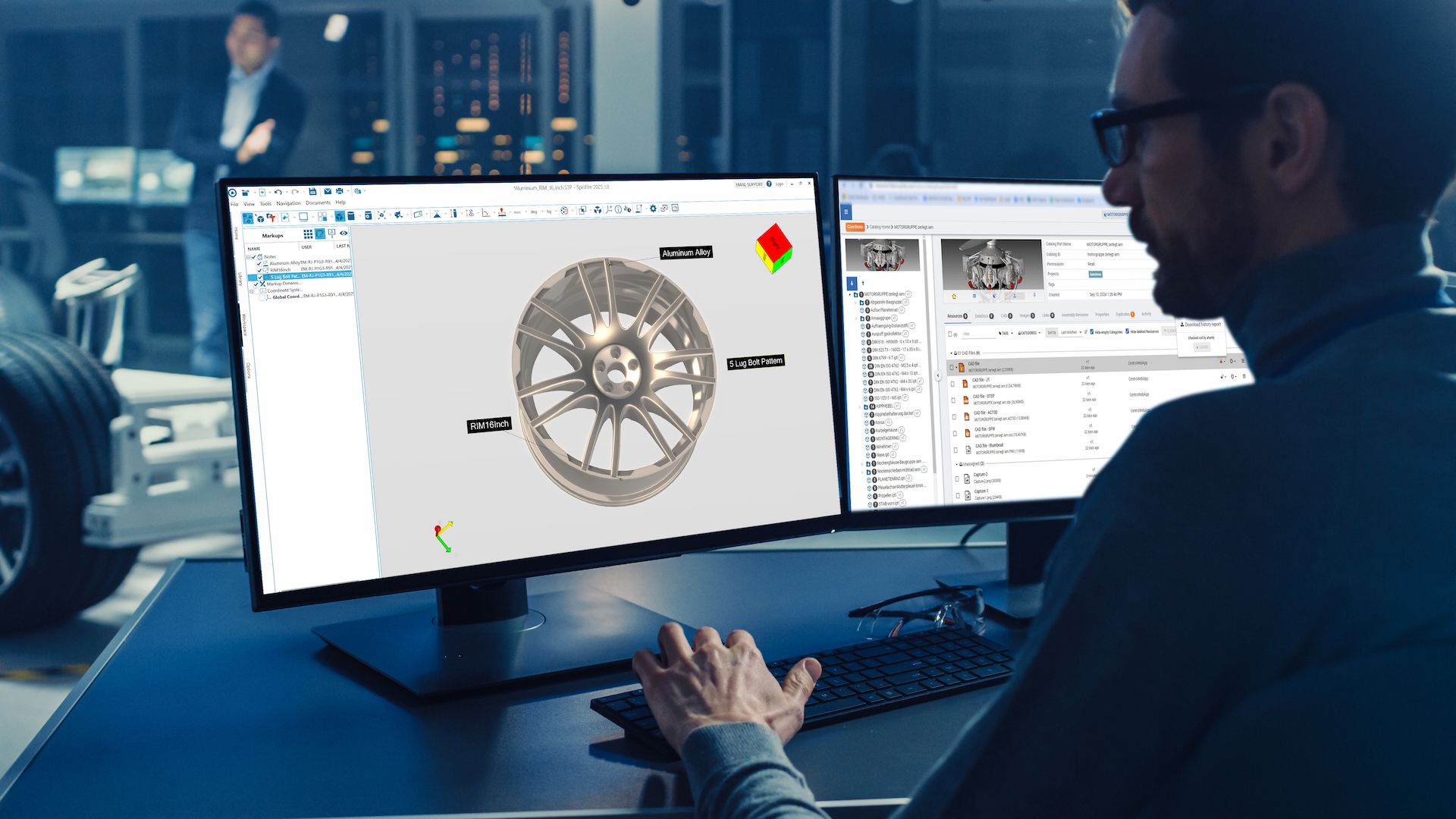
SpinFire Insight is Tech Soft 3D's CAD viewer that can give teams throughout the business direct access to CAD data with a user-friendly interface designed for non-technical users. The application allows for CAD data access that can extend across the organization without needing to find workarounds that waste time and cause delays.
Access to Data from Multiple CAD Systems
Many organizations working with CAD data use multiple systems, often licensed from different vendors. Facilitating data access between these applications and your workflows can range from tricky to impossible if there is no set system for CAD viewing.
CAD viewers allow users to open models from multiple CAD systems all within one application. This allows the business to collaborate around a design without worrying about which CAD system it was built in or buying seats of each one. The automotive industry provides the perfect example: An OEM and its network of suppliers rarely share a single platform, so design data turns up in CATIA V5, Siemens NX, PTC Creo, SolidWorks, and more. With a viewer you have access to the data no matter what format you’re given.
Where Can CAD Viewers Add Value in My Organization
Almost every department in an organization that deals with engineering data can benefit from rapid, reliable, intuitive access to the full CAD file. Here are just some of the ways CAD viewers can directly solve issues in departments outside of engineering.
Department | Their Pain Point | Where SpinFire Insight Adds Value |
Sales | Pitching from static renderings or outdated screenshots; can't answer a spec question live | Pull up the real model mid-call, rotate and section it to answer questions on the spot, export accurate visuals for proposals |
Manufacturing / Production | Floor teams working from printed drawings that lag behind the latest revision | View the current native model on the floor, verify tolerances and assembly sequence without a CAD seat or a phone call to engineering |
Quality / QA | Manually cross-checking physical parts against drawings; imprecise issue reporting | Measure and section the actual model, attach markups to exact geometry so engineering knows precisely what's being flagged |
Procurement / Supply Chain | Sending native CAD files to suppliers (IP exposure) or sourcing from incomplete PDFs | Share secure, lightweight views of parts with suppliers, full visual fidelity, zero editable data leaving the building |
Customer Support / Service | Explaining a repair or part over the phone with no shared visual reference | Walk a customer or field tech through an exploded view of the exact part, in real time |
The common thread: every one of these teams is already making decisions that touch CAD data.
Sales
Sales teams often pitch from static images, which leaves them stuck when a prospect asks a specific question about a feature not shown. With SpinFire Insight they can pull up the real model mid-call to answer questions on the spot, and export accurate up-to-date visuals straight into proposals.
Manufacturing / Production
Floor teams frequently work from printed drawings that may be out of date, and a single missed change can lead to rework and delays. A viewer lets them open the current model directly from the floor, verifying specifications for themselves. This eliminates the need for a spare CAD seat or a phone call to interrupt an engineer.
Quality / QA
Quality teams need to cross-check parts against engineering data to identify inaccuracies. With SpinFire Insight they can interrogate the actual model and add markups to specific parts of the model they’re investigating. This makes it easier to identify issues when they arise and provides the context necessary to correct them quickly.
Procurement / Supply Chain
Procurement often needs to send native CAD files to suppliers or use PDFs that may be out of date or incomplete, both of which can cause issues. With a CAD viewer they can share accurate views of parts with suppliers, ensuring everyone has theneeded context. Plus, no native files need to be shared for a supplier to understand the part.
Customer Support / Service
When explaining a repair, support and service teams can often end up struggling with no visuals to show. With SpinFire Insight they can walk customers through an interactive model, putting everyone on the same page.
Why SpinFire Insight?
SpinFire Insight by Tech Soft 3D is built for exactly this kind of enterprise-wide access. Its user-friendly interface makes it easy for anyone to use with very little training, so a business can deploy it broadly rather than to a handful of specialists. It also opens a wide range of CAD formats in a single tool, including PMI data.
SpinFire Insight also provides analysis tools to interrogate data such as thickness analysis, curvature analysis, draft angle analysis, and more.
Beyond viewing, SpinFire Insight provides analysis tools that allow users to interrogate engineering data with capabilities such as thickness analysis, curvature analysis, draft angle analysis, and more. Users can generate section views to look inside assemblies, take precise measurements, and create exploded views to better understand how components fit together. They can also mark up models and add comments, making it easier for teams to communicate and collaborate around the same 3D data.
Watch our SpinFire Scene demo video to see what’s possible with SpinFire Insight.