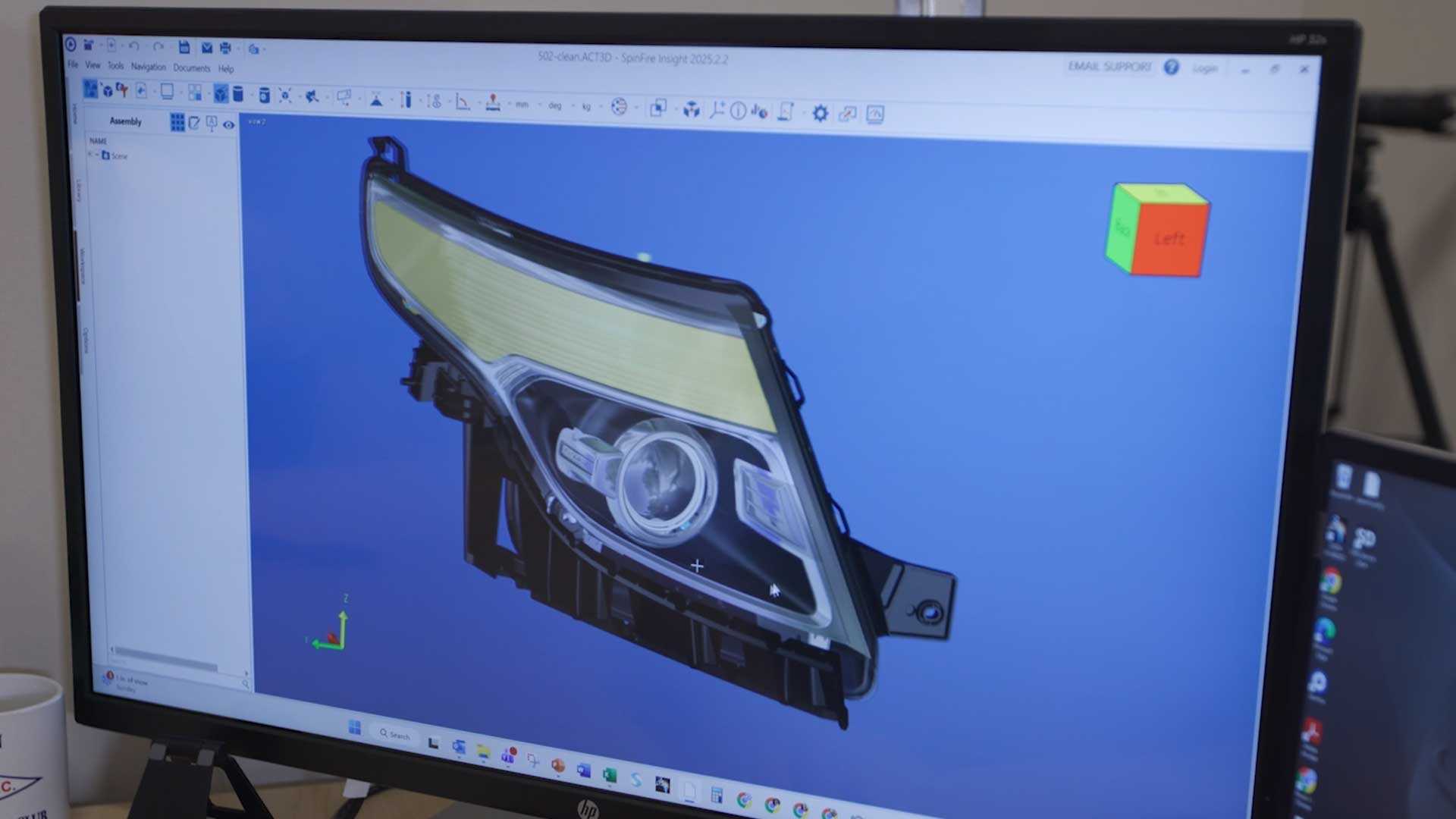
How (and When) to Replace a Legacy CAD Viewer with SpinFire Insight
Many organizations find themselves using a CAD viewer chosen years ago by a smaller team working with fewer formats and simpler requirements. As new CAD versions come out and the viewer falls behind, files from customers and suppliers can stop opening, and teams again end up relying on screenshots, workarounds, or requests to engineering to get what they need from a model.
As modern workflows use this data in every area of the business, the slowdowns caused by an outdated CAD viewer are more problematic than ever. If your CAD viewer is failing to streamline workflows and expand access to 3D design data, it's time to make a change.
Fortunately, replacing a legacy viewer is usually much simpler than changing CAD systems. In this article, we’ll cover the key signs it’s time to switch, what to look for in a replacement CAD viewer, and how to make the change without disrupting day-to-day work.
Signs It's Time to Replace Your CAD Viewer
While replacing a core business tool is never ideal, it can be the best choice when business needs are no longer being met. Based on our experience, here are the tell-tale signs it's time to replace a legacy CAD viewer.
Your Viewer Can't Open the Latest CAD Versions
CAD vendors regularly release new versions, and unsupported viewers or those with less frequent updates often fall behind. When a customer or supplier upgrades their software, files that used to open without issue may no longer be accessible. SpinFire Insight supports a broad range of native and neutral CAD formats, including CATIA, Siemens NX, Creo, SOLIDWORKS, STEP, and JT, with regular updates to ensure version support.
Your Viewer Is No Longer Supported by the Vendor
Once a vendor stops supporting a product, there aren’t any new features added, no further bug fixes, and no security patches. Over time, this can create maintenance issues and force IT teams to reassess software risk. SpinFire Insight is actively developed, with regular updates that add new features and fix bugs or security vulnerabilities.
You're Juggling Multiple Viewers
Over time, many businesses end up with a range of viewers for different teams and CAD systems. Each additional application creates more work for IT and confusion when teams collaborate around the same design using clashing tools. SpinFire Insight allows multiple CAD formats to be viewed in a single application and provides a wide range of tools for each team to do the analysis they need. This helps organizations simplify deployment and give employees consistent access to design data.
You Need More Advanced Analysis Tools
A basic viewer may give users access to a design, but often fails to answer more detailed questions that come with engineering data. Modern companies expect more advanced analysis tools that provide measurements, volume, thickness, and more about the model, right in the viewer itself.
SpinFire Insight includes a wide range of analysis tools, including measurement, section cuts, exploded views, model compare, and wall thickness, draft, and curvature analysis.
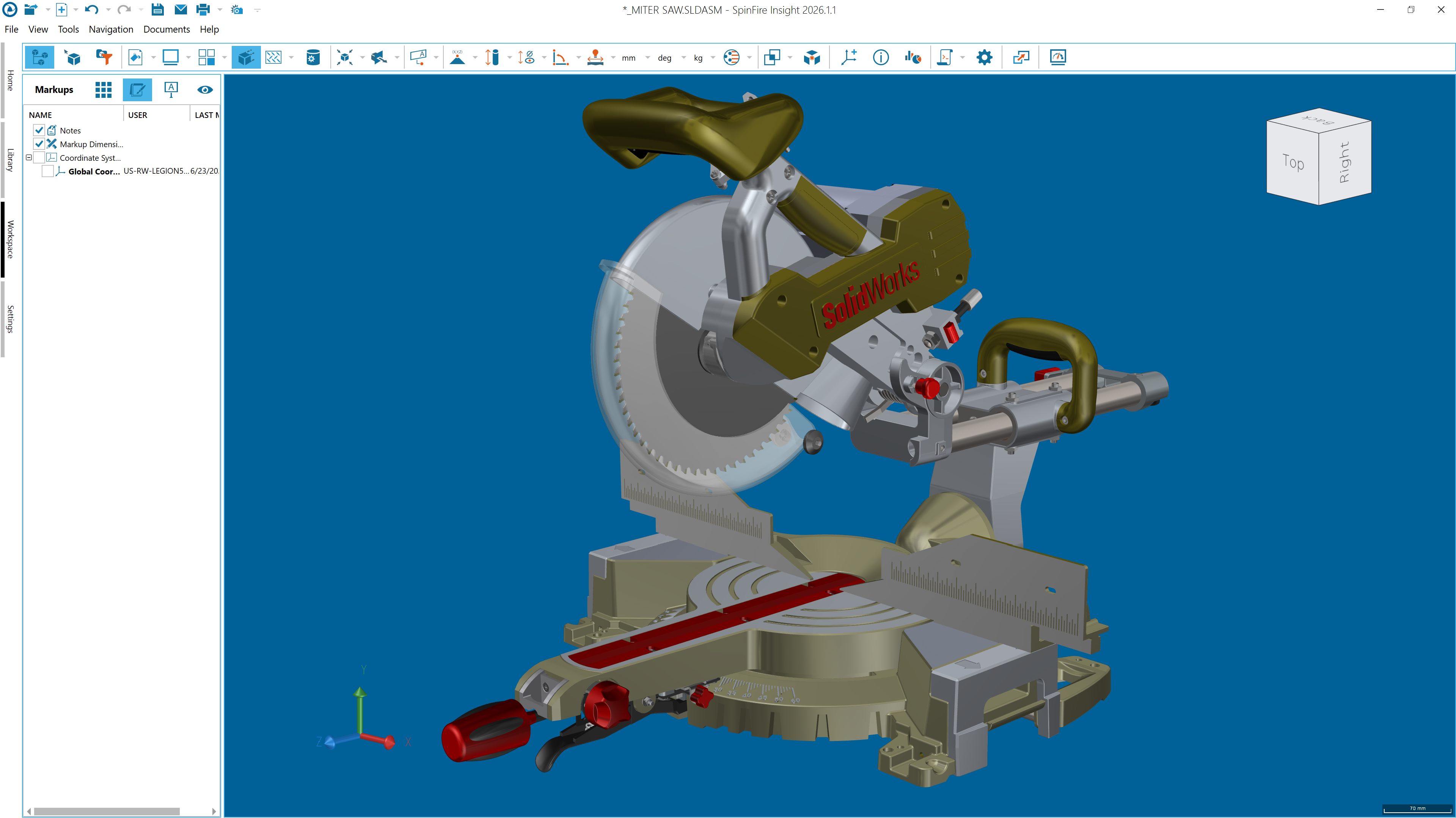
What Should You Look for in a New CAD Viewer?
Replacing your CAD viewer is only worth it if the new tool addresses the issues you had with the old one. Here’s how to evaluate each option to make sure it meets your organization's requirements before committing.
Format Support and Fidelity
The formats a CAD viewer claims to support are important, but organizations should consider more than whether a file simply opens; you need to check that the model is accurately represented for your needs. Companies should rigorously interrogate a prospective viewer with files from the CAD systems your organization uses every day.
SpinFire Insight supports more than 30 formats across more than 60 file types, offering a wide breadth of support at quality levels you need.
PMI Support
Product and manufacturing information (PMI) is increasingly stored alongside the 3D model rather than on a separate drawing. When a CAD viewer cannot display this crucial engineering information, users are forced to seek it out in separate drawings or ask engineering directly, slowing down workflows and increasing the risk of versioning issues.
SpinFire Insight can display PMI without needing an additional drawing, helping users access relevant manufacturing information alongside the 3D model.
Ease of Use
A core benefit of a CAD viewer is its ability to provide less technical users with the ability to interact with engineering data and get the most out of it for their needs. Organizations should seek out tools that require minimal training for their teams to get the best out of their features.
SpinFire Insight is designed to be intuitive and easy to use so non-CAD users can easily access and review models.
Export and Sharing Options
Not everyone you work with will have a CAD viewer. Because of this, a viewer should also support how your organization shares design data with external partners who may not have access to the same tools as you. Some recipients may need neutral CAD formats, while others would benefit from receiving the highly accessible 3D PDF document. SpinFire Insight supports export to formats including 3D PDF, STEP, and JT, giving more options for sharing design data.
How to Switch CAD Viewers Smoothly
Thankfully, replacing a CAD viewer is generally less complex than changing to a new CAD system, but a little forward planning can make the process even less of a hassle. These steps will help you identify potential compatibility issues, reduce internal disruption, and give employees the time they need to understand the tool
Audit how your current viewer is used. Talk to each department about which formats they work with, which features they rely on, and the problems they have. Document what features or established workflows depend on the existing viewer. Use this to create a checklist for evaluating replacements.
Test with your own files. Demonstrations show how a viewer works under ideal conditions, but testing with your own data shows how it handles your specific requirements. Try and break it: one of the best ways to understand what a system can do is to find its limits, so you aren’t surprised by them down the line. You can request a free trial of SpinFire Insight and load the models your teams work with.
Plan for existing markups and saved views. Before retiring the old viewer, take note of annotations, saved camera views, or other information that teams still need. Check if this can be directly transferred to the new software or archive it in an accessible format.
Run both viewers in parallel. When possible, keep the existing viewer for a transition period so employees can test the new tool against their existing workflows. Gather feedback, resolve any issues, and confirm that tasks can be completed before retiring the old application.
Start with one team, then scale. Begin with the department experiencing the most issues with your current viewer. Ideally, this is a group with broad usage requirements and a higher level of technical experience. Use this pilot group to assess whether the new tool meets your requirements and take note of their feedback to guide a wider rollout.
Ready to Replace Your CAD Viewer?
An outdated CAD viewer doesn't just cause delays for the people using it, it also pulls engineers away from design work, can cause challenges for the IT teams managing the software, limit access to design data. Making the call to replace it with a modern, powerful tool can facilitate collaboration and unlock your engineering data across the organization in the way CAD viewers should.
Organizations across a wide range of industries trust SpinFire Insight for access to a wide range of CAD viewers all in one place. With broad format support, an intuitive interface, and advanced analysis capabilities, SpinFire Insight provides teams in engineering and across the wider business with more ways to work with 3D design data.
Of course, the best way to judge any viewer is to see how it handles your own files. Start a free trial of SpinFire Insight, or get in touch with our team to talk through how enterprise visualization could work for your organization.
What is a legacy CAD viewer?
A legacy CAD viewer is an older viewing tool that no longer meets an organization's needs. It may be unsupported by its vendor, unable to open newer CAD file versions, or built on outdated technology.
How do I know if my CAD viewer is outdated?
Common signs include files from newer CAD versions failing to open, a lack of vendor updates or security patches, and teams relying on screenshots or engineering support instead of using the viewer. Needing several different viewers to cover all your formats is another sign.
What is the best replacement for a legacy CAD viewer?
The best replacement supports all the formats you work with, and includes the features and analysis tools your teams need. SpinFire Insight is designed to address these needs through multi-CAD support, and built-in model analysis tools. Testing it with your own files and workflows is the best way to determine whether it is the right fit.