
Multi-CAD Solutions for CATIA Users
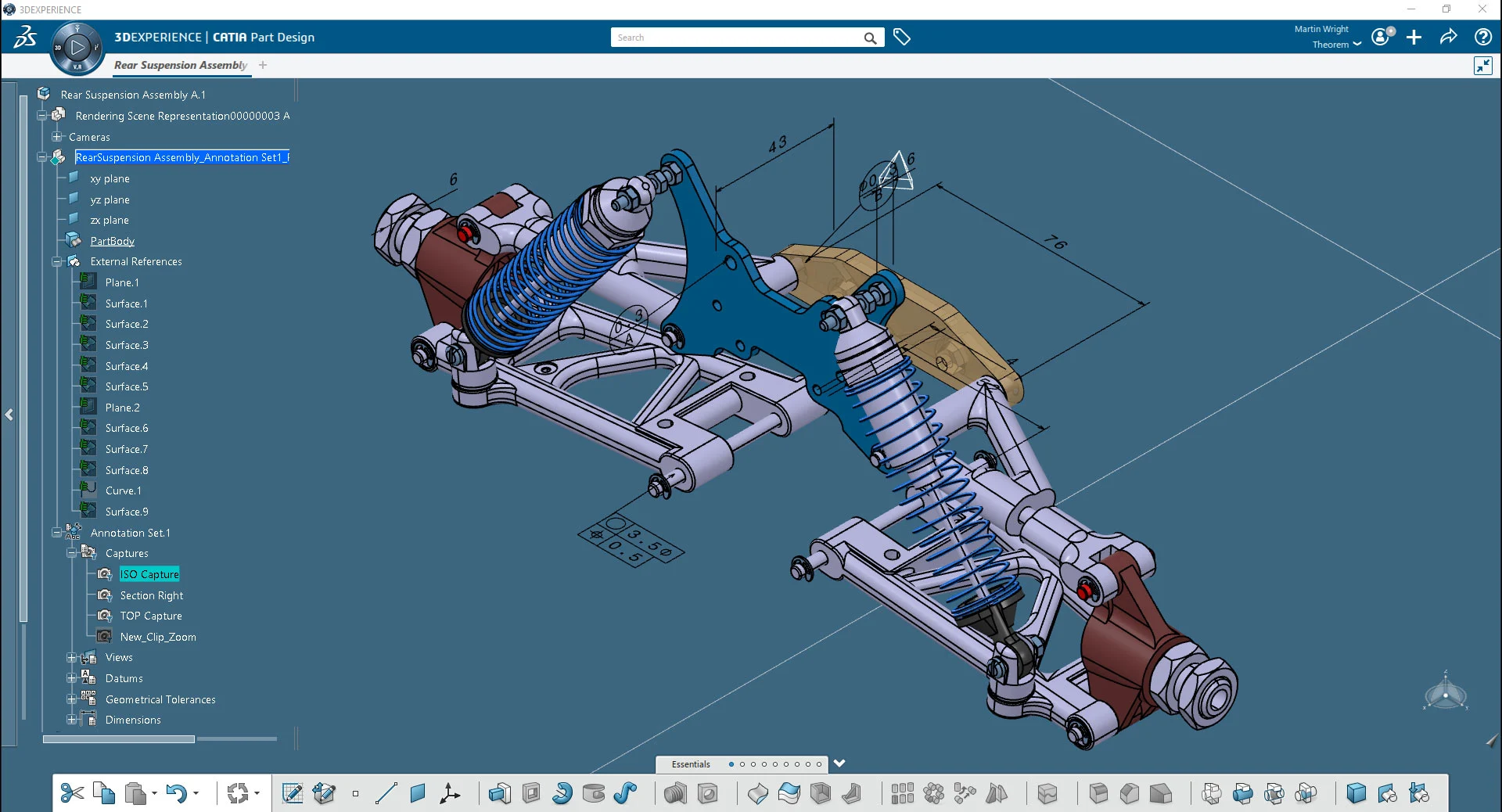
Supporting design in context, Tech Soft 3D’s Multi-CAD solutions enable CATIA V5 and 3DEXPERIENCE users to work interactively with Creo, JT, and NX data.
CATIA V5 Multi-CAD Products
Work interactively with Creo, JT and NX data inside of your CATIA V5 design session without the need for external translation.
Multi-CAD Creo
For CATIA V5 users
CATIA V5 Multi-CAD JT
For CATIA V5 users
CATIA V5 Multi-CAD NX
For CATIA V5 users
3DEXPERIENCE Multi-CAD Products
Interactive solutions for CATIA 3DEXPERIENCE users who need to work with JT visualization data, or NX or Creo parts or Assemblies inside of an active design session.
Multi-CAD Creo
For 3DEXPERIENCE users
Multi-CAD JT
For 3DEXPERIENCE users
Multi-CAD NX
For 3DEXPERIENCE users
Powered by Theorem Technology
SpinFire Convert is built on trusted Theorem Solutions technology which benefits from strong, long-standing business and technical relationships with Dassault Systèmes, PTC, and Siemens. These partnerships enable us to develop products and solutions specifically for users of CATIA V5, 3DEXPERIENCE, PTC, and Siemens platforms.
By leveraging Dassault Systèmes' strategic development tools (including CAA and XCAD), together with Spatial tools and APIs provided by PTC and Siemens, we ensure ongoing compatibility, high-quality data exchange, and strong business outcomes.

Are You Building Software Applications?
If you're a developer looking for SDKs to power your own engineering applications — you're in the right company, just not the right page. Tech Soft 3D’s Toolkit Division provides industry-leading development tools for 3D visualization, CAD import/export, modeling, simulation, and more.
FAQs about Multi-CAD solutions
Is Multi-CAD for CATIA users?
Yes. If you are a CATIA V5 or CATIA 3DEXPERIENCE user, you could benefit from Multi-CAD. This product enables CATIA V5 and CATIA 3DEXPERIENCE users to work interactively with Creo, NX and JT data inside of a design session without the need for external translation.
The Multi-CAD application is an interactive solution to the problems that can be encountered when a CATIA V5 or CATIA 3DEXPERIENCE user needs to work on projects where other CAD (Creo and NX) or Visualization (JT) data needs to be regularly worked on during a design project.
Multi-CAD maintains the integrity and correct version of the imported data as it comes into CATIA V5 or CATIA 3DEXPERIENCE by keeping an associative link back to the source data. Using Multi-CAD offers a greater level of security and protection as the link to the source data is a direct link, without the need to leave the application or use third-party external applications. This also removes any errors that can occur from potentially working with old, out of date data.
How are design engineers using Multi-CAD?
When developing large and complex products such as cars or aeroplanes, designers can be faced with the need to use numerous CAD systems in-house, on a single product design and manufacturing task.
The SpinFire Convert Multi-CAD solution allows designers and engineers working in CATIA V5 or CATIA 3DEXPERIENCE to incorporate parts and assemblies from the other CAD systems, such as NX, Creo, and JT data within the CATIA environment without having to use external translators. It does so by loading the files directly into CATIA and using the existing CATIA commands of “Insert existing component”, “file open” and “file save as”.
Multi-CAD maintains associativity which empowers CATIA users to automatically update their CATIA design with changes authored in the foreign CAD system. Multi-CAD then tracks changes and updates the master model.
How does Multi-CAD support CATIA users?
Multi-CAD enables CATIA users to work interactively inside of a CATIA design session with non-native CAD.
Here are common reasons CATIA users may opt for SpinFire Convert's Multi-CAD solutions:
Provides seamless bi-directional exchange of data for CATIA users
Provides support for exchanging FTA (PMI) data for downstream activities
Maintains associativity between CATIA and native data files (CATIA V5 only)
Automatic update of the representation when changes are undertaken (CATIA V5 only)
Uses standard CATIA commands
Built upon the strategic Dassault XCAD platform, enables the import of data to CATIA with integrated control of quality
Option to output data in 3DXML format enables its use in 3DVia and 3DLive
Digital Mock-Up review (data imported with Faceted representation) supported
Related Insights on CAD Data Translation
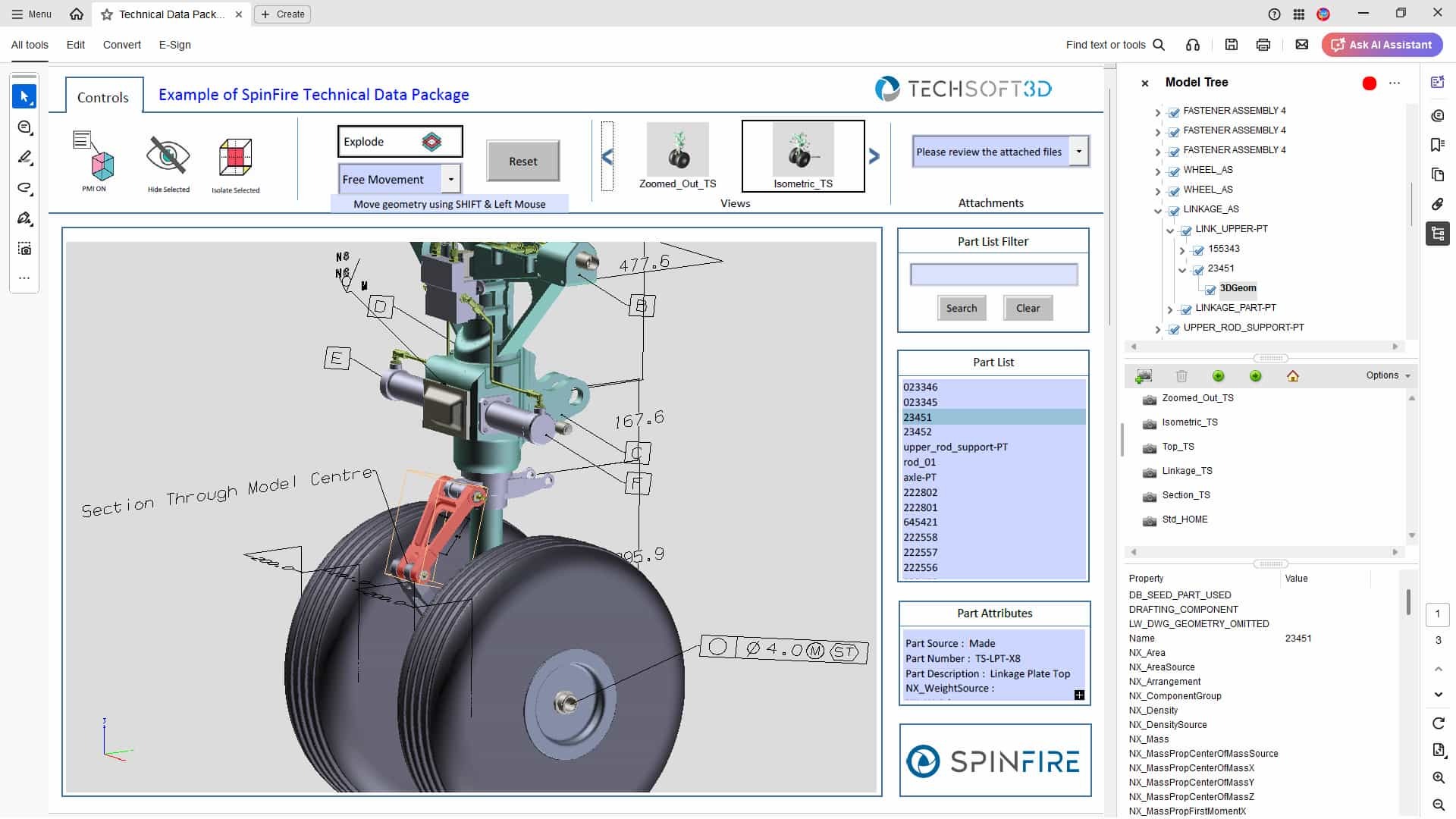
Technical Data Packages: What Are They, How to Use Them, and How 3D PDFs Can Help
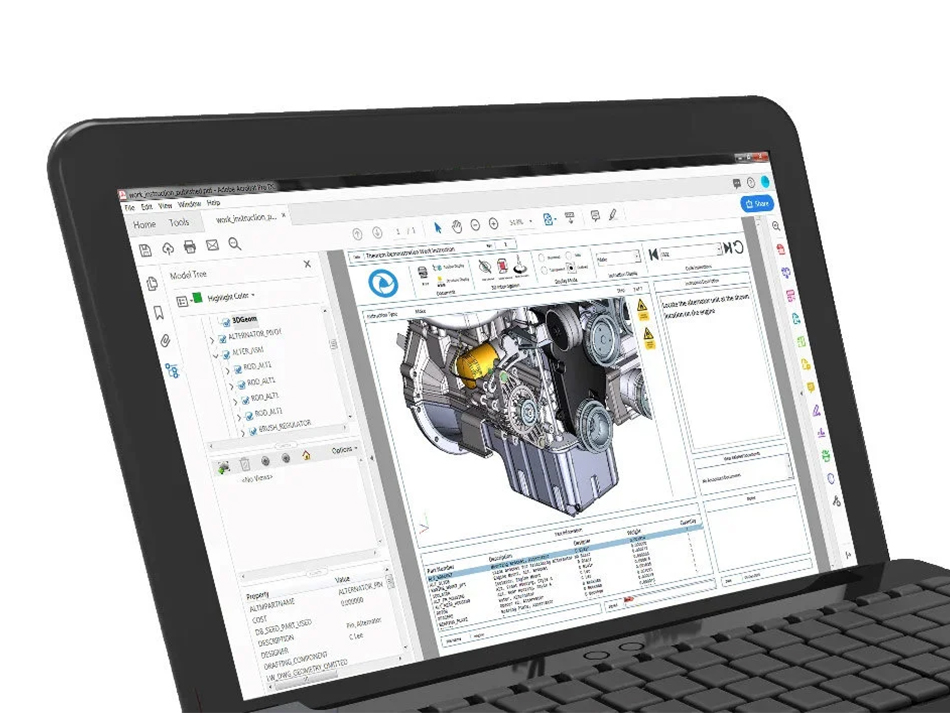
A Guide to SpinFire Convert’s 3D PDF Templates
CAD Viewer vs CAD Translation vs 3D PDF – When to Use Each