

Sample 3D PDF and HTML5 Documents
3D PDF Engineering Documents
Choose from a range of sample interactive 3D PDF documents to download, using the buttons below.
Please be aware that these downloads will open in a new browser window and will then need to be downloaded/saved.
The interactive functionality will NOT work within the browser window.
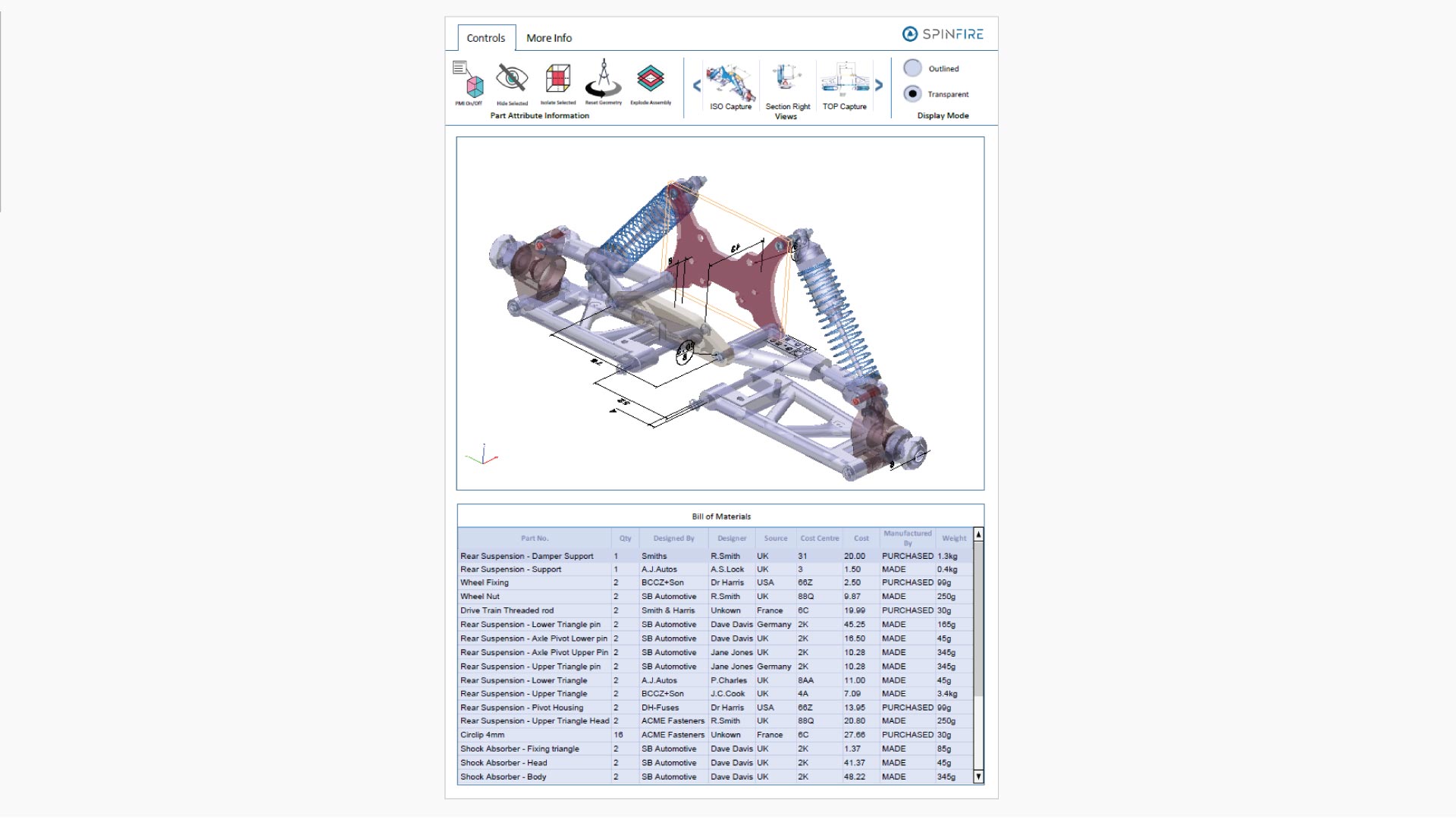
Bill of Materials
View a Bill of Materials (BOM) document in a 3D PDF.
IMPORTANT: Save and Open in Adobe Acrobat Reader
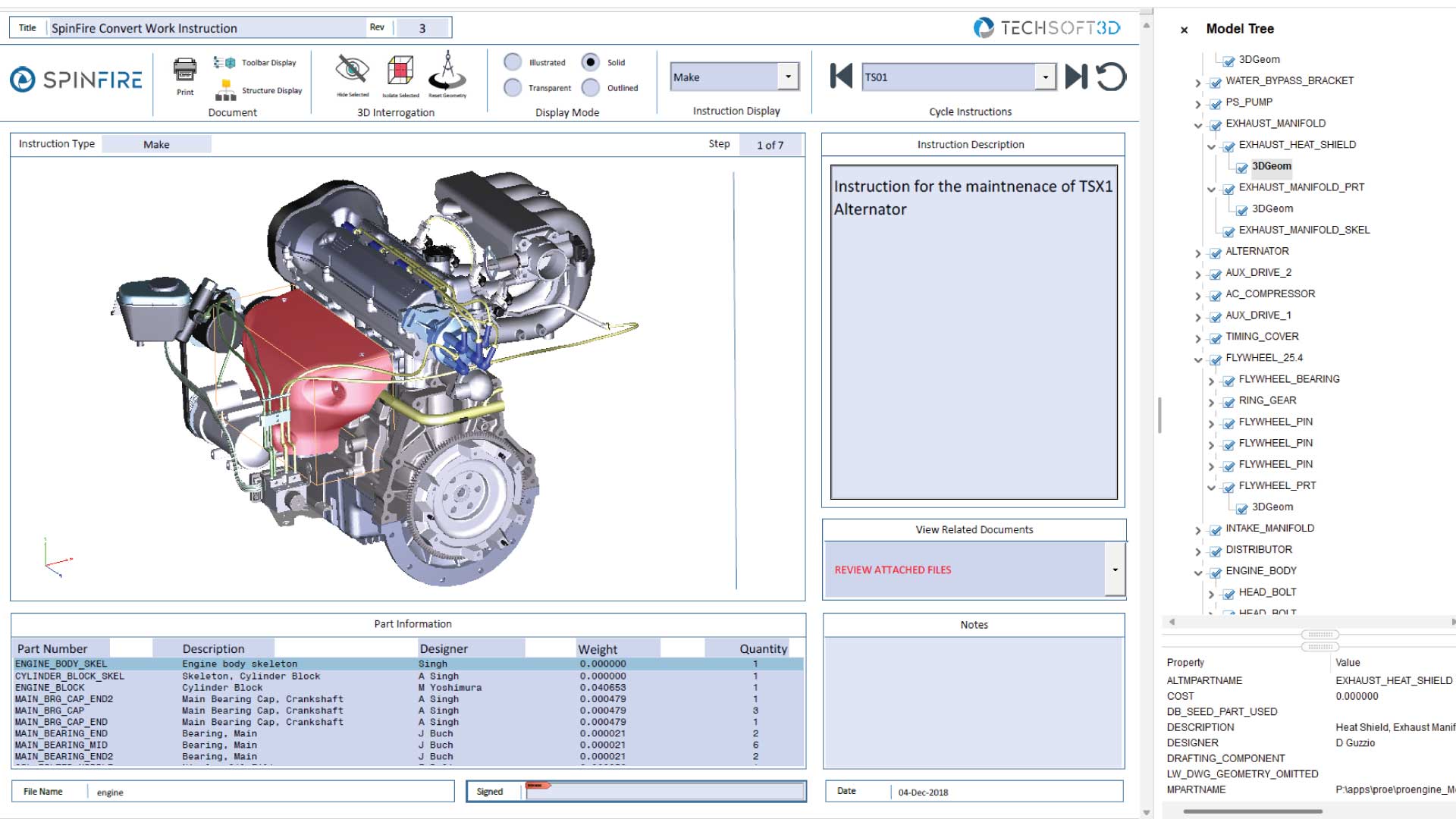
Work Instruction
View a Work Instruction document in a 3D PDF.
IMPORTANT: Save and Open in Adobe Acrobat Reader
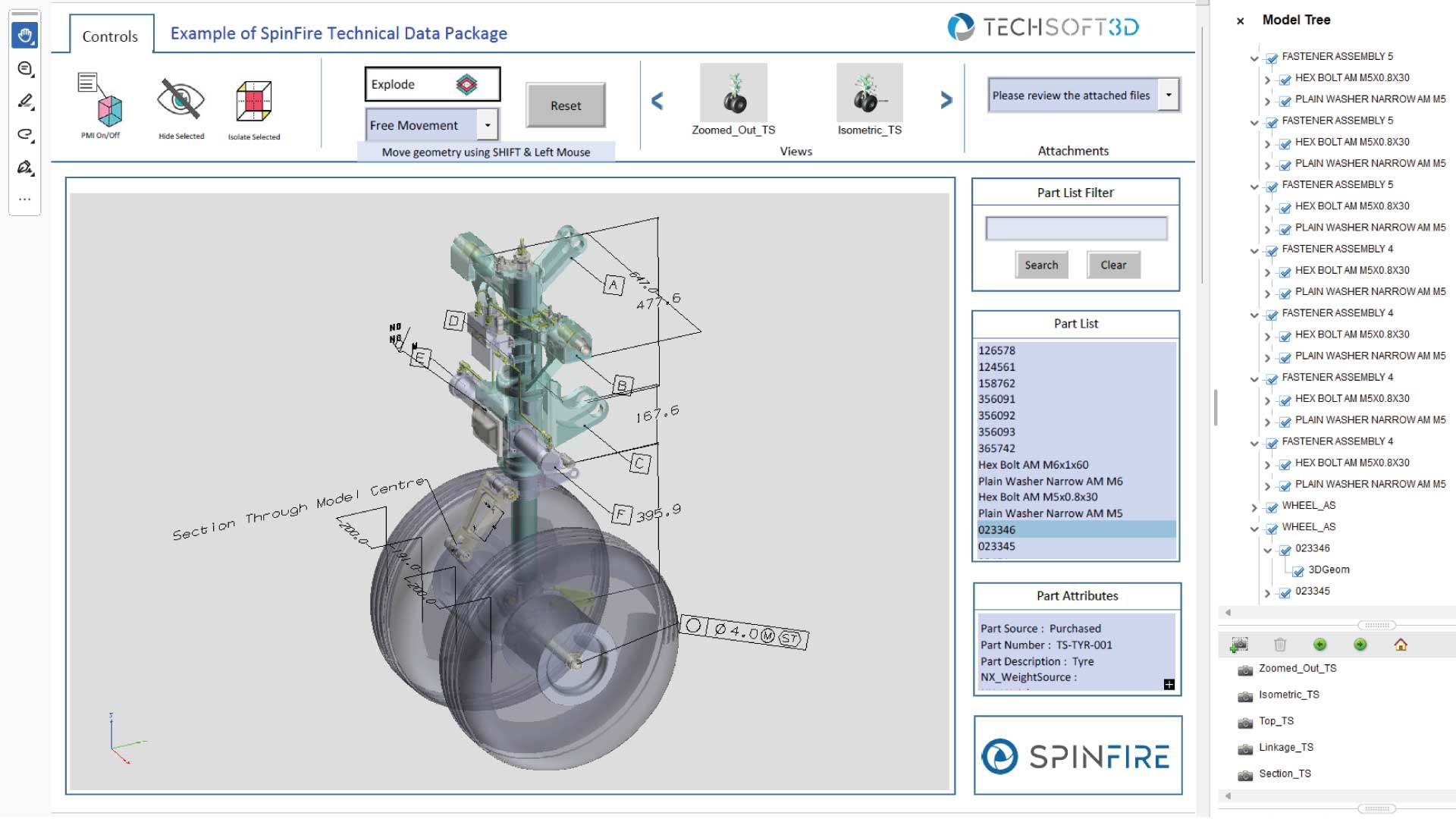
Technical Data Package
View a Technical Data Package (TDP) in a 3D PDF.
IMPORTANT: Save and Open in Adobe Acrobat Reader
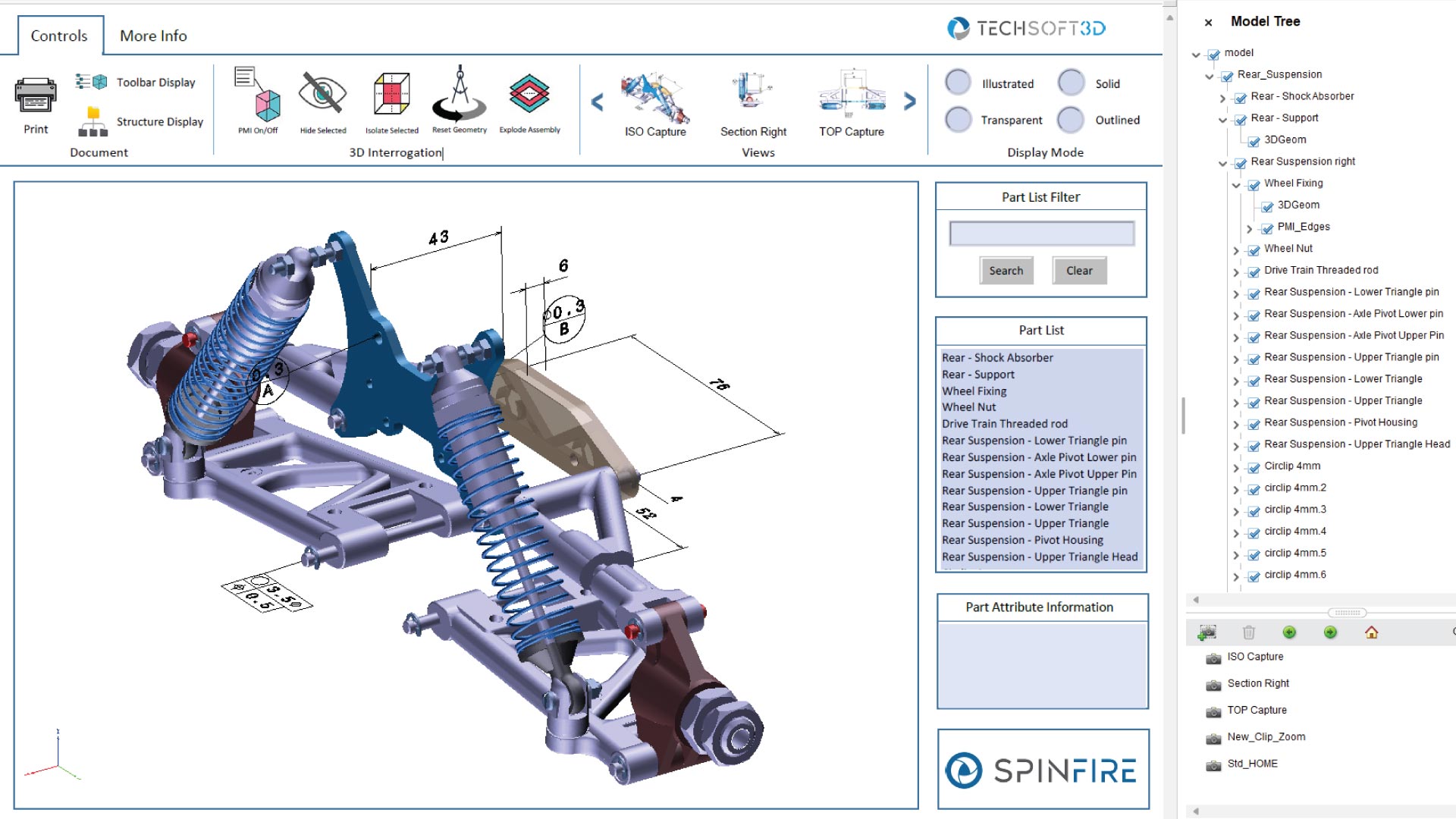
Model Viewer
View a Model Viewer in a 3D PDF document.
IMPORTANT: Save and Open in Adobe Acrobat Reader
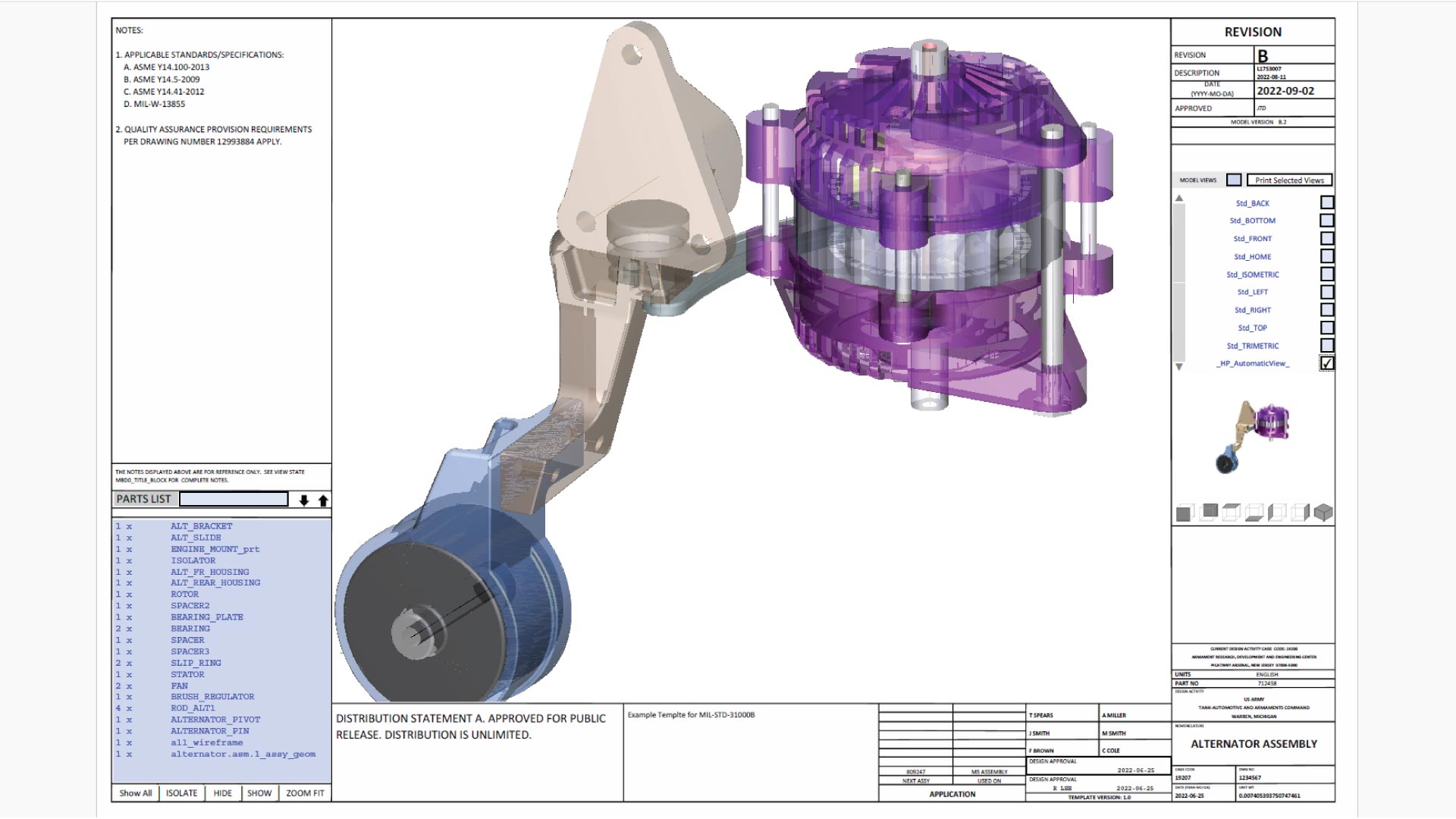
Military Standard
View a 3D PDF document with MIL-STD-31000 standard requirements for TDPs.
IMPORTANT: Save and Open in Adobe Acrobat Reader
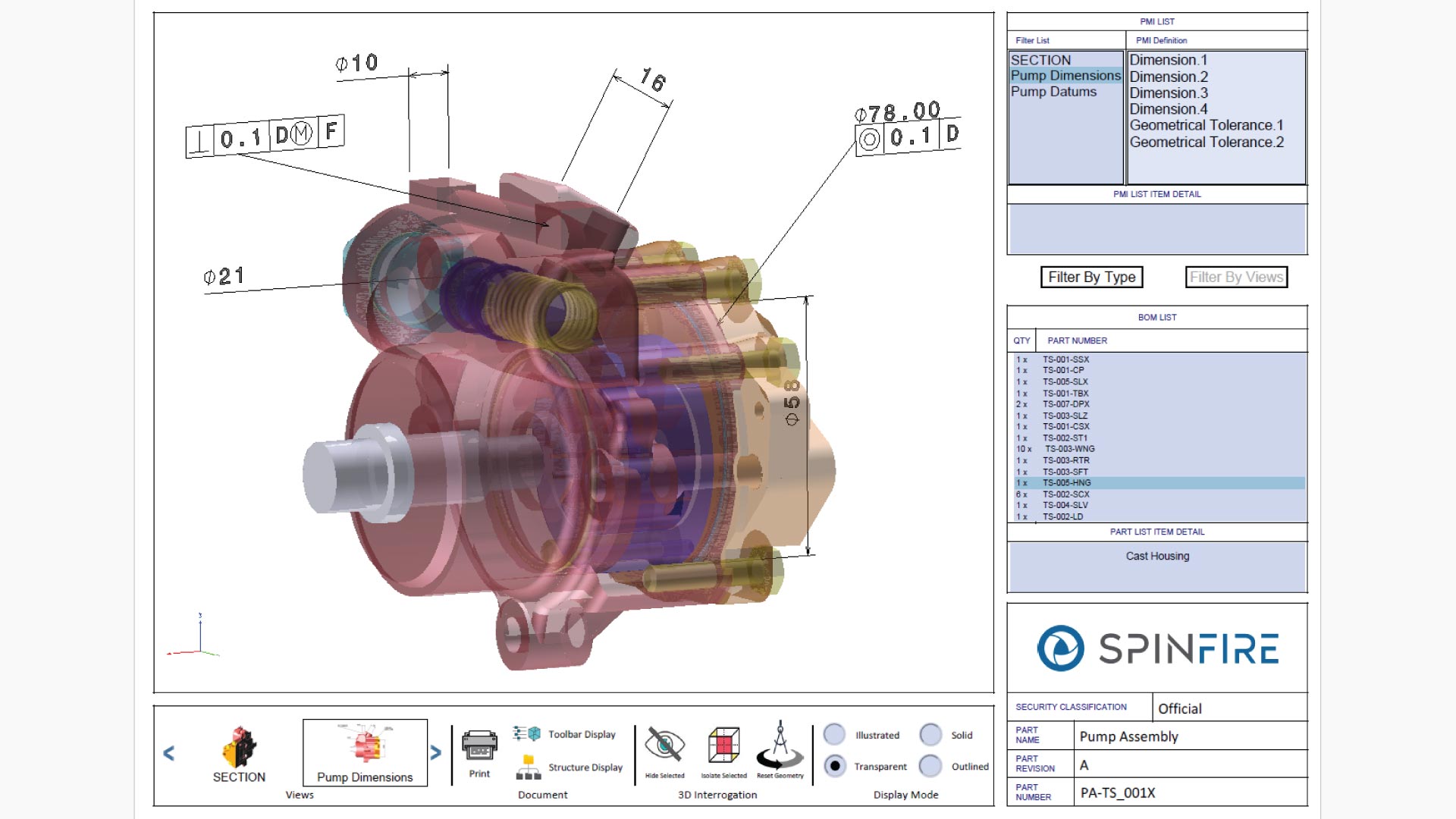
PMI Analaysis
View a Product Manufacturing Information (PMI) Analysis in a 3D PDF document.
IMPORTANT: Save and Open in Adobe Acrobat Reader
Interactive 3D content with browser support
Interact with this 3D content directly within your web browser, whether on desktop, tablet or mobile device (IOS and Android).
FAQs about 3D PDF Samples
Why can't I interact with my 3D PDF file?
When you download a 3D PDF file from this page, it opens in your browser with interactive features disabled.
To use the interactive functionality, open the file in Adobe Acrobat Reader. The first time you do, you’ll see a message:
“Multimedia and 3D content has been disabled. Enable this feature if you trust this document.”
Select “Trust this document” to enable interactive features and fully interact with your 3D PDF.
Related Insights on 3D PDF
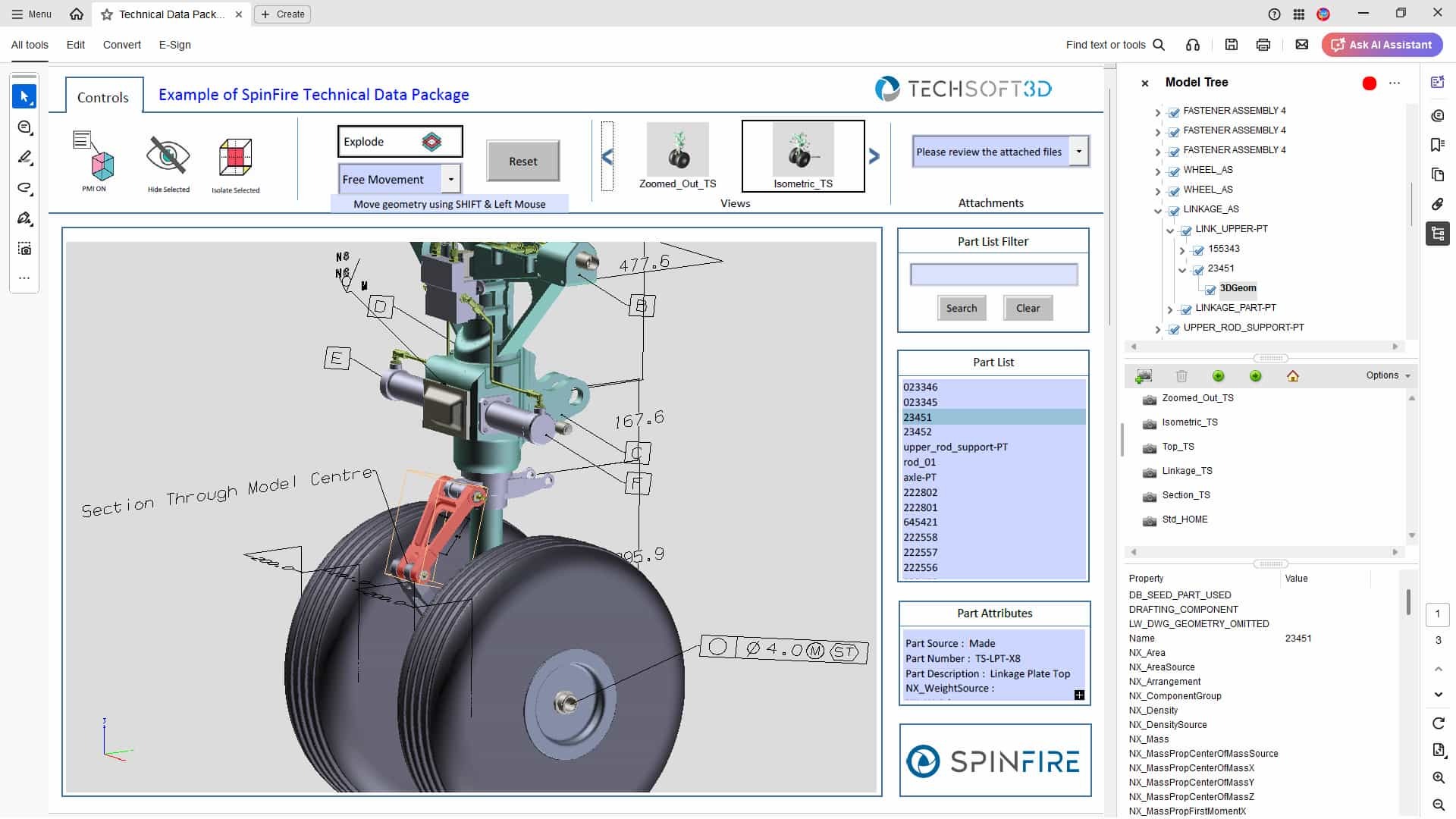
Technical Data Packages: What Are They, How to Use Them, and How 3D PDFs Can Help
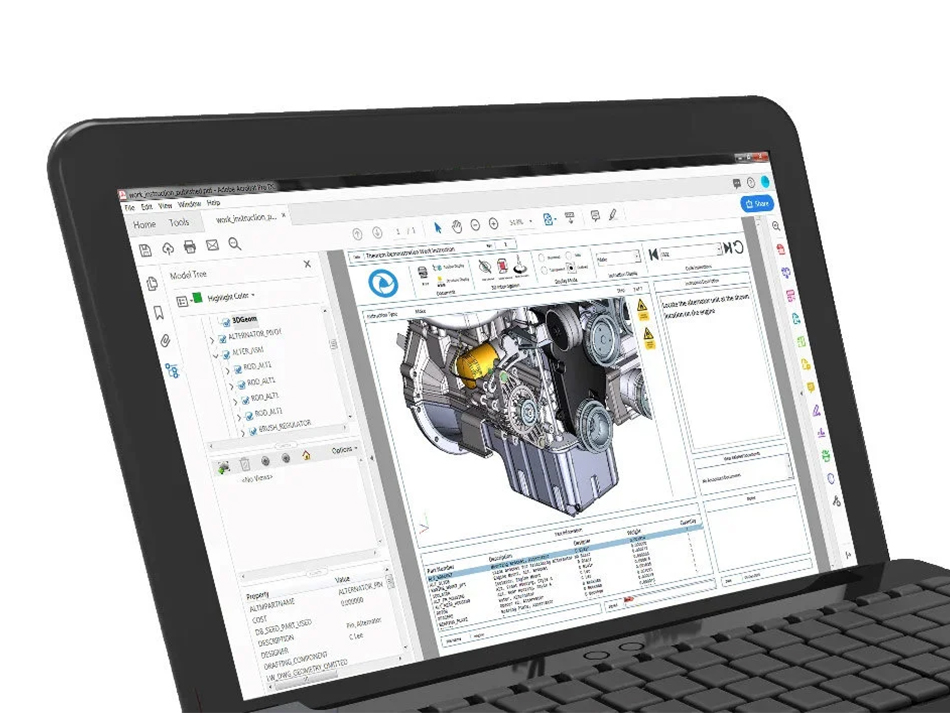
A Guide to SpinFire Convert’s 3D PDF Templates

CAD Viewer vs CAD Translation vs 3D PDF – When to Use Each