
CAD to Augmented Reality Solutions
SpinFire XR supports Augmented Reality technology, enabling users to bring 3D CAD and design data to life using handheld devices.
Use Case-Focused Apps to Support Augmented Reality
Below are the SpinFire XR experiences that can be used in Augmented Reality.
SpinFire XR Augmented Reality experiences can be used on multiple devices, including those of the following:
iOS (including iPhone & iPad)
Android (including phones and tablets)
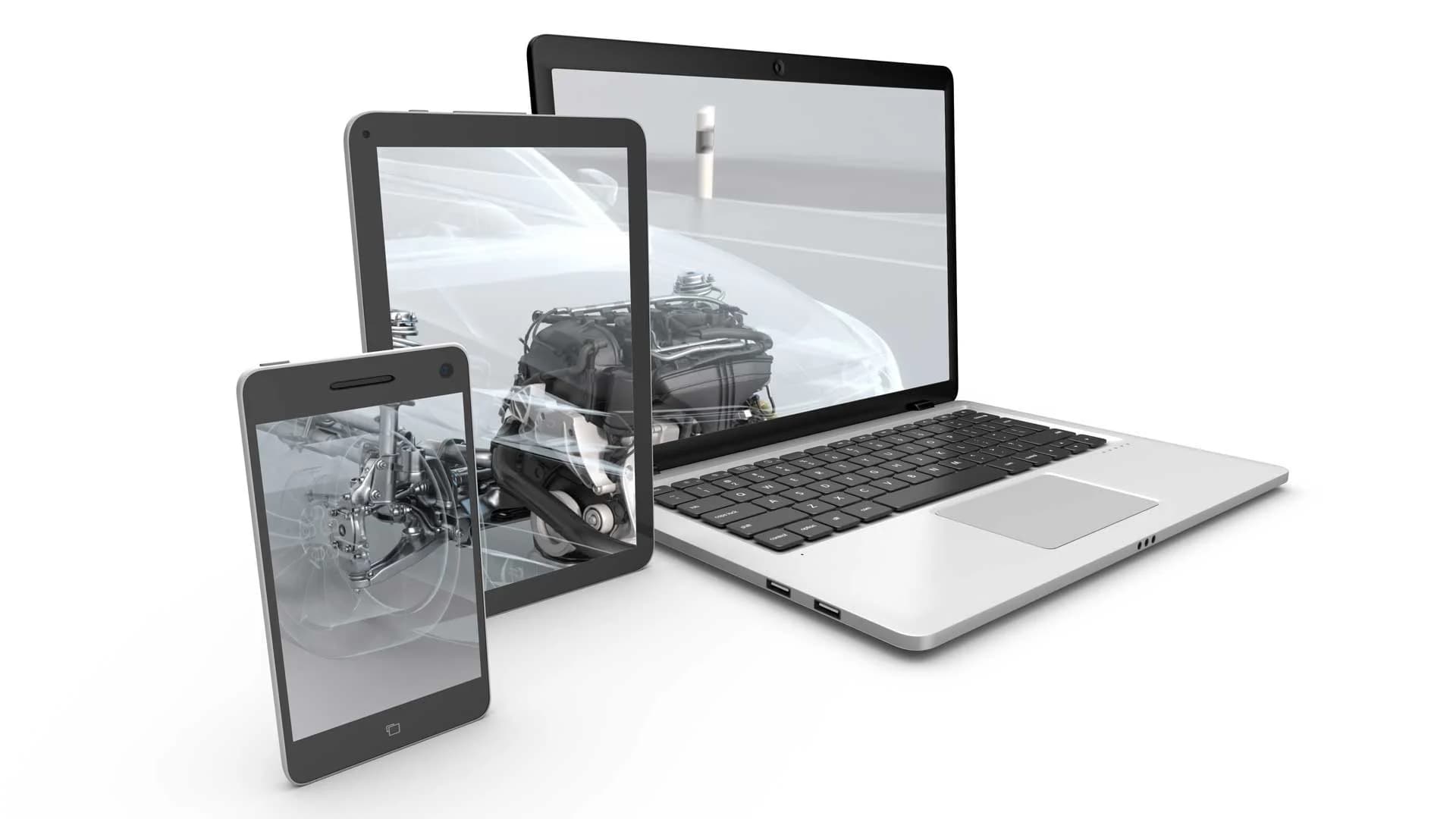

How can I view my CAD data in Augmented Reality?
To view your CAD data in AR, use the Visualization Pipeline, an enterprise ready, fully automated solution that optimizes complex CAD files into lightweight, device ready formats. Once processed, the data is instantly accessible for use in AR or across any supported XR platforms and devices.
The Visualization Pipeline supports a variety of input and output options depending on your use case and requirements. These include CATIA V5, 3DEXPERIENCE, CREO, JT, NX FBX, GLTF, Unity, and Unreal.
FAQs about Augmented Reality (AR)
What is Augmented Reality (AR)?
Augmented Reality (AR) enables you to see your physical environment and digital content at the same time on a conventional screen (e.g., a tablet or smartphone).
When applied to engineering related scenarios, this can be a very powerful tool for improving decision making and getting to market faster. Whether you are sat in your office, a showroom, or a factory, displaying your 3D models in AR brings your product to life, enabling you to visualize your models in a real-life environment and interact with your data in a spatial context. Using SpinFire XR Experiences in Augmented Reality is particularly useful for customer engagement and engineering related tasks such as inspection, training and packaging.
Can I use AR for Customer Engagements?
Yes. Augmented Reality (AR) enables your customers to interact with your products in entirely new ways, whether through your website, a product brochure, a sales engagement, or a tradeshow.
SpinFire XR allows manufacturing companies to prepare and optimize 3D design and CAD data for Augmented Reality. Sales teams including Account Executives, Business Development Managers, and Area Managers can use existing phones or tablets to showcase product designs anywhere, making every customer interaction more engaging and memorable.
Latest SpinFire XR News
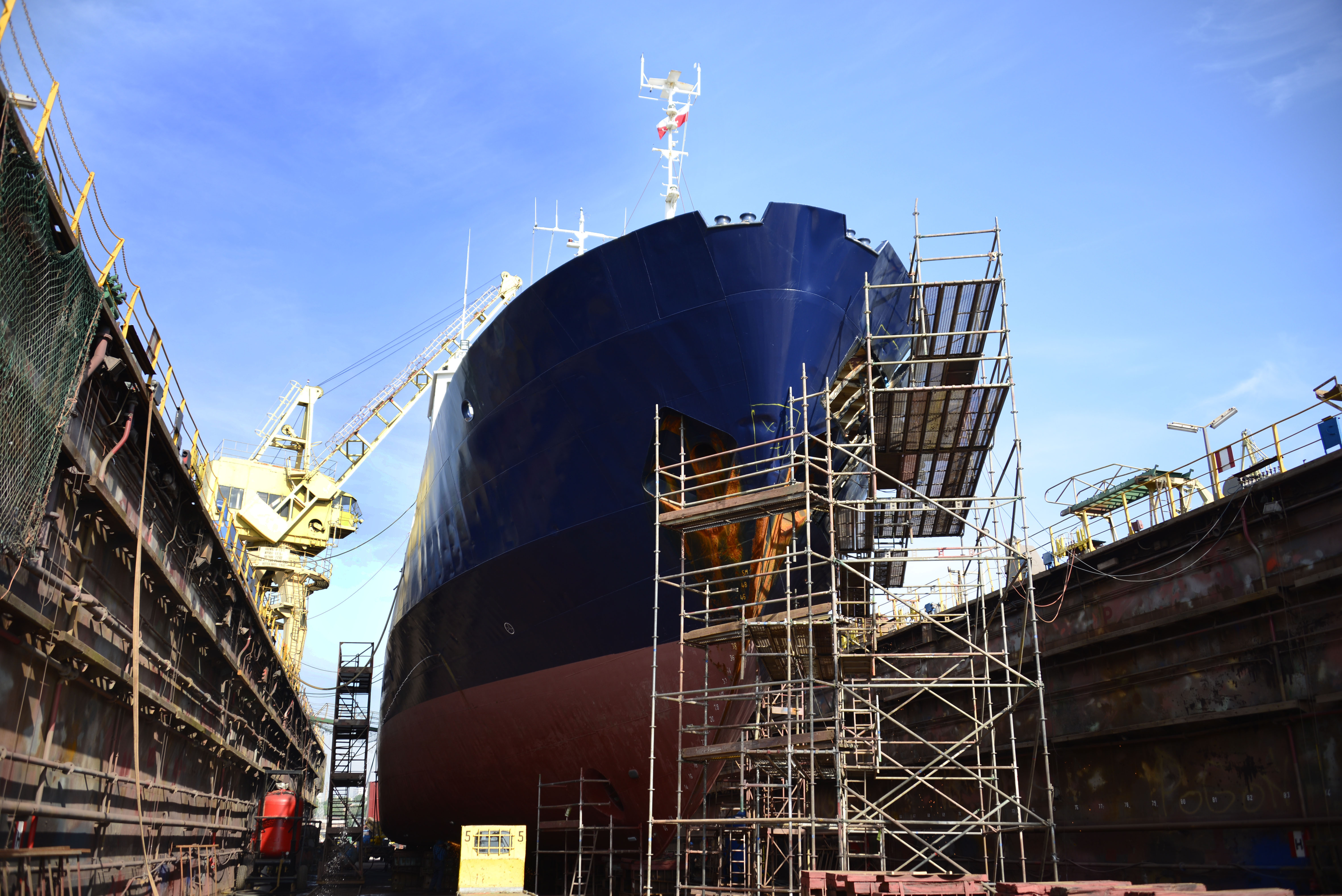
How can Extended Reality be Used in Shipbuilding
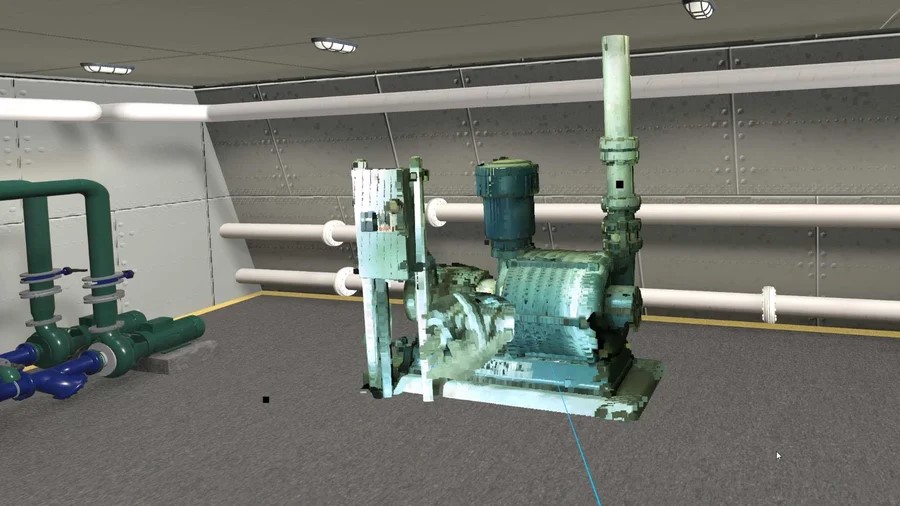
How Can You Use Scan Data in Extended Reality

Join Us at Advanced Engineering 2025