
Seamless CAD Translation and Lightweight 3D Publishing
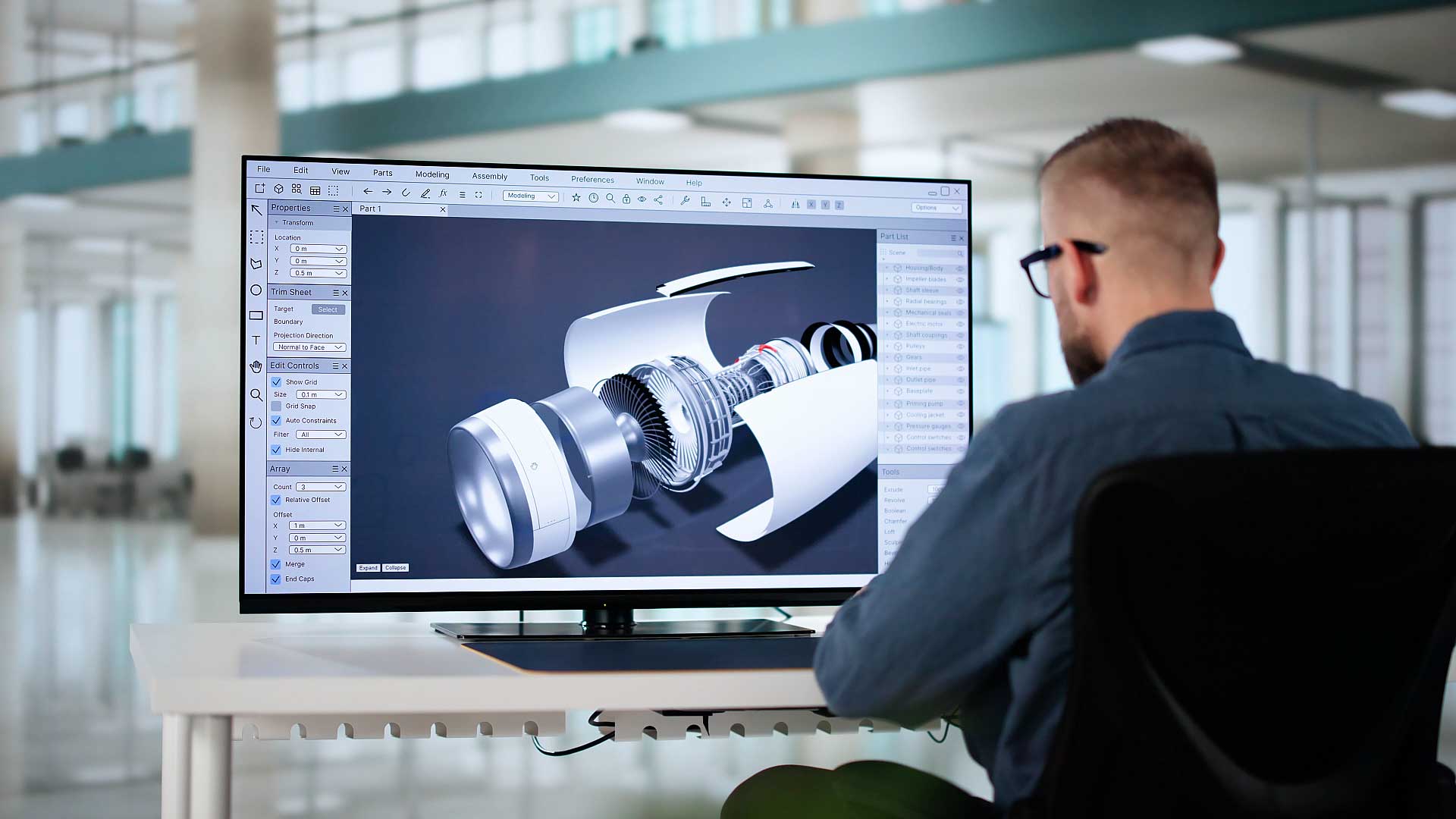
SpinFire Convert is your fast, reliable solution for CAD file translation and publishing. Built on trusted Theorem technology, it transforms complex CAD models into lightweight, shareable formats that are ready for use by downstream teams across your organization.
Powered by Theorem technology











What Can You Do With SpinFire Convert?
Direct CAD Translation
Support for 3DEXPERIENCE, CATIA V5, NX, Creo, JT, SOLIDWORKS, STEP, and more – translate across native and neutral formats.
Lightweight Visualization
Translate to lightweight 3D formats like Creo View and JT, or create 3D PDFs and HTML files for downstream consumption, accessible without CAD licenses.
Integrate with PLM
Supports batch processing and server-side automation for enterprise-scale deployment.

Purpose-Built for Downstream Users
SpinFire Convert empowers teams across the organization to simplify and share complex CAD data, supporting a variety of functions including:

Design Engineering
Convert complex CAD models into accessible formats, making it easier to collaborate with internal and external stakeholders.

Manufacturing
Access the exact geometry, metadata, and Model-Based Definition (MBD) data to streamline downstream processes like machining, tooling, and production.

Procurement
Review and share CAD-derived deliverables without requiring native CAD tools, improving supplier communication and decision-making.

Quality & Inspection
Measure and validate components against lightweight 3D formats, without the overhead of full CAD systems.

Service & Support
Visualize complete product assemblies clearly, enabling quicker and more effective support.
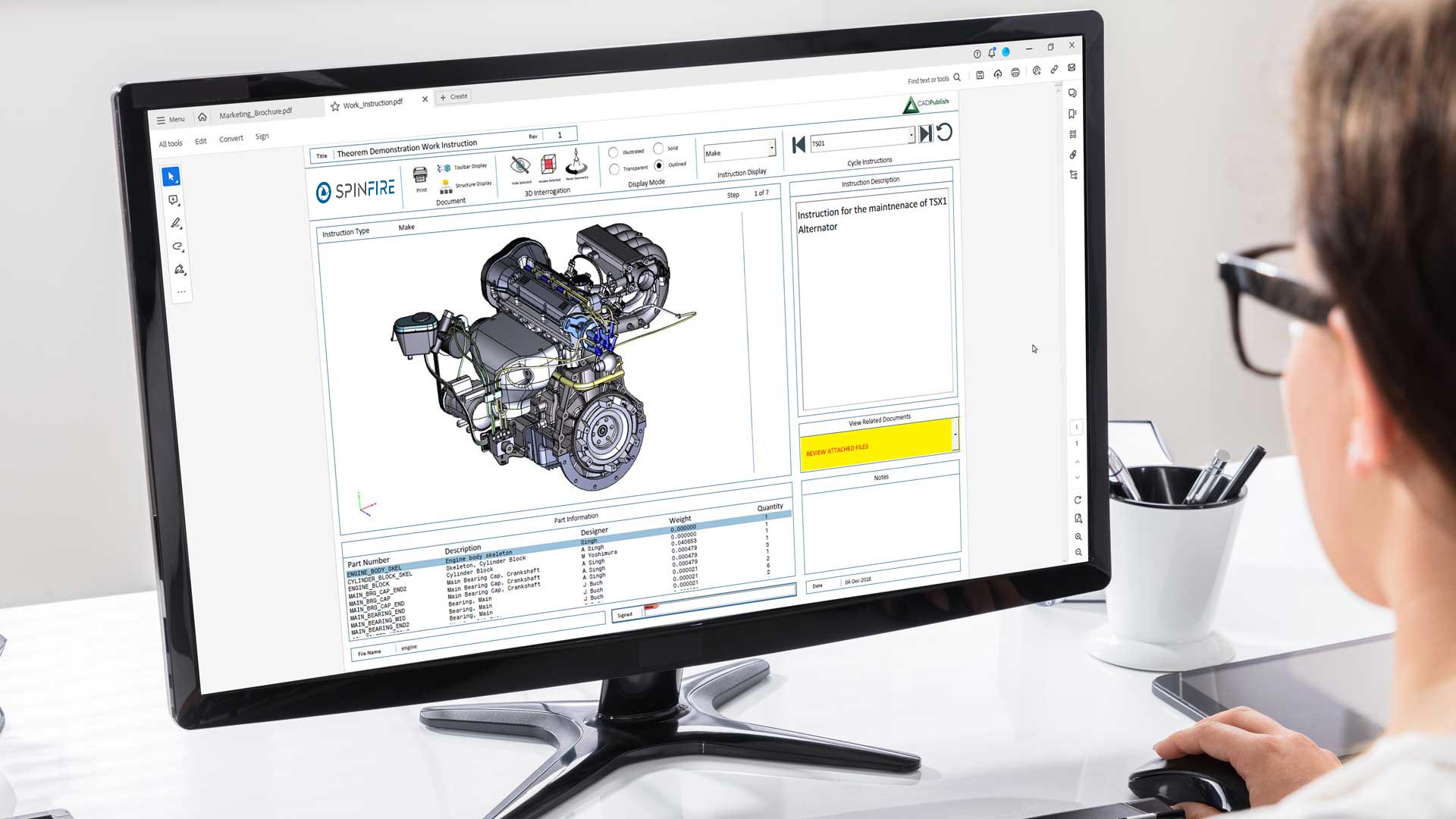
Compliance & Documentation
Embed interactive 3D views into reports, manuals and documentation, improving clarity in deliverables.
Key Benefits
Reduce CAD license dependency
Eliminate the expense of additional software seats and specialist training
Streamline cross-format collaboration
Make CAD data accessible across teams, systems, and formats
Automate translation and publishing tasks
Leverage high-volume batch processing and integrate with existing PLM workflows
Ensure high-fidelity CAD data integrity
Securely preserve geometry and metadata to maintain data quality and protect intellectual property
FAQs about SpinFire Convert
What happened to CADTranslate and CADPublish by Theorem Solutions?
In 2024, Tech Soft 3D acquired Theorem Solutions. As part of this change, Theorem’s CADTranslate (formerly CADverter) and CADPublish (formerly Publish 3D) products were re-packaged into SpinFire Convert.
While the products have a new name and packaging, the underlying technology, functionality, and CAD vendor partnerships remain the same - powered by Theorem technology.
For more information, read Tech Soft 3D's Product Consolidation FAQs.
Does SpinFire Convert support macOS?
No. SpinFire Convert is a Windows-only application and does not currently run on macOS. A Windows environment is required to install and use the software.
What CAD features can I translate using SpinFire Convert?
Built on Theorem technology, strategic CAD vendor partnerships, and API connectivity, SpinFire Convert can translate rich 3D data to and from CAD and Visualization formats. This includes:
Geometry (faces, solid models, tessellation, wireframe. surfaces)
Product structure
PMI - Product Manufacturing Information (annotations, captures and views)
Metadata
Data filters (layers, entity type)
Colours
The table below shows the CAD and 3D formats SpinFire Convert can import and export, along with the primary supported features for each format.
Is parametric translation supported to carry over features and history?
No. Our direct CAD translation software does not support parametric translation, meaning feature definition and history is not translated. The output is a high-fidelity dumb solid - similar to what you'd get from a STEP file - making it ideal for downstream use cases where editable parametric data isn't required.
If parametric data isn’t required, SpinFire Convert offers a reliable way to translate CAD files for downstream use.
Does SpinFire Convert support PLM integration?
Yes. SpinFire Convert supports batch processing and workflow automation for CAD translation in numerous PLM environments, including:
Teamcenter (Siemens)
Windchill (PTC)
3DEXPERIENCE (Dassault Systèmes)
Learn more about Tech Soft 3D's PLM-integrated solutions.
What CAD formats are supported by SpinFire Convert?
SpinFire Convert supports a range of CAD formats including 3DEXPERIENCE, CATIA V5, Creo, ICEM Surf, Inventor, NX, SOLIDWORKS, and STEP.
To see the available solutions for each CAD format, explore our Direct CAD Translation solutions.
What lightweight 3D formats are supported by SpinFire Convert?
SpinFire Convert supports the most widely adopted formats in PLM ecosystems and can publish to trusted industry standards including:
JT (Siemens Teamcenter)
Creo View (PTC Windchill)
3D PDF (neutral and widely accepted)
HTML (for zero-install browser-based viewing)
To see the available solutions for each lightweight 3D format, explore our Lightweight Visualization solutions.
Related Insights on SpinFire Convert

CAD Viewer vs CAD Translation vs 3D PDF – When to Use Each
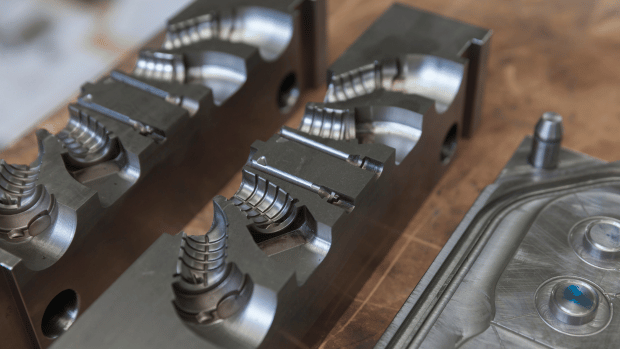
Improving CAD Data Access in Mold and Die Workflows
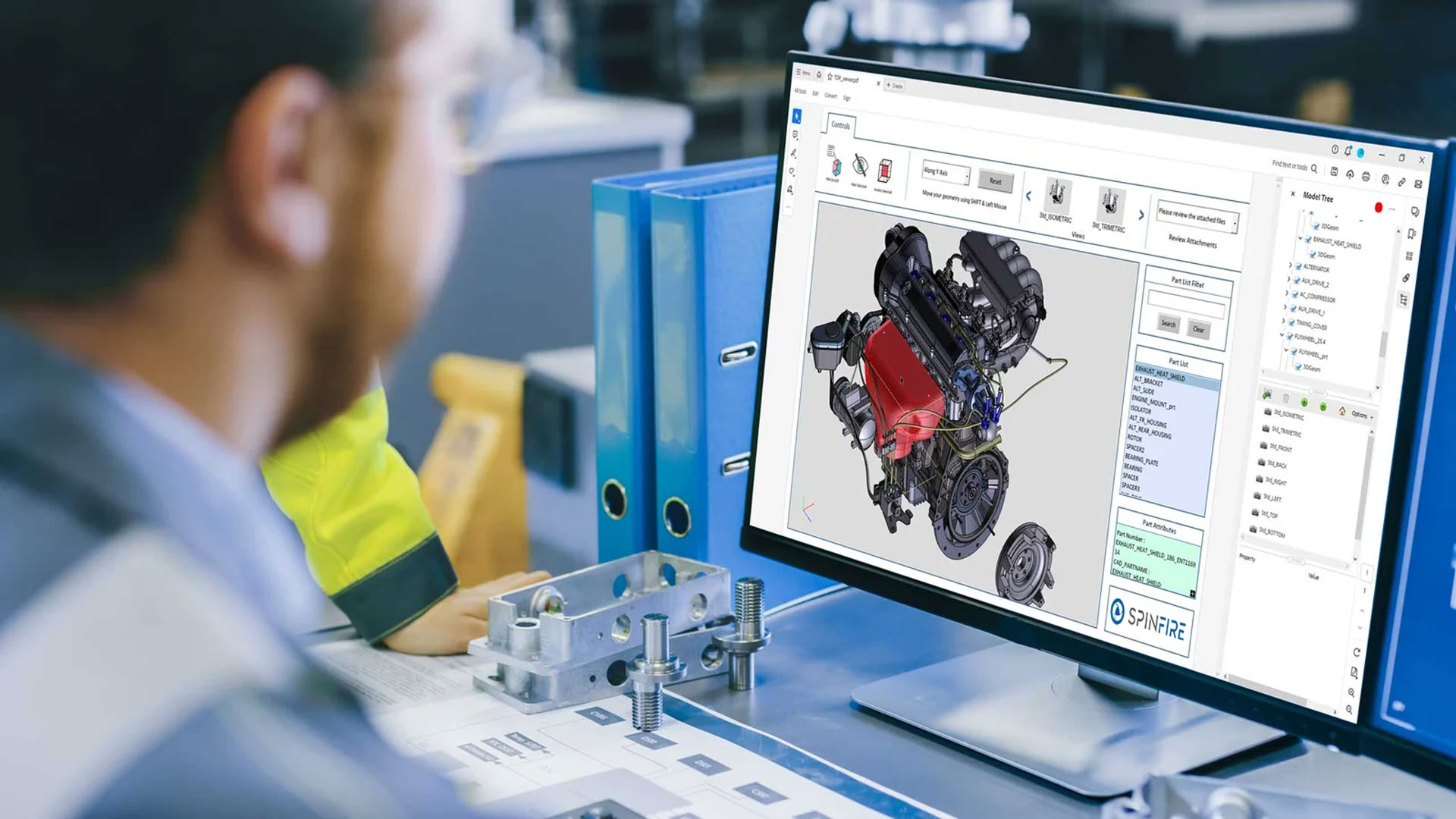
5 Common Myths About 3D PDF (And What’s Actually True)
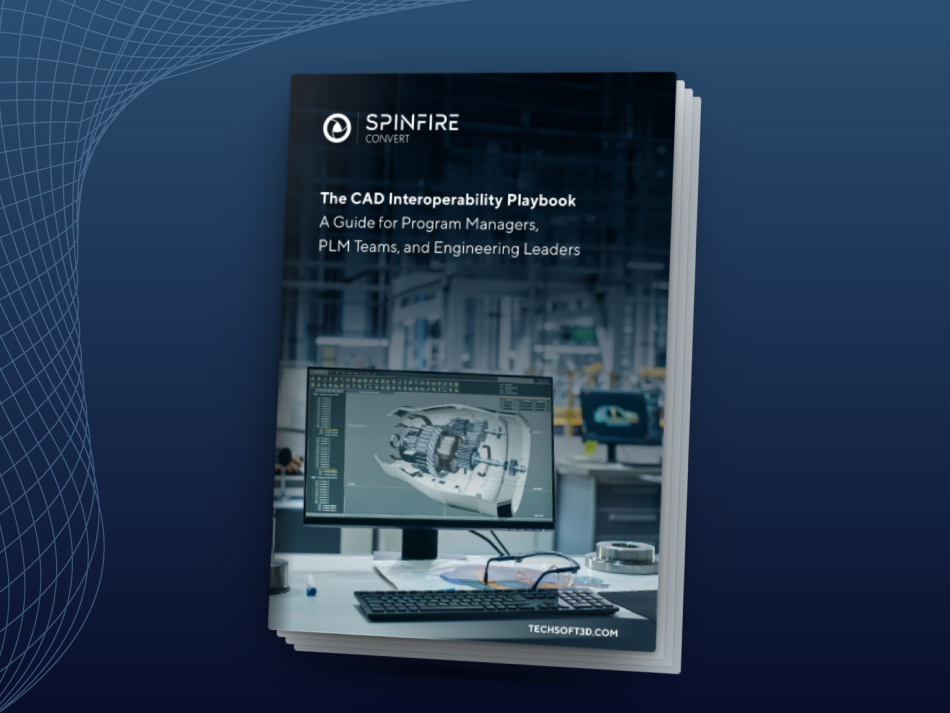
Introducing the CAD Interoperability Playbook
A Guide for Program Managers, PLM Teams, and Engineering Leaders
Sharing 3D data across incompatible CAD systems can result in data rework, delays, lost IP protection, and more. This guide shows how CAD translation, lightweight publishing, and multi-CAD data exchange improve collaboration and save time across engineering workflows.