Mobile AEC Viewer Demo
The Mobile AEC Viewer demo is an example of how a fully web based application can be used for a typical inspection workflow for the building and construction industry.
Overview
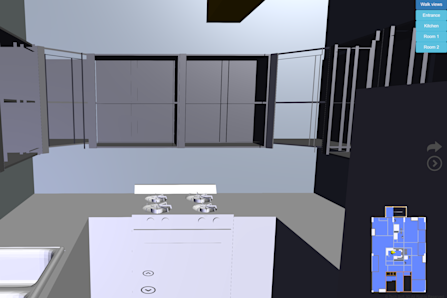
This demo uses a very common inspection workflow to illustrate how HOOPS Visualize for Web (formerly HOOPS Communicator) can be used to create a browser based mobile CAD viewing application for the BIM industry. Once the app is opened, you can sync the application to a viewpoint in a real-world building. From there, you can pan and tilt your device to look around within the application. You can use the provided walk buttons within the demo to update your location as you walk around in a real-world building.
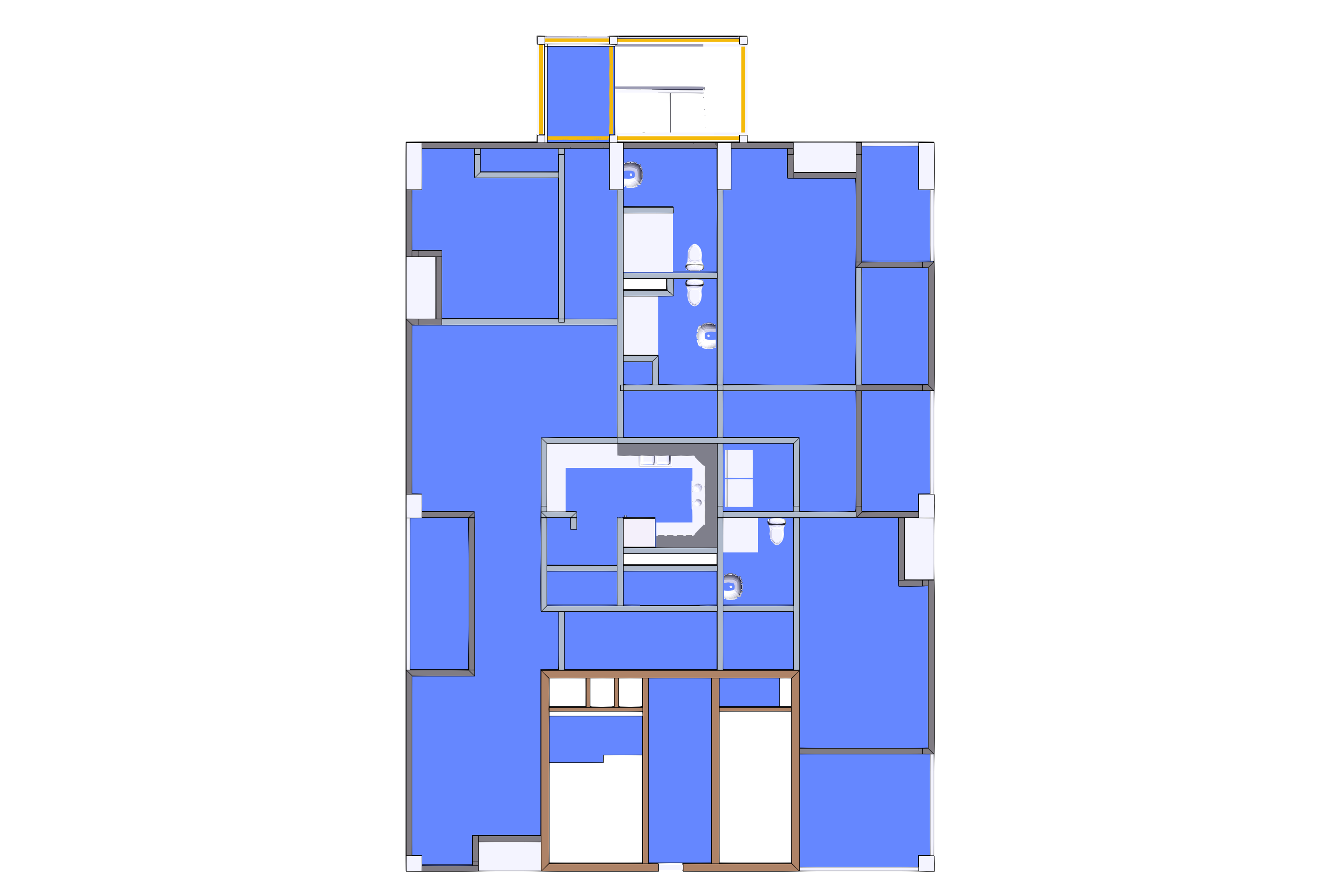
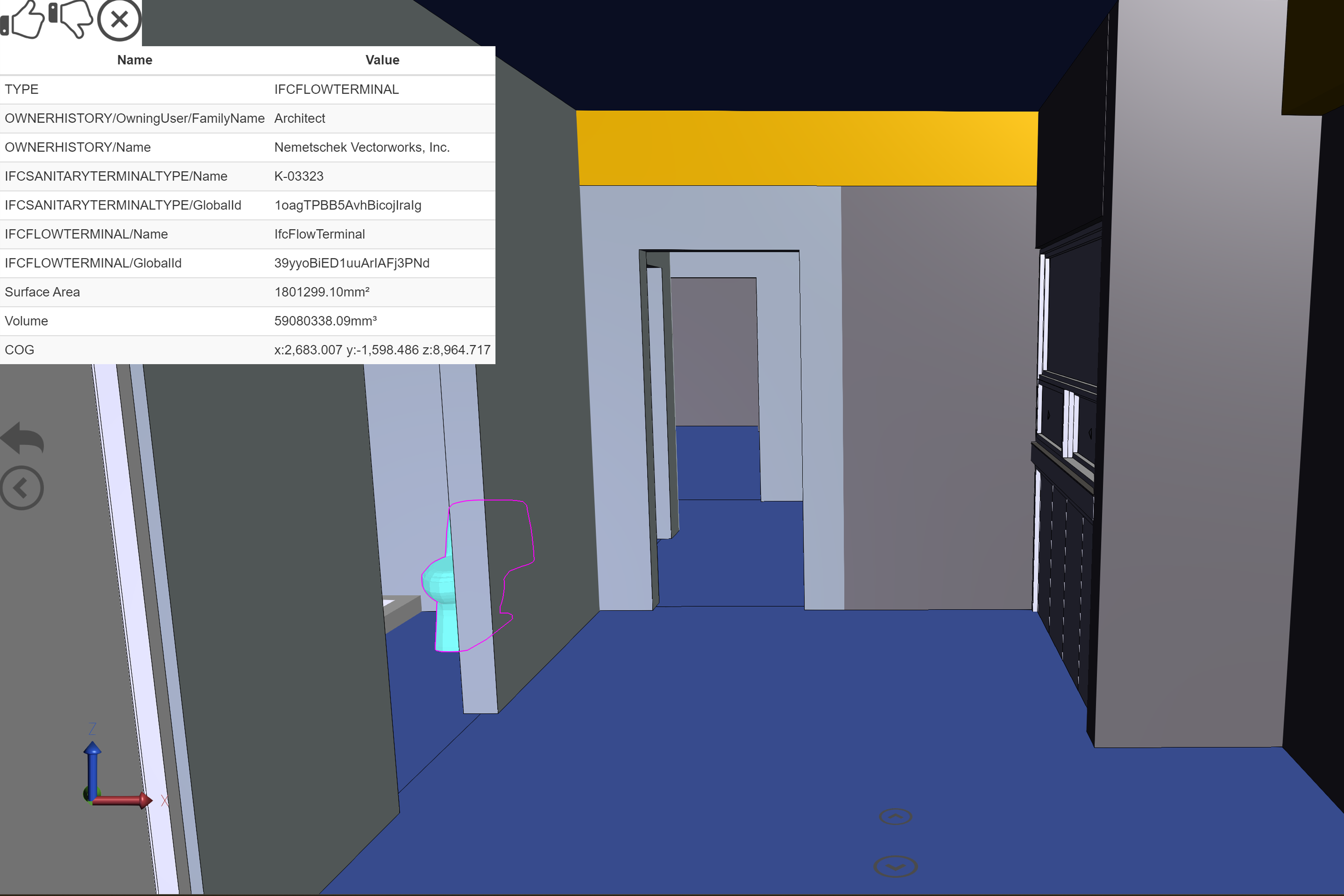
You can also click on elements within the IFC model to show any metadata present. This metadata can be used to compare to any real-world objects that you may be viewing so that you can approve or reject the work. Additionally, you can take a picture of the real-world object and attach it to the approval/rejection to be viewed later. There are also a few predefined viewpoints within the app that can be used to easily cycle through different locations within the model, and also a 2D view to show you where you are in the building as you walk along. This building workflow demo is completely hypothetical and is just used to be an example of how HOOPS Visualize for Web could be used in a real-world inspection workflow.
How to Use (Demo Walkthrough Video)
Explore HOOPS Visualise for Web
This demo was created using HOOPS Visualize for Web (formerly HOOPS Communicator).
Reference the HOOPS Visualize for Web (formerly HOOPS Communicator) Documentation.
Sign up for a free evaluation.
Jump straight into coding with the 3D Sandbox
Join our Community Forum
Questions or Feedback?
We are looking for feedback and how this toolkit can be improved to meet your needs! Please connect in our forum.
You can also sign-up for a 60-day trial of the HOOPS Web Platform.

Need to contact us? Email us at labs@techsoft3d.com.
Gallery