Manufacturing Control System Demo
This HOOPS Visualize for Web (formerly HOOPS Communicator) based demo shows how 3D data can be connected to external information such as ERP, PLM, or PDM systems.
Overview
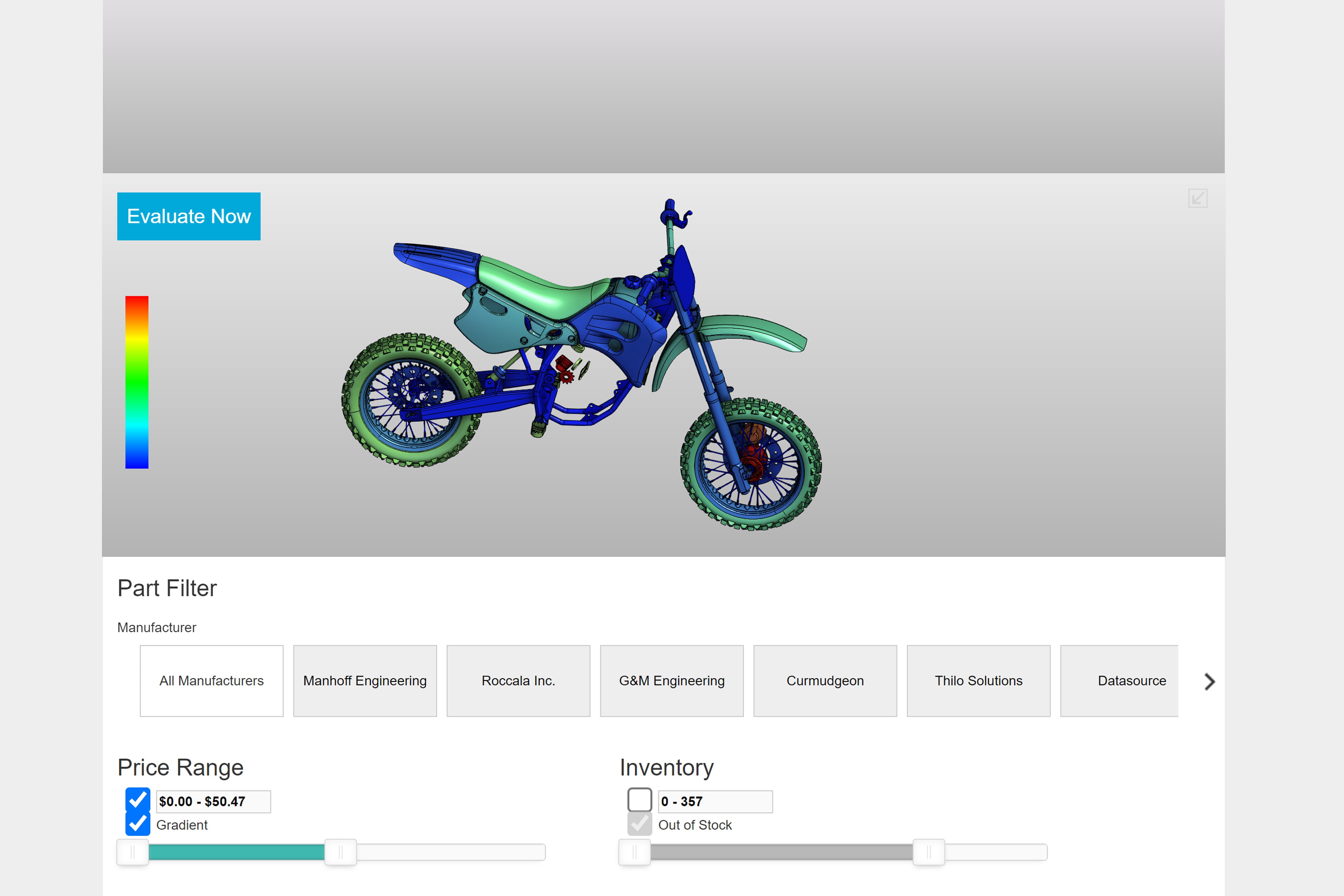
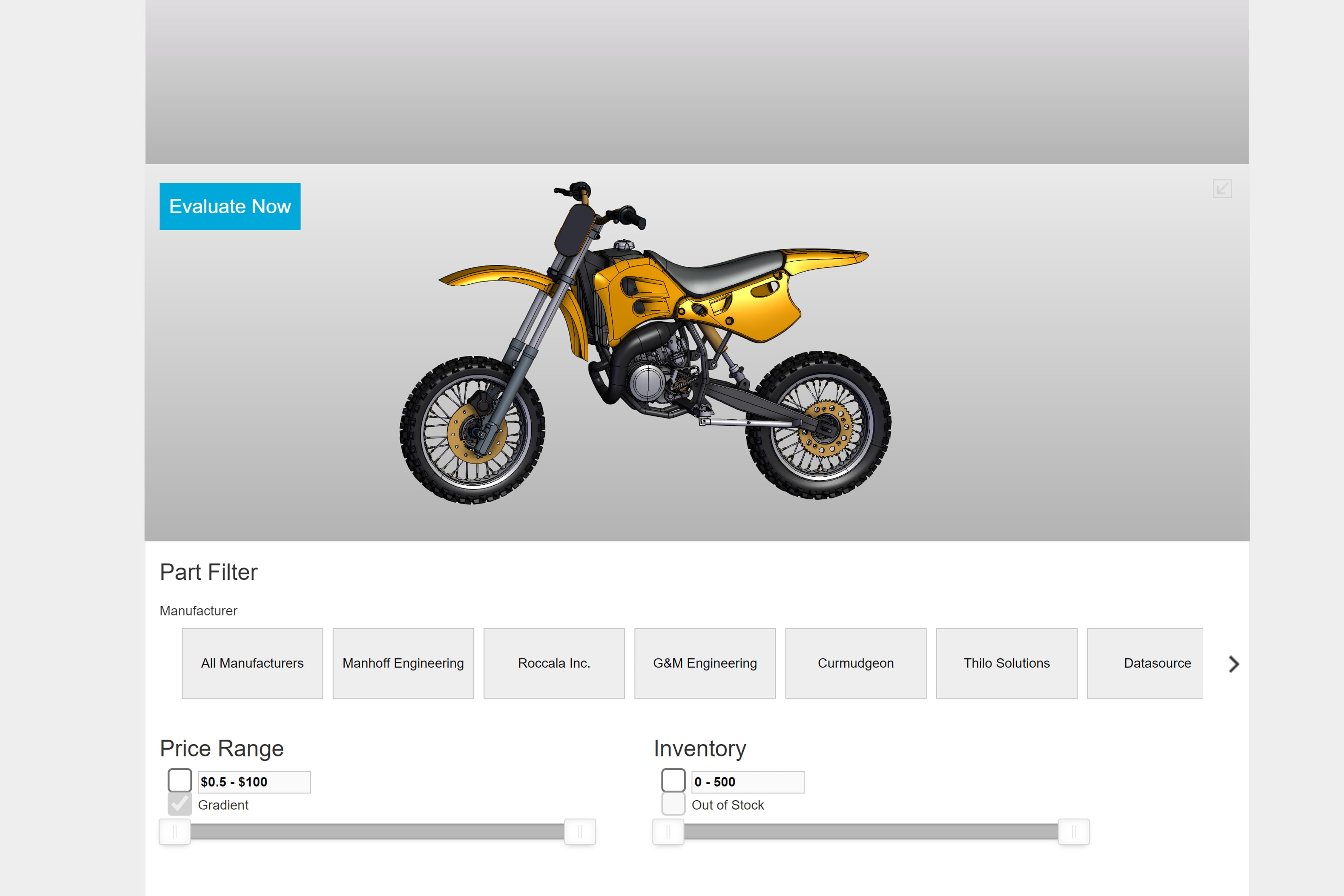
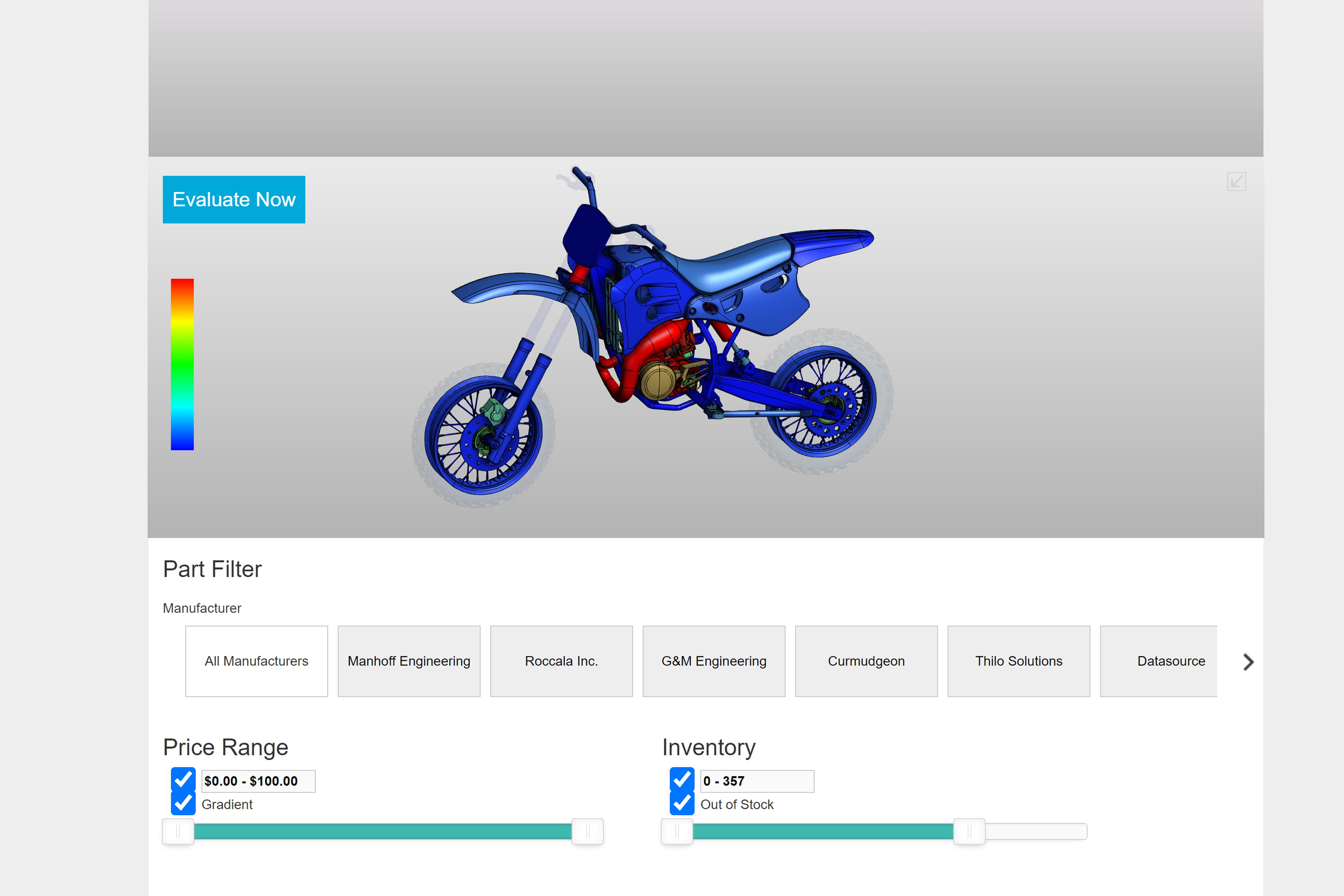
This demo showcases how HOOPS Visualize for Web (formerly HOOPS Communicator) can be connected to a database backend for things like ERP and PLM systems to visualize and display manufacturing data for different parts and assemblies. This demo also shows how HOOPS Visualize for Web (formerly HOOPS Communicator) can be used to quickly change part attributes based on user interaction and incoming data from a database.
To use this demo there is a part filter which can be used to show parts only from specific manufacturers. Additionally, you can enable a filter by price range which will only show parts available within the user specified range. You can do the same for part inventory as well. For price range, you can also turn on a gradient which provides even more visible information giving the viewer an idea of how much a certain part costs based on the color. Lastly, there is part detail dropdown available in the top right corner of the web viewer. When a part is selected, the additional metadata is pulled from the database backend to reveal additional part details.
Learn more about HOOPS Visualize for Web (formerly HOOPS Communicator)
Reference the HOOPS Visualize for Web (formerly HOOPS Communicator) Documentation.
Sign up for a free evaluation.
Jump straight into coding with the 3D Sandbox
Join our Community Forum
Questions or Feedback?
We are looking for feedback and how this toolkit can be improved to meet your needs! Please connect in our forum.
You can also sign up for a 60-day trial of HOOPS Visualize.

Need to contact us? Email us at labs@techsoft3d.com.
Gallery