Inventory Management Demo
This demo showcases how HOOPS Visualize for Web (formerly HOOPS Communicator) can be used to visualize information from an external database in the browser.
Overview
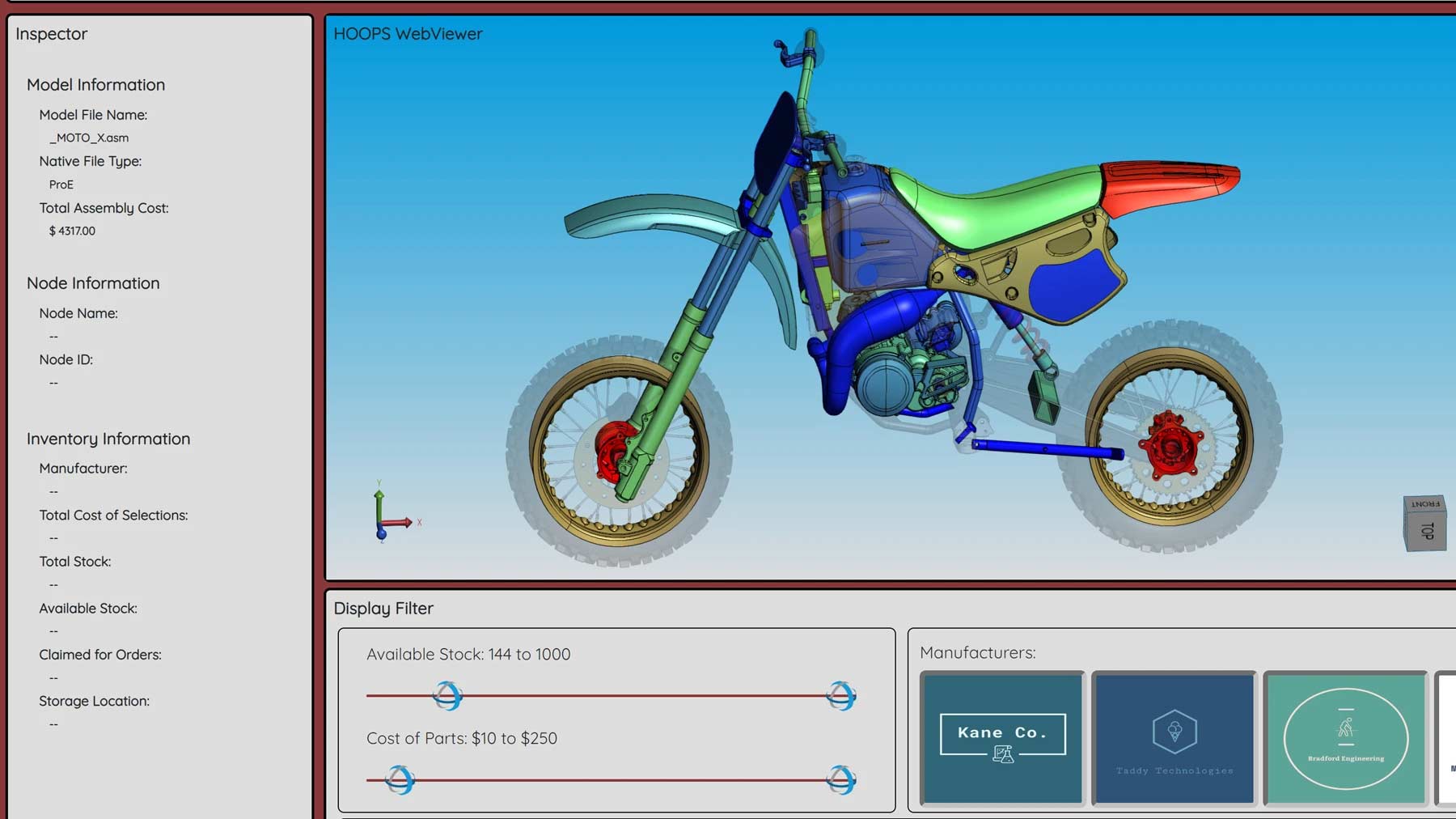
Within this demo, users can filter based on stock, manufacturers, and cost of parts, allowing you to visually and intuitivly represent additional part information coming from a database.
How to Operate
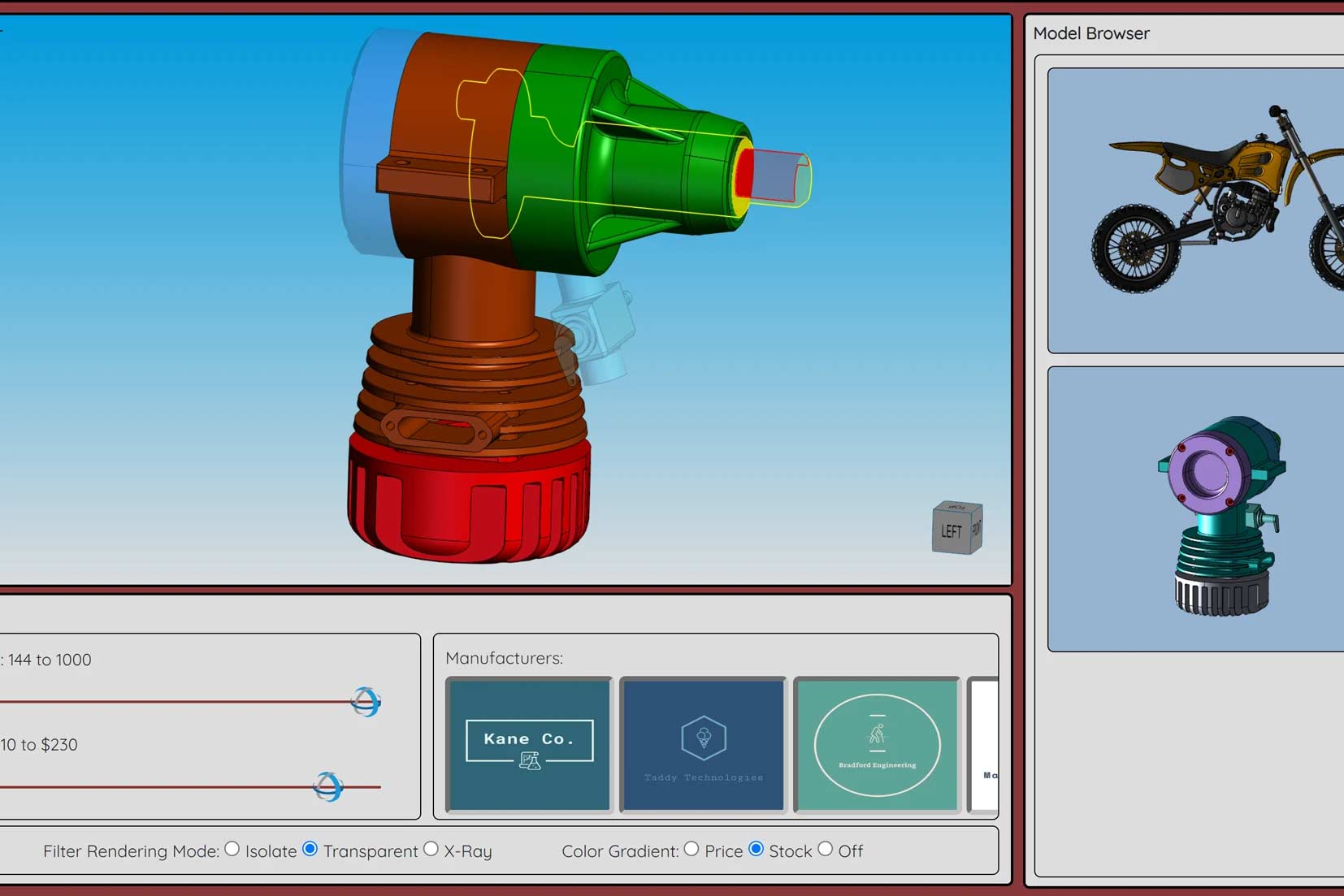
To operate this demo, simply click on one of the models available in the model browser. From there, you can filter out the parts that are displayed on the screen using the available stock and cost sliders, as well as through the manufacturer filters. You can change the filter render mode, and also change how the color gradient is applied to the model. Lastly, you can select an individual part within the assembly to display its additional information.
This demo comes with a full step-by-step tutorial that will show you how to implement this project yourself.
Demo Walkthrough Video
This demo was created using HOOPS Visualize for Web (formerly HOOPS Communicator).
Reference the HOOPS Visualize for Web (formerly HOOPS Communicator) Documentation.
Sign up for a free evaluation.
Jump straight into coding with the 3D Sandbox
Join our Community Forum
Questions or Feedback?
We are looking for feedback and how this toolkit can be improved to meet your needs! Please connect in our forum.
You can also sign up for a 60-day trial of HOOPS Visualize.

Need to contact us? Email us at labs@techsoft3d.com.
Gallery