Full Apartment Building Demo
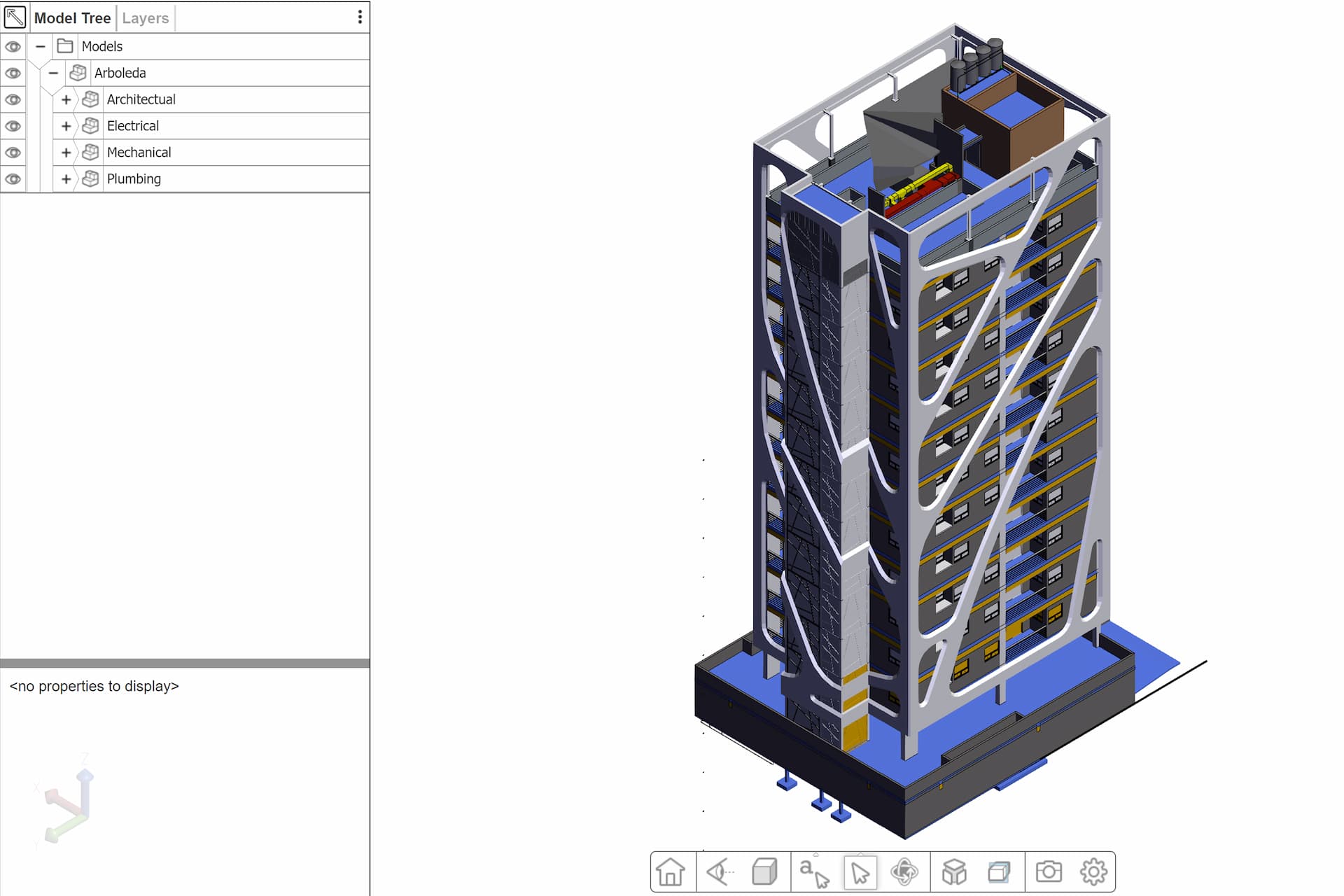
This demo showcases how HOOPS Visualize for Web (formerly HOOPS Communicator) can be used in the BIM workspace by streaming in electrical, structural, and architectural data.
Overview
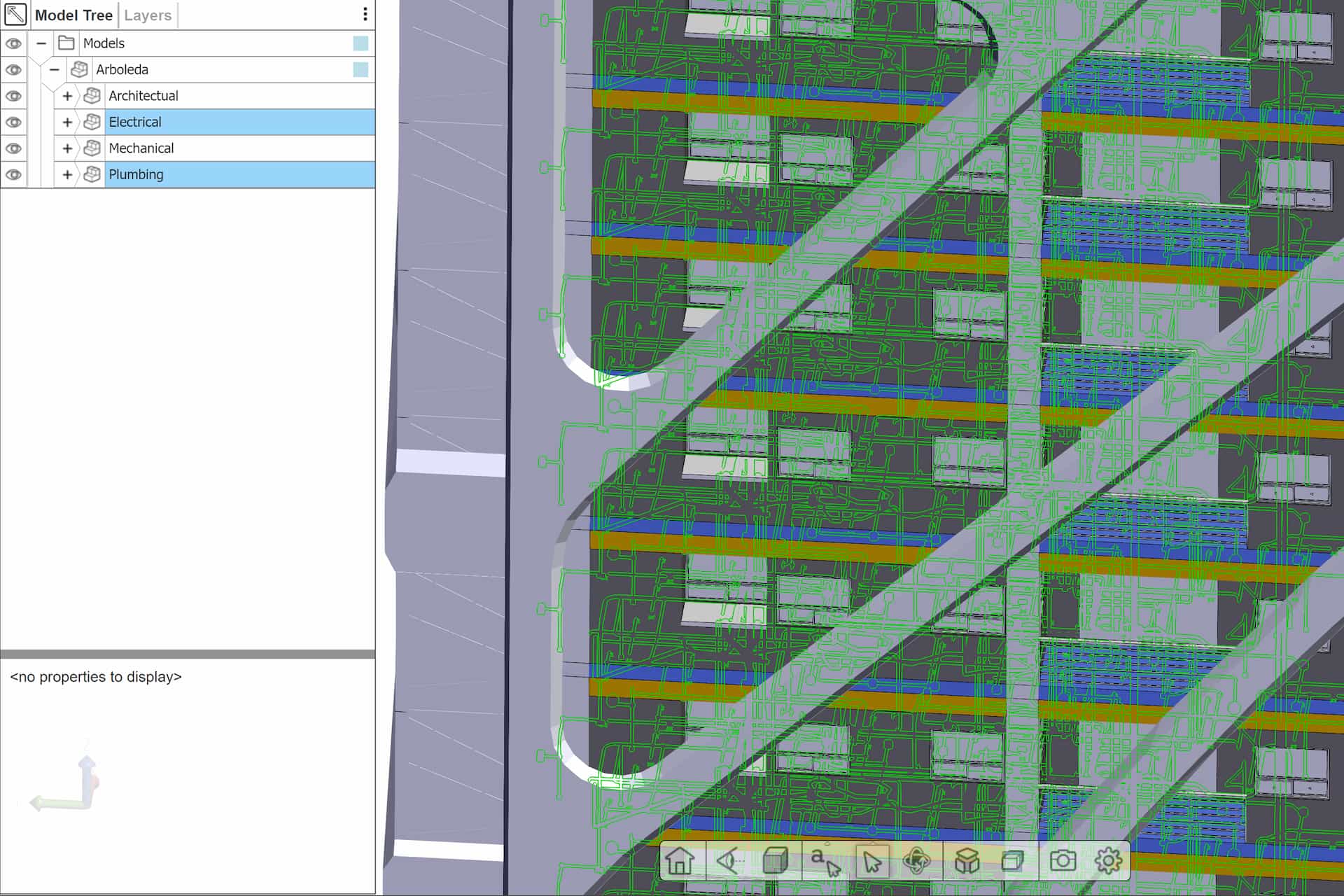
This demo showcases how a very complex AEC model can be displayed and interrogated with the HOOPS Visualize for Web (formerly HOOPS Communicator) standard UI. When opening the model tree, you notice that the model is broken up into segments including architectural, electrical, mechanical, and plumbing.
Through the model tree, each of these subsets of the model can be toggled between visible and invisible. This ability to quickly and easily turn on or off subcomponents to the assembly can allow a single model to be shared with all necessary stakeholders such as plumbers, electricians, etc. without needing to maintain multiple versions of the model.
Explore HOOPS Visualise for Web
This demo was created using HOOPS Visualize for Web (formerly HOOPS Communicator).
Reference the HOOPS Visualize for Web (formerly HOOPS Communicator) Documentation.
Sign up for a free evaluation.
Jump straight into coding with the 3D Sandbox
Join our Community Forum
Questions or Feedback?
We are looking for feedback and how this toolkit can be improved to meet your needs! Please connect in our forum.
You can also sign-up for a 60-day trial of the HOOPS Web Platform.

Need to contact us? Email us at labs@techsoft3d.com.
Gallery