Configurator Demo
This demo showcases how HOOPS Visualize for Web (formerly HOOPS Communicator) can be used to create a product configurator visualization workflow.
Overview
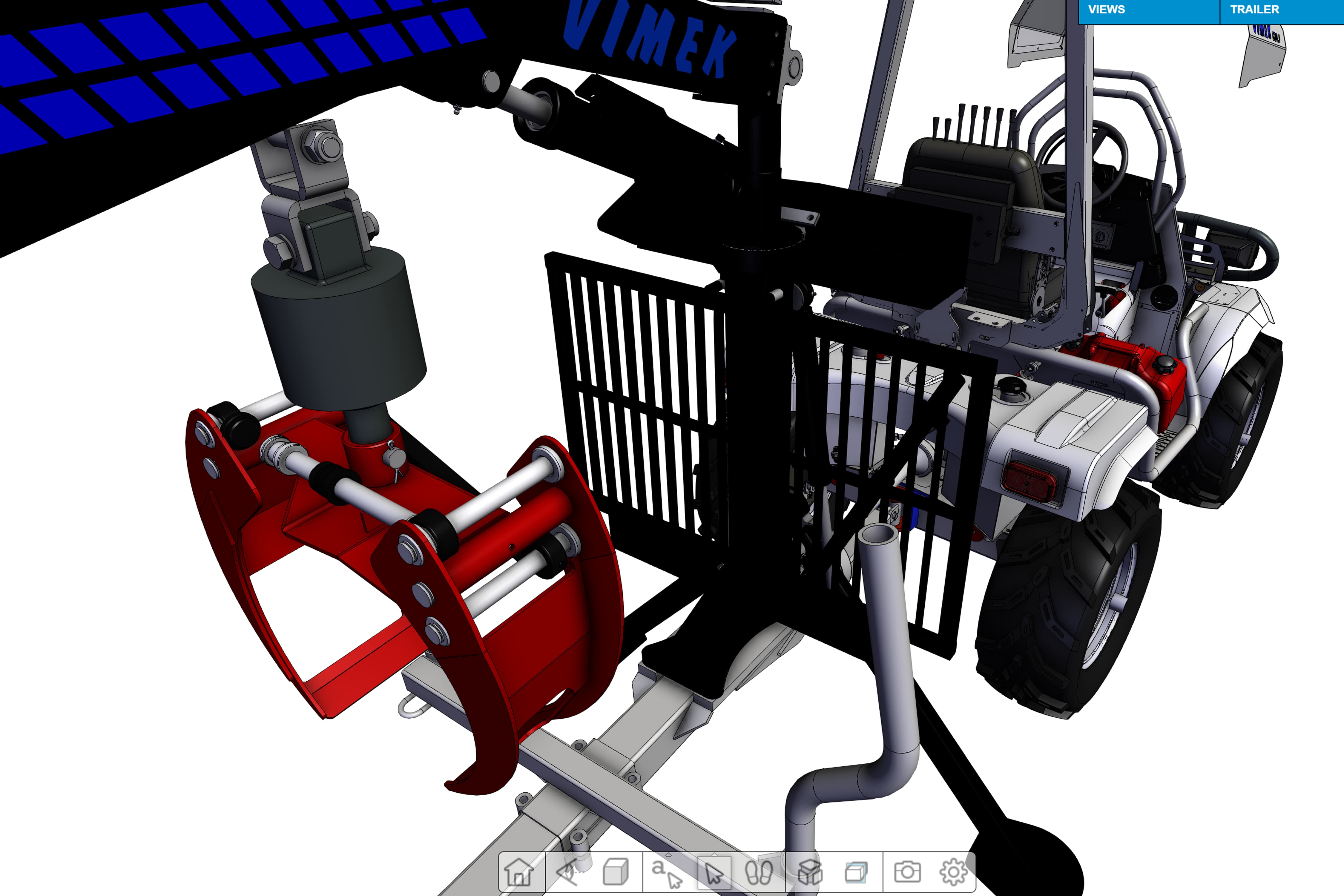
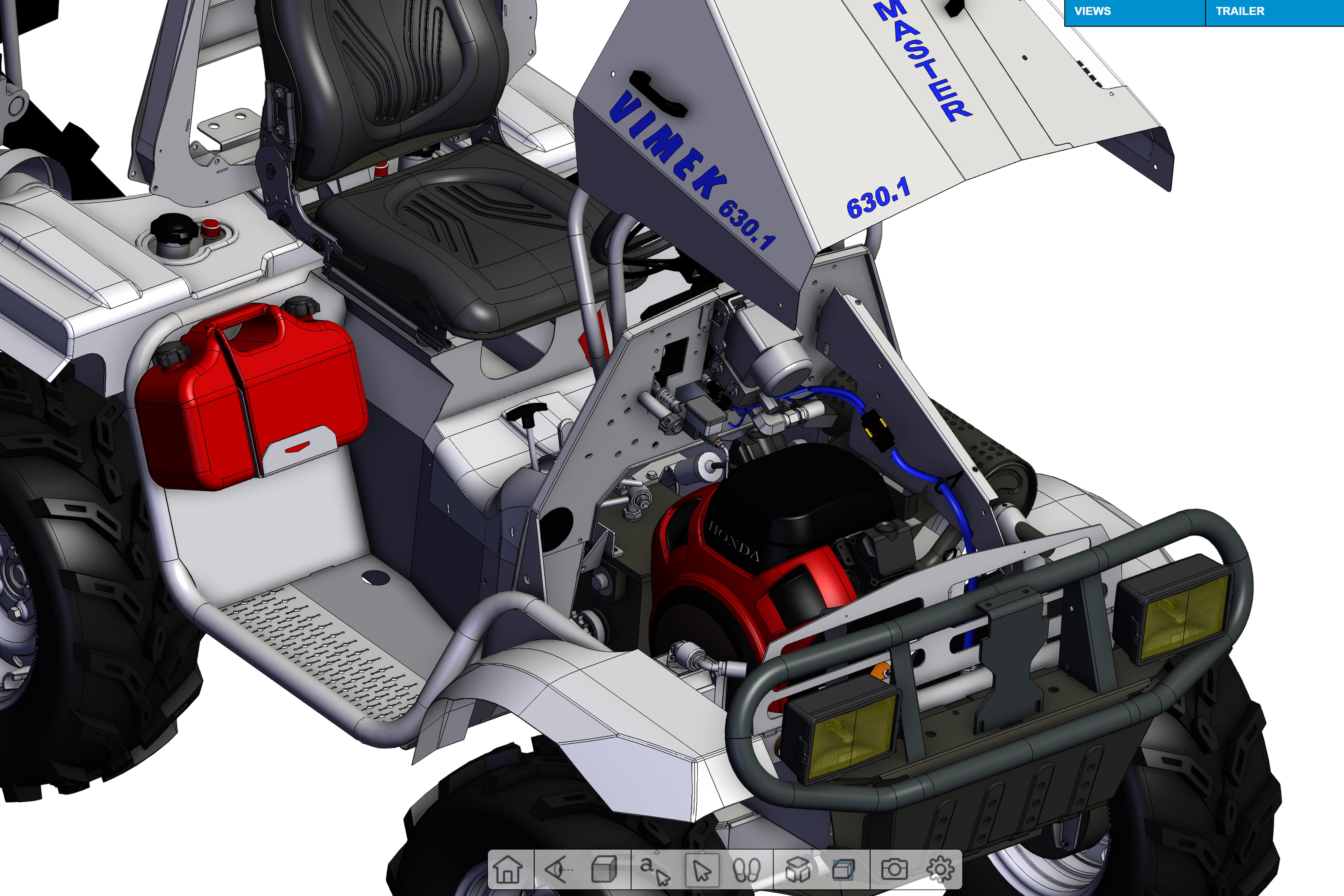
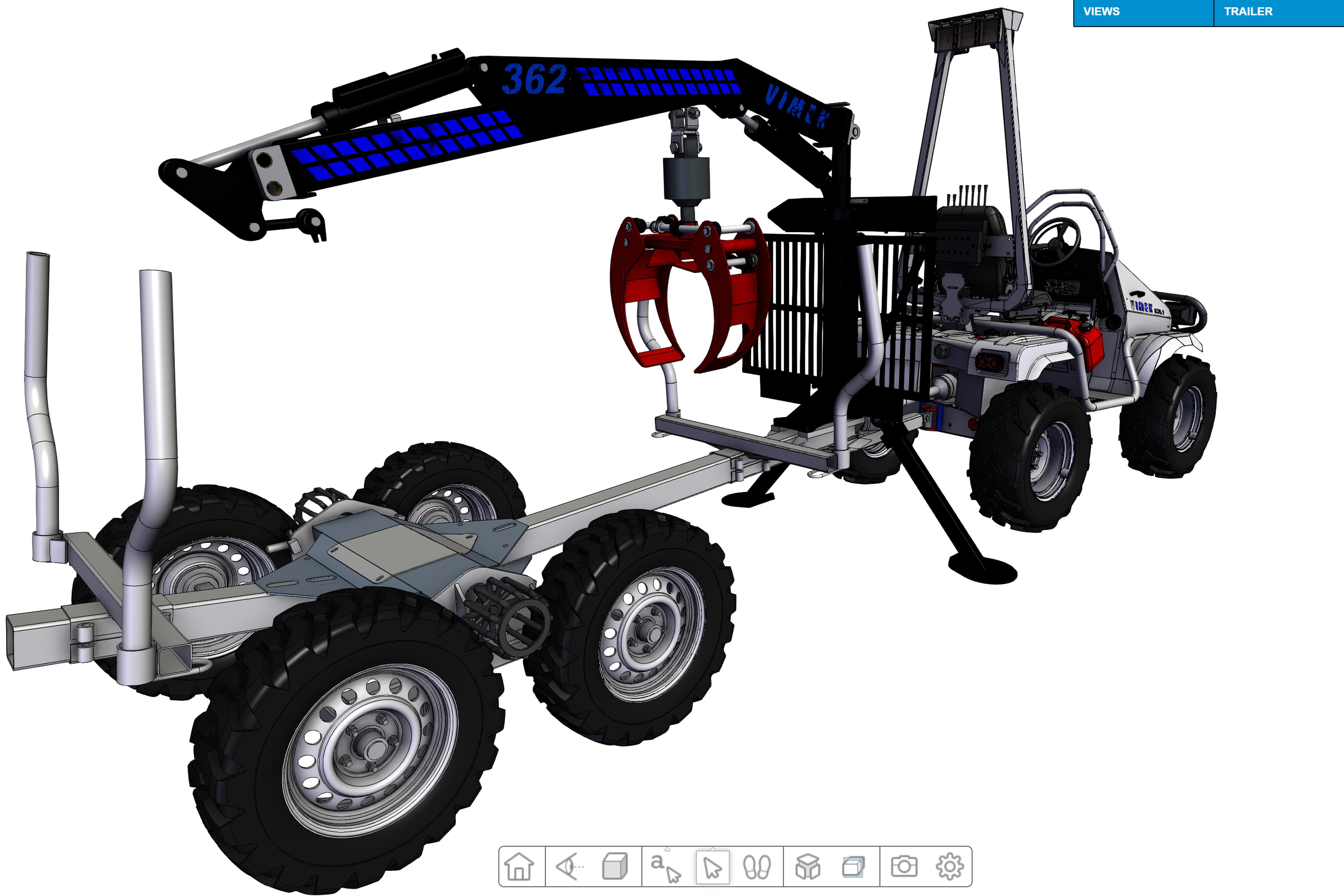
This demo showcases how HOOPS Visualize for Web (formerly HOOPS Communicator) can be used to create a product configurator visualization workflow. Within this demo, you can select elements of an automotive assembly and add them to your scene through dynamic loading. Additionally, if multiple options of the part that has been added are available, you can swap the part out for a different one. Within this demo there are different predefined views, some with animations, to highlight different aspects of the assembly.
To operate this demo, simply hover over the views, drop down to change your viewing location and see the built-in animations. Additionally, you can hover over the trailer, engine, and steering wheel dropdowns to add more elements to the scene, or swap out a part if it already exists within the scene.
Explore HOOPS Visualise for Web
This demo was created using HOOPS Visualize for Web (formerly HOOPS Communicator).
Reference the HOOPS Visualize for Web (formerly HOOPS Communicator) Documentation.
Sign up for a free evaluation.
Jump straight into coding with the 3D Sandbox
Join our Community Forum
Questions or Feedback?
We are looking for feedback and how this toolkit can be improved to meet your needs! Please connect in our forum.
You can also sign-up for a 60-day trial of the HOOPS Web Platform.

Need to contact us? Email us at labs@techsoft3d.com.
Gallery