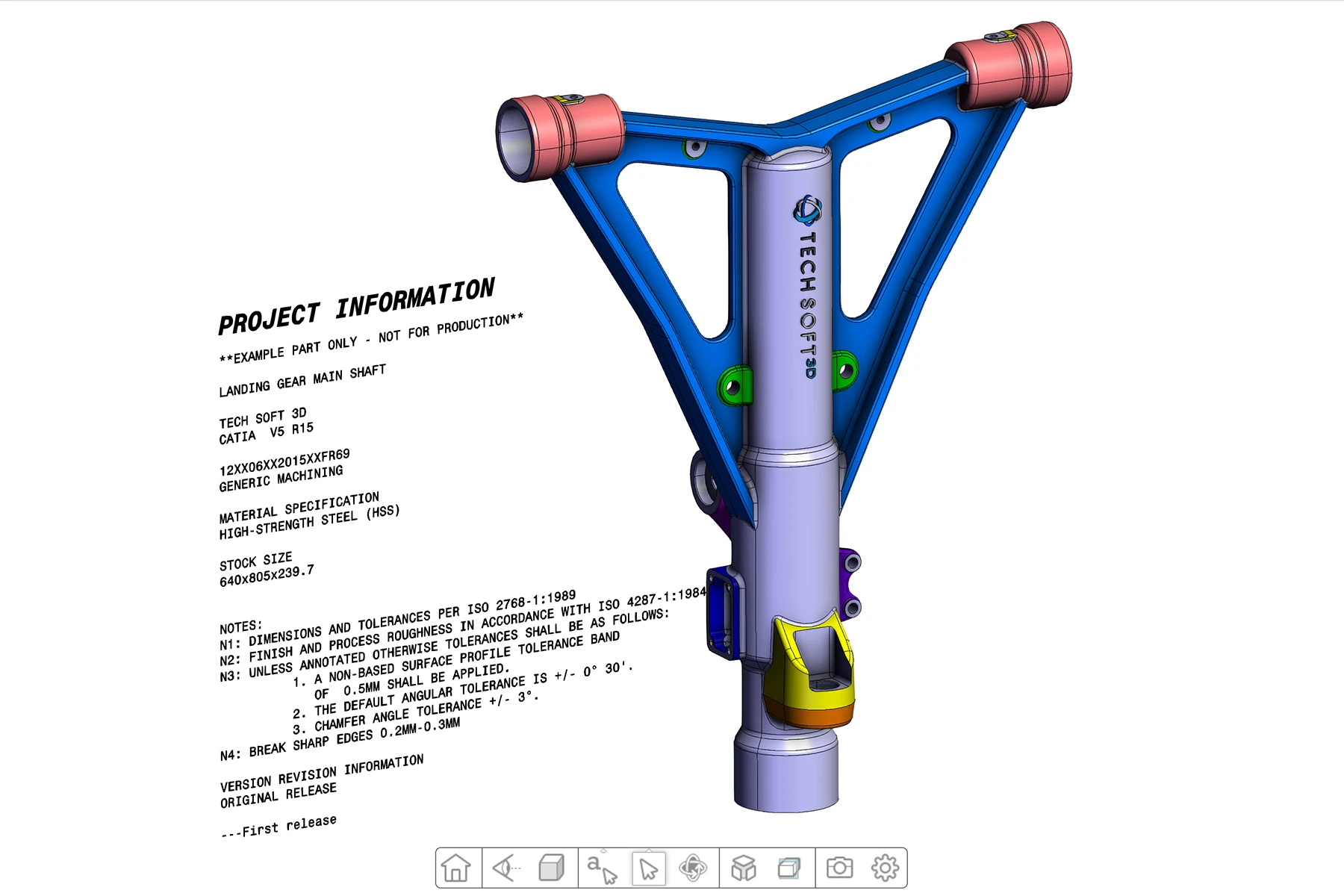
CAD Model Streaming Demo
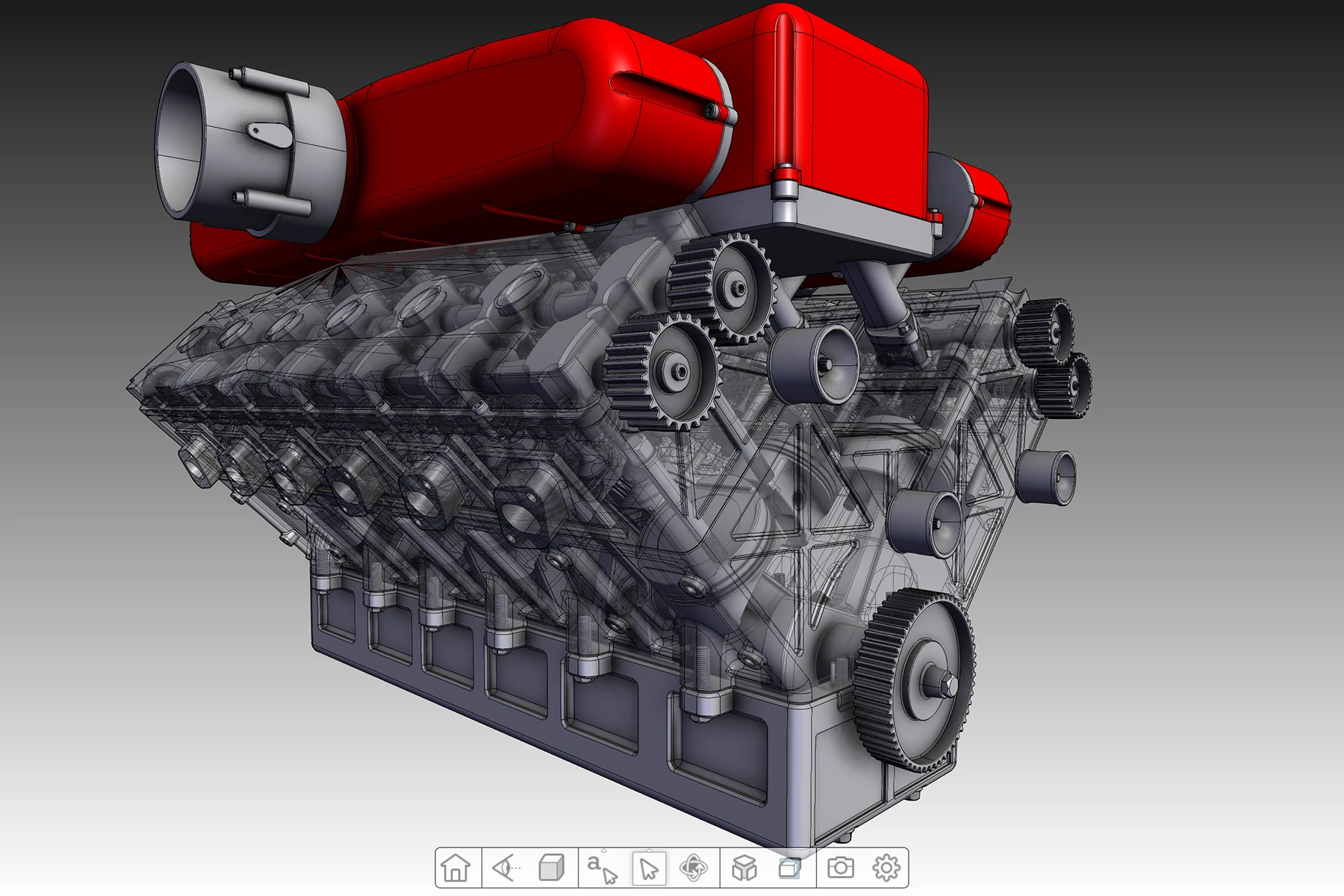
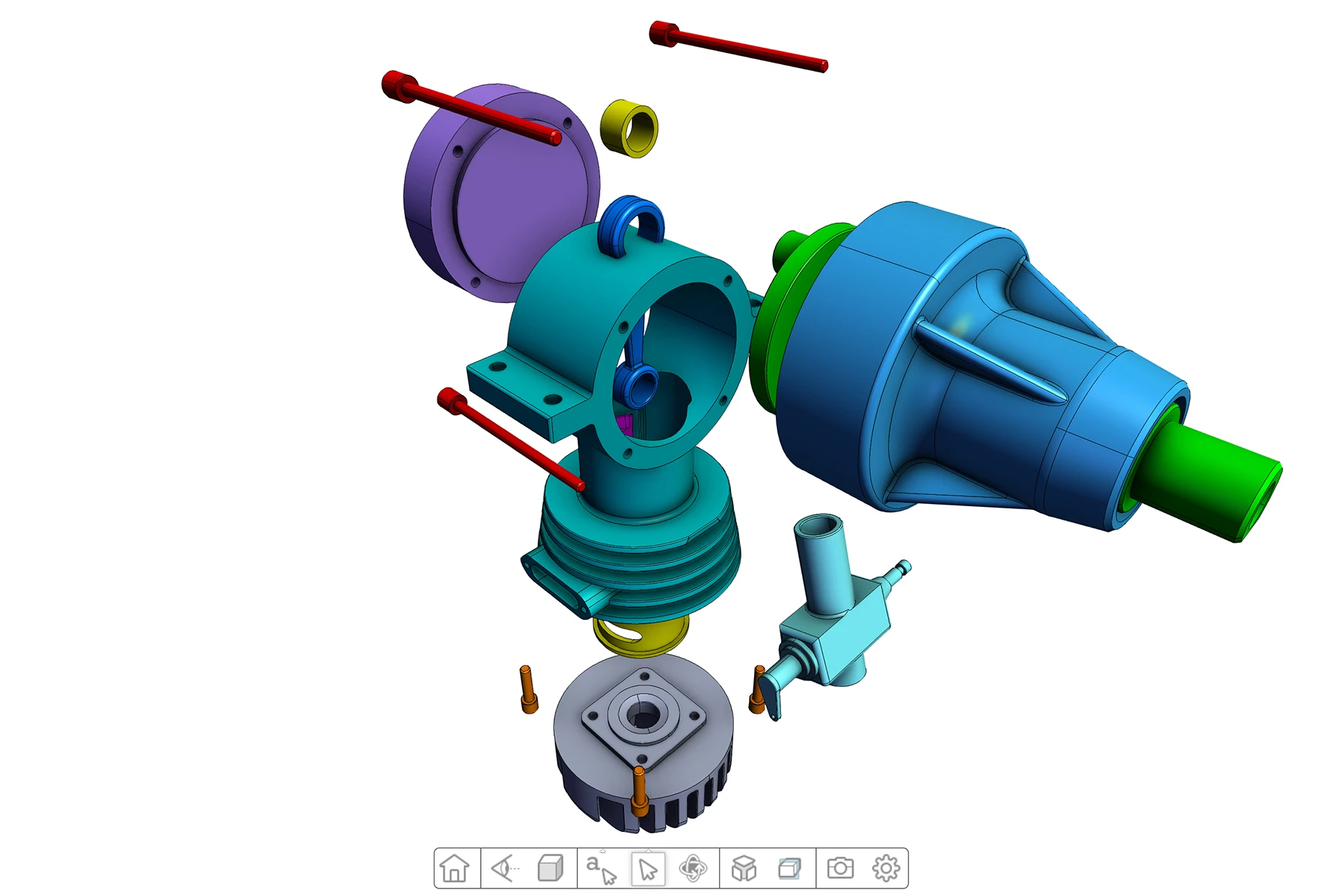
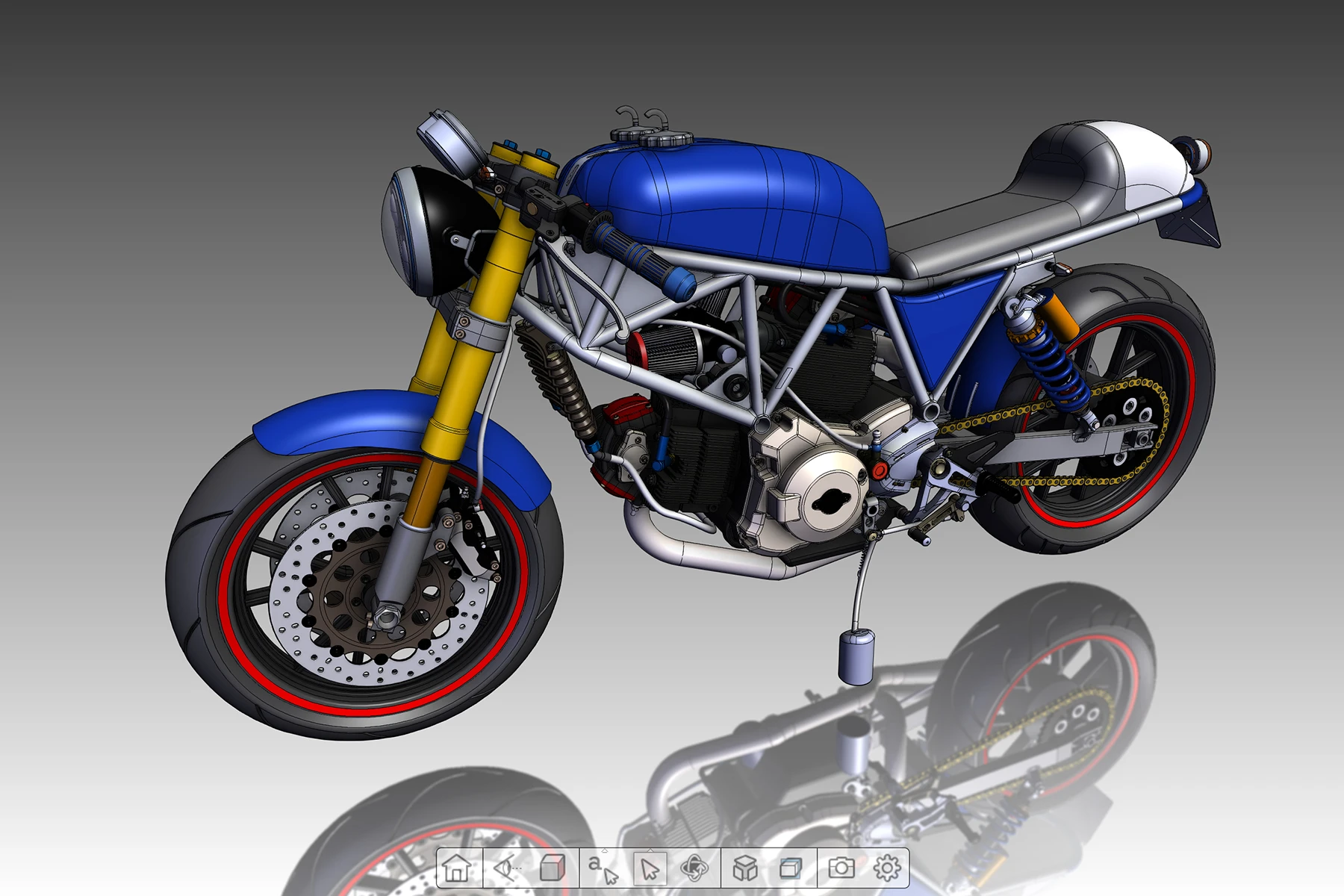
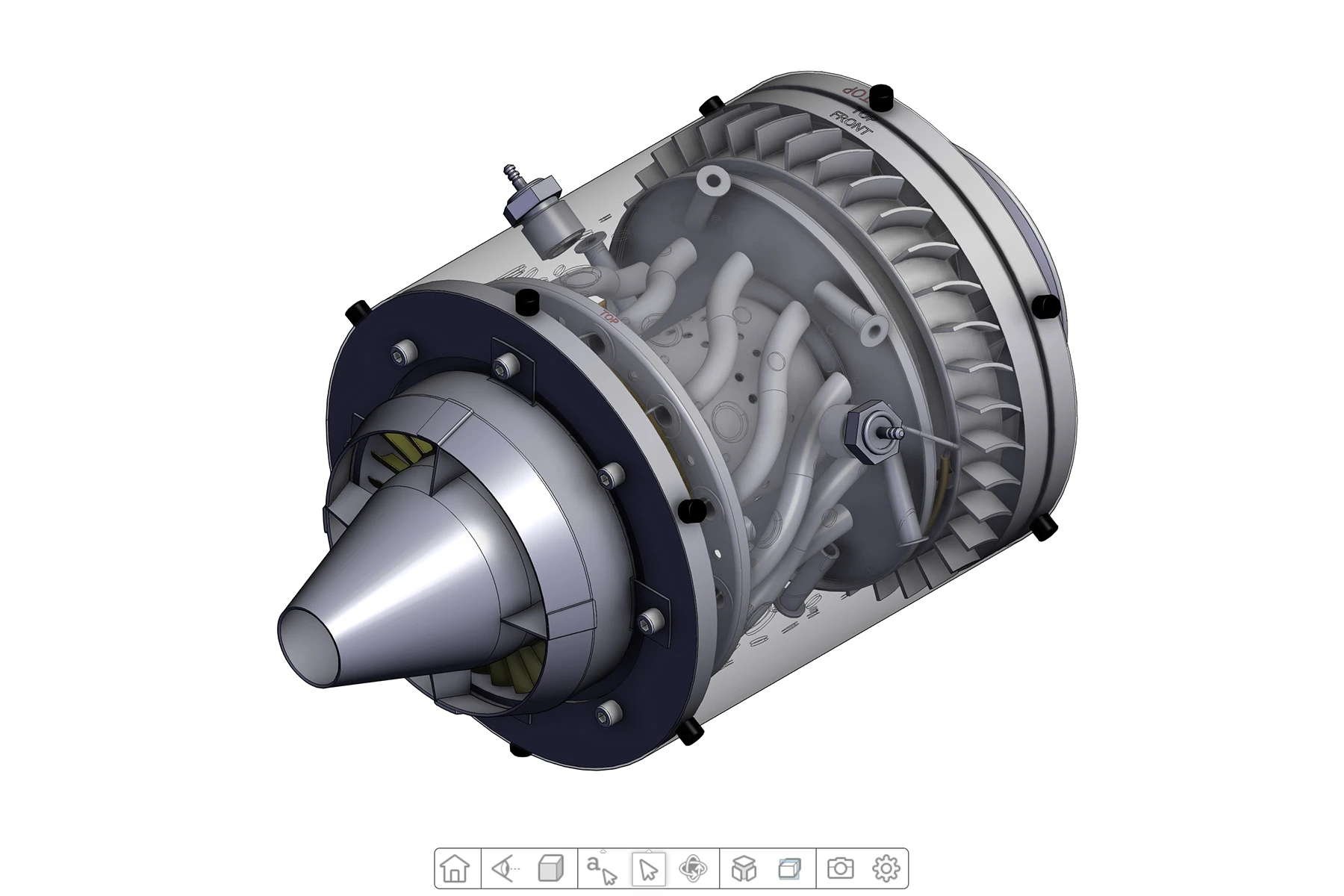
This HOOPS Visualize for Web (formerly HOOPS Communicator) demo shows how the HOOPS Streaming Server can be used to easily swap between different models.
Overview
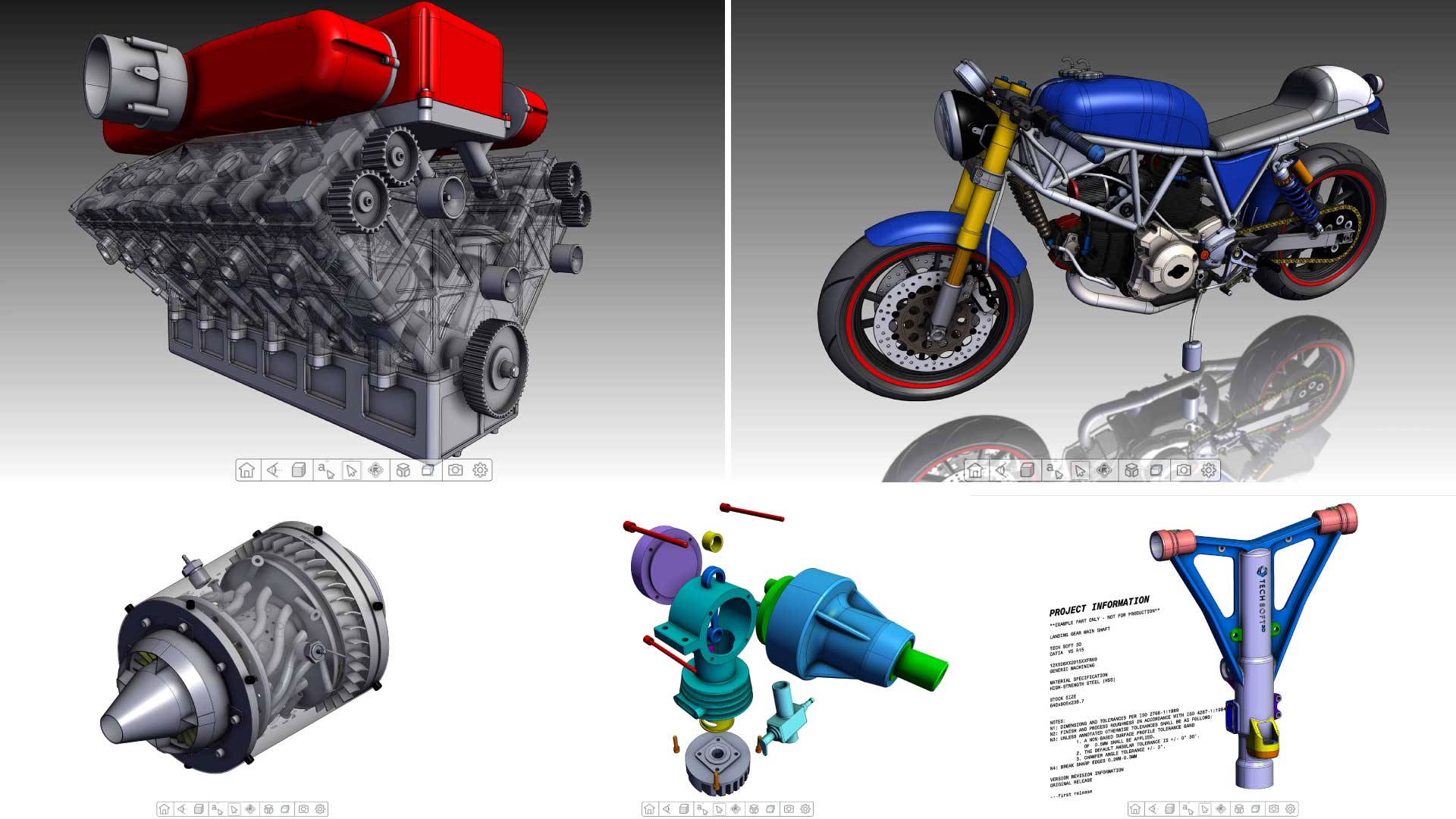
This demo showcases the basic functionality and UI of the HOOPS Web Viewer, specifically with regard to displaying MCAD models of various big and small assemblies. The HOOPS Web Viewer supports the full richness of engineering data including product structure, PMI, filters and layers, physical properties and more. The HOOPS Web Viewer also comes with complex CAD interrogation tools and operators including precise measurement, extensive set of 3D and 3D markup functionality, and more.
This demo also highlights the streaming capabilities of the HOOPS Stream Cache Server which is a subcomponent of HOOPS Visualize for Web (formerly HOOPS Communicator). The models shown in this demo are hosted on a server which runs the HOOPS Stream Cache Server. Through this, the requested CAD data is streamed interactively to the client. The HOOPS Stream Cache Server optimizes streaming so that the most important data for current view of the user is streamed in first. This means that your users do not need to wait for the entire CAD model to be streamed in before they are able to interact with it.
How to Use
To use this demo, simply select the model that you would like to view from the Models dropdown available on the right hand side of the screen.
Explore HOOPS Visualise for Web
This demo was created using HOOPS Visualize for Web (formerly HOOPS Communicator).
Try this Building a Basic Application tutorial. The same concepts were used to build this demo.
Reference the HOOPS Visualize for Web (formerly HOOPS Communicator) Documentation.
Sign up for a free evaluation.
Jump straight into coding with the 3D Sandbox
Join our Community Forum
Questions or Feedback?
We are looking for feedback and how this toolkit can be improved to meet your needs! Please connect in our forum.
You can also sign-up for a 60-day trial of the HOOPS Web Platform.

Need to contact us? Email us at labs@techsoft3d.com.
Gallery