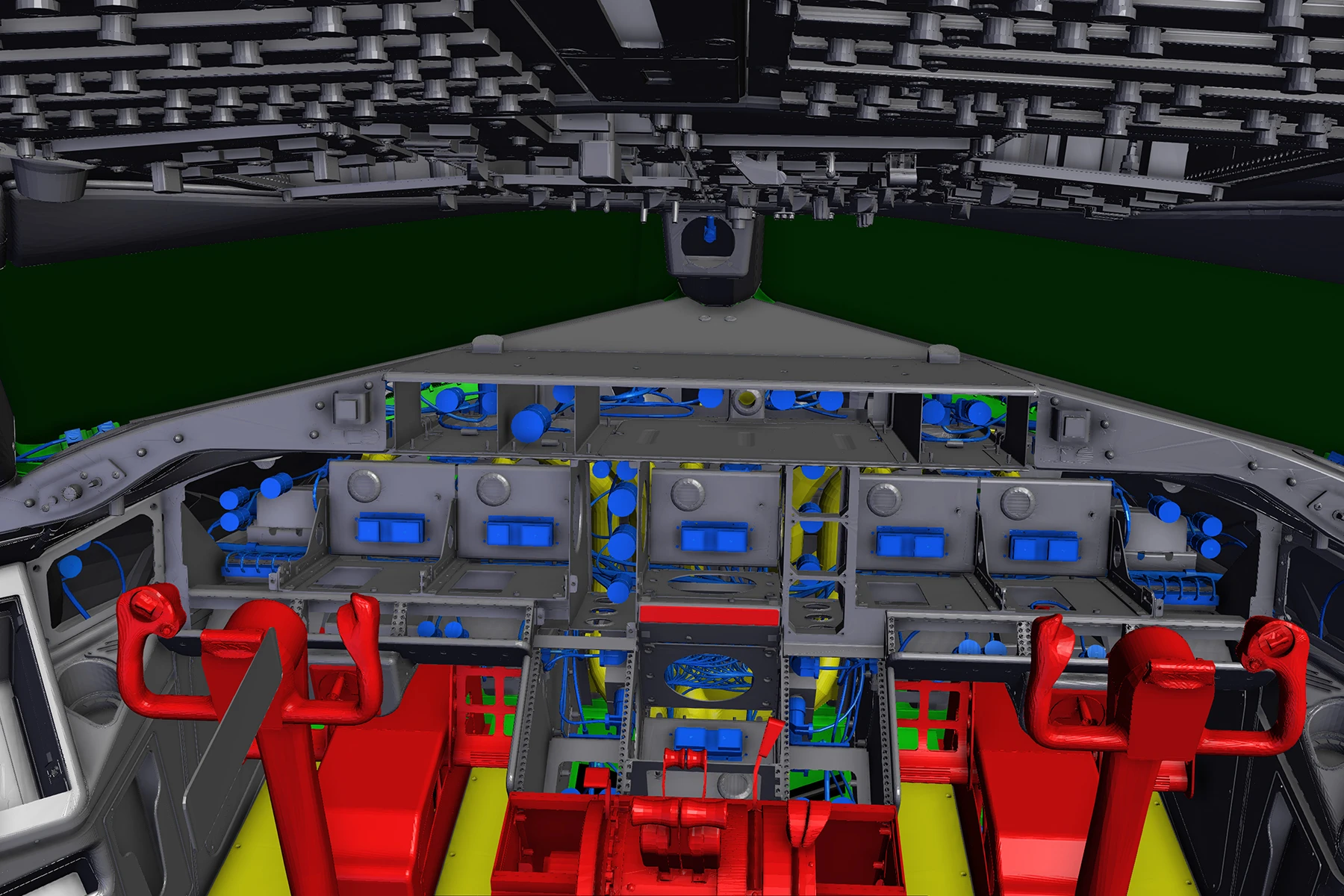
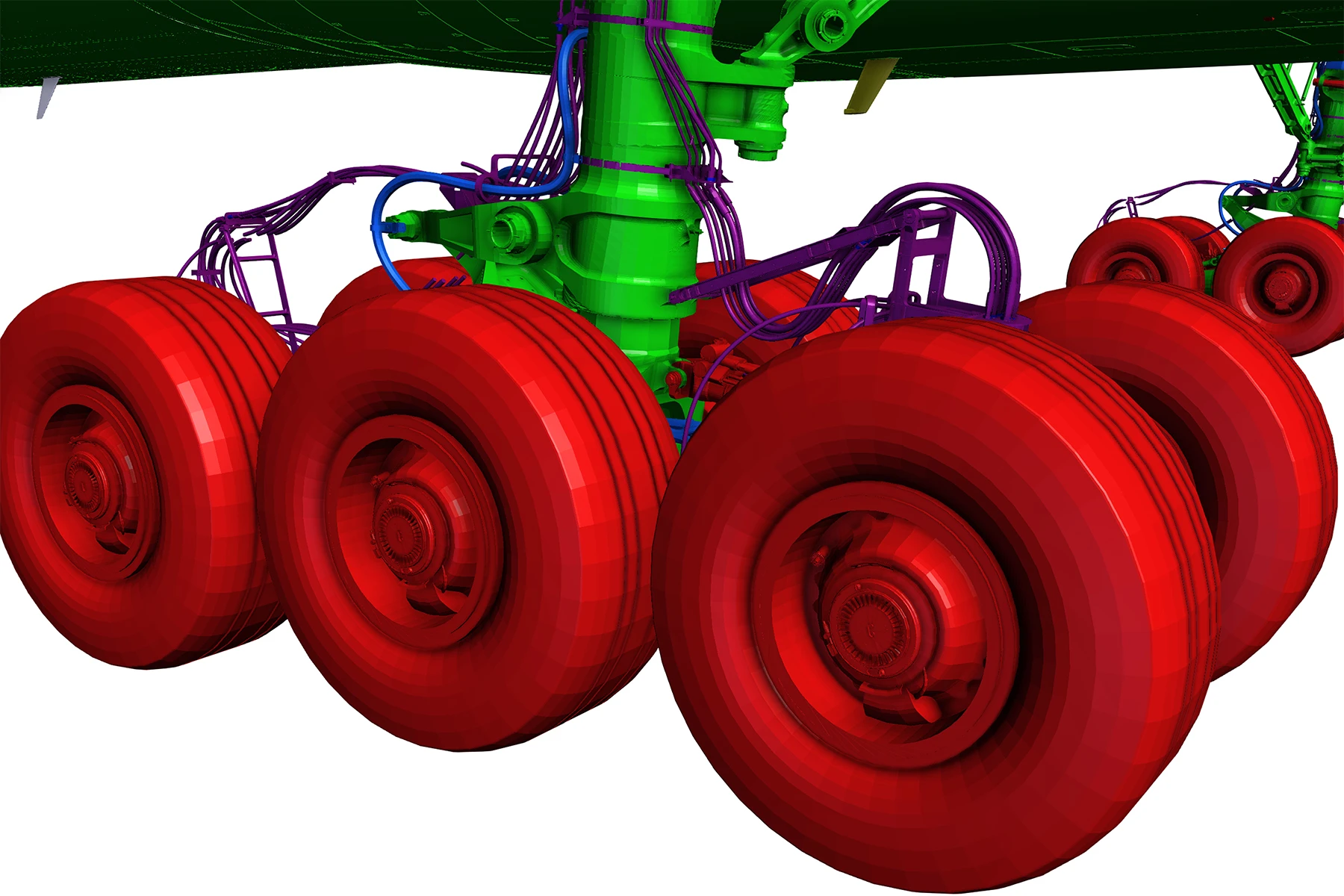
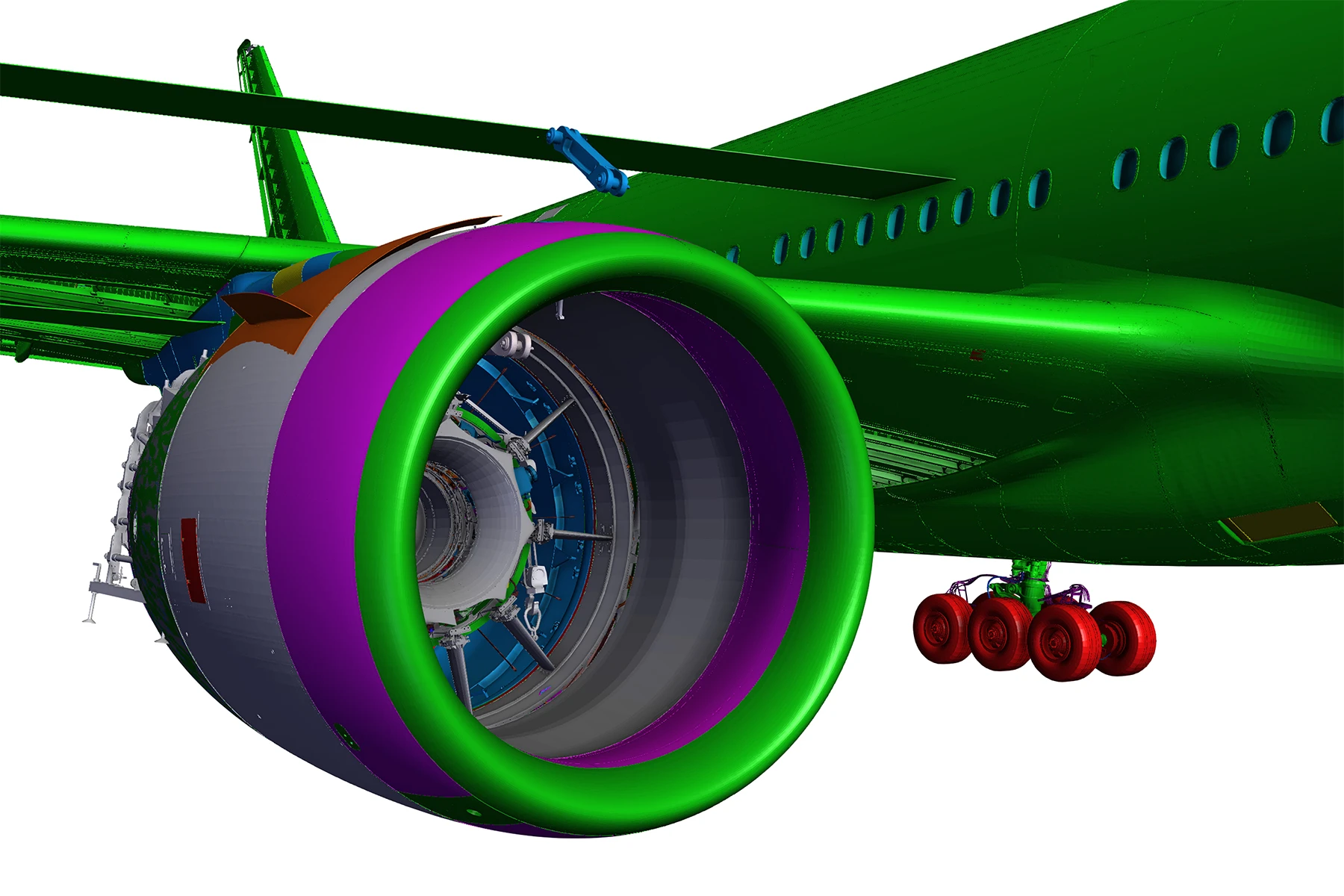
Boeing 777 Demo
This demo shows a 30GB CATIA assembly loaded in the browser. This is achieved by streaming in the data through a remote streaming server.
Overview
This demo showcases how Memory Limiting can be utilized to restrict the amount of GPU resources that are used on the client at a given time. This feature of HOOPS Visualize for Web (formerly HOOPS Communicator) is extremely useful when viewing models with a large amount of geometry on devices that have limited graphical resources.
This demo shows a 30GB CATIA Assembly with 700,000 parts and 350 million triangles. When memory limiting is enabled, data for the Boeing 777 will begin streaming in as normal, however if the system detects that streaming additional data to the server would put the demo over the defined resource limit, existing data will be ejected from the client to make room for the new, more relevant data. If enabled, the resource limit will be set to 150 Megabytes.
How It Was Implemented
Enable Memory Limiting in the browser
Start the WebViewer
Explore HOOPS Visualize for Web
This demo was created using HOOPS Visualize for Web (formerly HOOPS Communicator).
Reference the HOOPS Visualize for Web (formerly HOOPS Communicator) Documentation.
Sign up for a free evaluation.
Jump straight into coding with the 3D Sandbox
Join our Community Forum
Questions or Feedback?
We are looking for feedback and how this toolkit can be improved to meet your needs! Please connect in our forum.
You can also sign-up for a 60-day trial of the HOOPS Web Platform.

Need to contact us? Email us at labs@techsoft3d.com.
Gallery