

The Building Blocks of AEC Software: A Developer’s Guide
With the market shifting and demand increasing, developers need to be aware of the foundations that can address the needs they see in the industry. To build modern AEC software, developers typically need to address four foundational areas: data access, modeling, visualization, and simulation.
While Tech Soft 3D offers toolkits for each of these areas, we first want to give you an overview of these foundational areas and the other options present in them.
Data Access
Data access is a core functionality for any application, yet it presents unique challenges in the AEC world. The AEC industry creates headaches for developers by having a huge amount of legacy data in various formats that must be supported. These formats somewhat clash with the modern and open formats that are gaining traction due to their technical superiority and regulatory mandate.
A successful application will need to support all the formats your customers rely on. Users expect fast translation between formats without data loss issues or having to worry about format versions. Every ecosystem will have its own dominant format. For developers, these factors can be a significant headache, proving costly to build out and maintain support for all these formats.
Legacy/ Closed Formats
DXF – Early interoperability format from Autodesk; decent for visual fidelity but outdated
DWG – Native AutoCAD format; huge amount of legacy data, but closed.
Revit (RVT) – Now the most popular AEC authoring tool, but very hard to import/export
Navisworks (NWD/NWC) – Useful for aggregating large models; also closed.
Bentley DGN – Widely used but proprietary.
Open / Modern Formats
IFC – Widely used, mandated in much of Europe, this format includes metadata and structure
glTF – Lightweight and modern, driven by the gaming industry, with high visual fidelity and support for PBR (Physically Based Rendering)
USD (Universal Scene Description) – Developed by Pixar and gaining popularity, particularly in industrial/metaverse applications. Offers rich graphical definitions
Modeling Tools
Selecting the modeling tools your development leverages is a critical element of advanced applications that author or edit AEC data. Many applications require geometry creation and editing to core math functionality and analysis tools. While AEC has been less focused on modeling kernels than the CAD industry, when there is a need, the right decision is still crucial.
Developers generally choose between open-source and commercial options. While it is technically possible to build these capabilities from scratch, doing so is rarely practical. The development effort is substantial, time-consuming, and often results in a less mature solution than existing alternatives.
Open-source options like Open Cascade and IFC OpenShell offer transparency and a community hell-bent on providing the features you need at the best price possible: free.
While they have no cost to license, organizations may incur costs in other areas as a result of choosing open-source resources. These options usually require more developer expertise to get the application ready to ship, an expensive proposition with a potential opportunity cost of getting to market later. Additionally, these options rarely offer the same performance as their commercial competitors.
On this commercial side, Siemens Parasolid is the market leader, with Spatial from Dassault Systems providing other option. The former is extremely robust and widely adopted, while Spatial offers the ACIS and CGM Kernels, which its parent company controls. A commercial product offers professional support and optimization you will not find from open-source options. They do have licensing costs to budget for, but are a strong option for teams of most sizes.
Ultimately, the choice will boil down to your developers, budget, and goals. For those looking for a more experimental approach or with a strong IFC focus, open-source may be the right choice
Commercial kernels are well-suited to those looking for faster to-market times and polish. For many, commercial options probably offer an advantage to those looking to create applications that are ready-made to compete in the AEC markets.

Graphics
Providing effective visualization functionality is one of the most important parts of an AEC application. For clients, contractors, stakeholders, and regulators, high-fidelity, high-performance rendering across platforms is crucial. This is an area that is evolving rapidly, with more traditional CAD viewers giving way to web-first and more immersive visualization experiences. AEC models are often massive, and developers must balance the demands for greater fidelity with expectations of reliable, rapid performance.
Once again, there are a few routes developers can turn to for providing visualization without recreating these features from scratch: open-source options, gaming engines, and commercial toolkits.
Open-source and web graphics solutions like Three.js and IFC.js are free-at-source options. Three.js is the most widely used open-source JavaScript library for 3D and powers Autodesk Platform Services. IFC.js, as the name suggests, has a focus on BIM, allowing IFC viewing directly in the browser. While these tools are widely adopted and offer a low-cost option, they demand significant developer investment to achieve a market-ready polish.
On the AEC side of things, CreoX is an open-source tool worth exploring optimized for the large models common in AEC projects.
Gaming engines, while previously limited in their usefulness, are being applied to AEC more frequently, with real-time visualization, immersive experiences, and even support for AR/VR being significant advantages. They boast the advanced lighting and materials features that the gaming industry needs. NVIDIA Omniverse, using USD as its backbone, is positioning itself as a next-generation AEC visualization and interoperability option.
Finally, we have commercial toolkits, like Tech Soft 3D’s HOOPS Visualize. These are tailored specifically to engineering data, offering high-performance graphics right out of the box. We will go into more detail later, but these SDKs are well-suited to the complexity of BIM models while being optimized for professional use.
Simulation
Simulation in AEC is a crucial pillar for developers, but one that is often provided by third-party solvers rather than a novel application. Many applications tend to have a bigger focus on data access and visualization, with simulation being handled by more specialized applications separately. While important for compliance and performance, this area is not as complex a building block choice for developers in most use cases.
How Can SDKs Impact Your AEC Development?
As we have covered, there are plenty of options available to developers, from open-source and gaming engines to commercial SDKs. When leveraged well, toolkits allow you to turbo-charge your application creation process, providing polished, market-tested functionality at a fraction of the development time and cost.
Lower Development Costs
SDKs cost money, and the prices can be intimidating at first glance, particularly when compared to open-source options. In our experience, toolkits can actually save an organization in the long run. Developing AEC software is difficult, complex, and expensive. Any hiring manager will tell you it is extremely hard to find good developers with niche skillsets and experience to create entire 3D applications from scratch.
Developing entirely in-house requires a huge team of highly skilled, well-paid 3D developers, and can take years. The costs associated with this – salaries, benefits, facilities/hardware, quality assurance, and less tangible project costs can be exorbitant. SDKs are often far cheaper than the additional staff required to create similar capabilities in-house. Overall, the right SDKs can allow you to have a smaller, more focused team.
Faster Time-to-Market
First mover advantage is real in many industries, and AEC software is no different. If your customers already use your competitors' applications for their needs, your software will have an uphill battle to dislodge their market share. Open-source tools are a wonderful resource, but require significant fine-tuning and customization to fit your use case.
SDKs allow you to outsource areas of your development that have already been done before. Don’t get beaten to the finish line by developing and maintaining functionality that you could have integrated into your application in a fraction of the time.
More Complete Product
While open-source tools are useful, commercial SDKs often edge them in performance, breadth of functionality, and reliability. Why?
Simply put, SDKs have years of market-tested experience behind their capabilities, and unlike open-source resources, have a professional team of experts solely dedicated to their creation and maintenance.
SDKs can allow you to take advantage of the hard work of another development team, with their years of refinement, customer feedback, and testing that would be nearly impossible to replicate cost-effectively.
Component technology allows you to provide these refined features in your application, without the years that polish took to acquire.
Focus on Your Ideas
Your application will have something to make it stand out from the crowd – your secret sauce. SDKs can save you time, money and provide a better end product, but it's your unique idea that will provide real value to your customers. Component technology allows you to spend the time, money, and focus you have saved on this key element of your application.
Hire specialized developers for the niche you plan to serve, allow your team to focus on differentiation, and perfect your product offering.
What Toolkits Exist for AEC Software Developers?
For those who have decided to explore toolkits for their AEC application development, we wanted to provide an overview of both Tech Soft 3D toolkits and a few of the other options available. As discussed, open-source resources are a valid choice for many use cases as well. The best way to know which is right for you is to have a conversation with experts: help us understand your unique circumstances, and we will try to help guide you to the best choice for you.
Tech Soft 3D – Solutions Pillars for Every Aspect of AEC
Tech Soft 3D organizes our toolkits and resold products into four distinct pillars based on the functionality they provide. They are data translation, modeling, simulation, and graphics. We are also thrilled to have launched a new AI tool called HOOPS AI that is extremely relevant for AEC developers.
One of the biggest benefits of all Tech Soft 3D toolkits is the control they offer over your information. Data sovereignty is perhaps the term of the year in AEC, and Tech Soft 3D toolkits allow you to provide polished, complete functionality while providing distribution and hosting control for you and your end users . Data sovereignty is all about where end users can store their data. Tech Soft 3D partners don’t need to host their customers’ data on the Autodesk cloud; they can choose how to host the solution, including on a private deployment on their customers’ infrastructure.
Data Translation – HOOPS Exchange
One of the biggest challenges of the AEC space is handling the wide range of formats, both legacy and modern. HOOPS Exchange offers industry-leading CAD and AEC data translation, supporting over 30 formats, including the most popular ones for AEC. With decades of experience providing data access functionality around the world, HOOPS Exchange provides the reliability and speed you and your users need.
3D Modeling – Parasolid
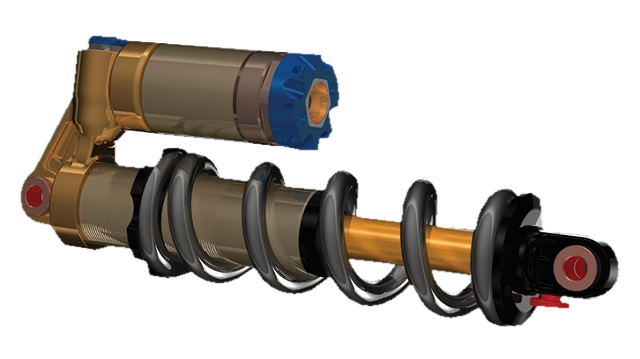
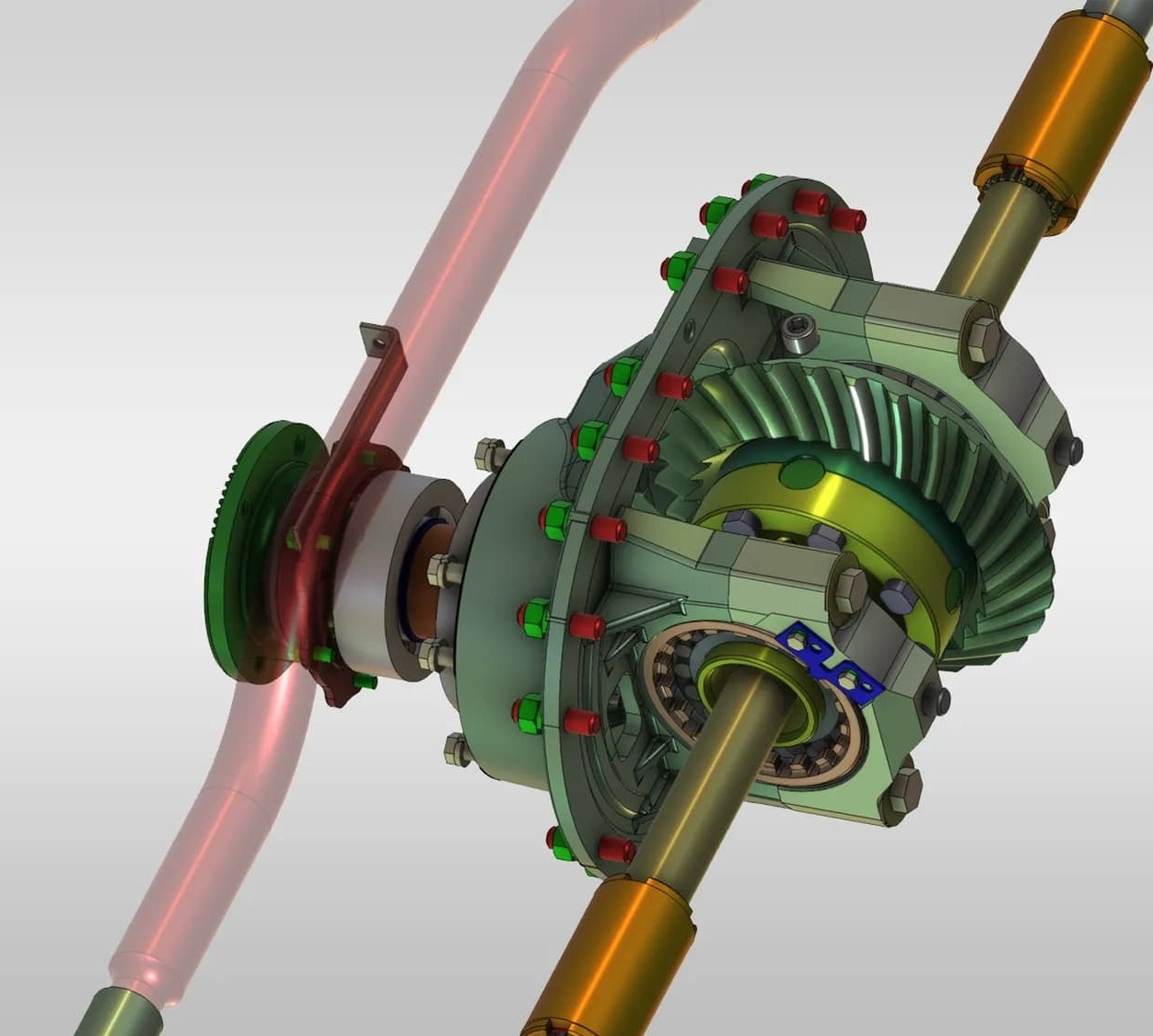
Choosing a modeling kernel is one of the biggest decisions your development team will make, and we encourage you to see for yourself why Parasolid is the industry leader. Tech Soft 3D is a proud reseller of this product, and its integrations with HOOPS toolkits enable smoother workflows and more polished results for your AEC application.
Simulation – HOOPS Mesh and HOOPS Solve
While many AEC applications have limited simulation functionality, Tech Soft 3D has you covered if you decide you need it. These SDKs can form the backbone of simulation and analysis, with HOOPS Mesh for fail-free mesh generation and adaptation, and HOOPS Solve for CAE, your solving needs.
Graphics – HOOPS Visualize
HOOPS Visualize is Tech Soft 3D’s toolkit designed to provide powerful 3D graphics to your web, desktop, or mobile application. With a modern, easy-to-use API, integrating high-performance graphics into your application has never been simpler. This toolkit has the engineering pedigree to handle the massive files relevant to AEC applications, along with the visual fidelity to provide the polish your users expect. These combine with a host of ready-made tools to support AEC workflows and a tight connection with HOOPS Exchange for visualizing and navigating data in the way it is organized in the original file.
HOOPS AI – A Cutting Edge Tool For AEC Innovation
We are incredibly excited to share more about HOOPS AI, our cutting-edge framework for CAD-based machine learning. HOOPS AI unifies CAD access, dataset preparation, and CAD encoding into a single, developer-friendly toolchain.
Data scientists and geometric computation engineers gain a reliable foundation for creating and training machine learning models with CAD data. Overall, this powerful tool offers unique ways for developers to get ahead of the competition, while staying at the cutting-edge of AI in AEC.
Data access is key for AEC applications, and HOOPS AI empowers your tools even further, integrating directly with HOOPS Exchange to allow your machine learning projects to quickly access the CAD data they need. This includes geometry, topology, metadata, PMI, feature trees, assembly structures, and more through its Python API.
HOOPS AI also empowers pipeline automation and CAD data encoding, both of which are relevant to developers in this space, particularly with the trends most relevant to AEC developers.
Open Design Alliance (ODA)
ODA provides SDKs that are customizable, affordable, and well-suited to a variety of AEC development needs.
The BIM-specific SDKS include BimRV, BimNV, Architecture SDK, IFC SDK, Scan-to-BIM, Survey SDK, and Steel SDK. They offer a free IFC viewer, which is useful for AEC application development.
The ODA a la carte approach to pricing can lead to you paying more or less, depending on the specific formats you want to support. Navisworks, Revit, Scan-to-BIM, and AEC relevant formats are paid extensions, ranging from an additional 6,250 USD to 20,000+ USD. Like Autodesk Platform Services, their pricing model can be hugely beneficial to you if your requirements fall in a certain way.
Autodesk Platform Services (Formerly Forge)
The CAD juggernaut offers a variety of toolkits to assist with various AEC needs. The SaaS pricing model for APS can either be a major selling point or prohibitive, depending on your needs. The as-needed, token-based system enables cost-effective prototyping and limited scale usage, but larger volumes of processing may quickly become exorbitant.
Many of these developer tools are designed to support applications working within the Autodesk ecosystem, and those outside this framework would find their utility limited.
BIM 360 - create products that integrate with the Autodesk BIM 360 platform
AEC Data Model - designed to support AEC from design authoring through construction-ready models
Data Visualization Extension - build visualizations for IoT insights for building operations, asset and occupant behavior, temperature, CO2, and much more.
Design Automation - access automation from Autodesk’s core products as cloud services
APS Viewer - display 2D and 3D model views of your designs on your website
The biggest benefit of Autodesk Platform Services is also its biggest downside- the ties to Autodesk. Some organizations are hesitant to have their data outside of their control, and working outside of the Autodesk ecosystem complicates things.
OEM PRODUCTS
An OEM partnership gives you access to a white label version of a popular software as a foundation to develop your application. For AEC developers, there are a few widely used choices in the CAD space for you to consider. For all of these OEM products, a major benefit is that it will take far less development time and expertise. You can start with the existing product, reconfigure it, add your branding and functionality, and you're good to go. This comes at the cost of far less control over the end product.
AutoCAD OEM
AutoCAD OEM adds the power, reliability, and familiar AutoCAD environment to your product while saving you development time, costs, and the frustration of developing your own CAD application. We have a full breakdown of who AutoCAD OEM is right for available here.
Those interested in this area of application development may also be interested in creating an AutoCAD plug-in instead of a standalone product. We have a full comparison of the benefits, opportunities, and limitations of each available here.
BricsCAD OEM
The popular AutoCAD competitor also offers developers the opportunity to build on their platform. BricsCAD OEM offers developers a cheaper alternative to AutoCAD OEM. For more information, you will need to register as a developer on their site to gain access to the BRX API documentation and begin the process of porting in your own application.
Next Steps: Choosing the Right Building Blocks for Your AEC Application
As AEC software continues to evolve, the choices developers make today will shape how effectively their applications scale, integrate, and adapt in the future. From selecting the right foundational technologies to navigating increasing technical and regulatory complexity, building successful AEC software requires both long-term thinking and the right tools to support it.
If you are interested in learning how our toolkits (or toolkits in general) can support your specific goals, our team is always available to discuss your challenges and help you explore the best path forward. Click here to contact us, or follow the link below.
For a broader look at the trends influencing these decisions, we encourage you to read our companion piece on Trends in AEC Software Development.
Finally, we invite you to check out our AEC Webinar, Building the Future of AEC Software with SDKs.