제품 수명 주기 관리 통합
기존 워크플로우와 PLM 환경에 CAD 데이터 변환 솔루션을 통합합니다.



Tech Soft 3D의 SpinFire Convert 및 SpinFire XR 솔루션은 Siemens Teamcenter, PTC Windchill, 그리고 Dassault Systèmes 3DEXPERIENCE 플랫폼을 포함한 주요 PLM 시스템과 기존 워크플로우에 원활하게 통합될 수 있습니다. API 연결성과 자동화된 배치 처리를 통해 이 솔루션들은 기존의 PLM 프로세스를 중단시키지 않고 효율적인 3D CAD 및 설계 데이터 변환을 가능하게 합니다.
SpinFire Convert는 직접 CAD 변환과 경량 3D 형식으로의 게시를 제공하며, SpinFire XR은 XR에서 사용하기 위한 3D 설계 데이터의 처리를 자동화합니다. 함께 작동하여 엔지니어링 자산을 수동 및 비용이 많이 드는 데이터 처리가 필요 없는 효율적인 다운스트림 사용에 준비됩니다.
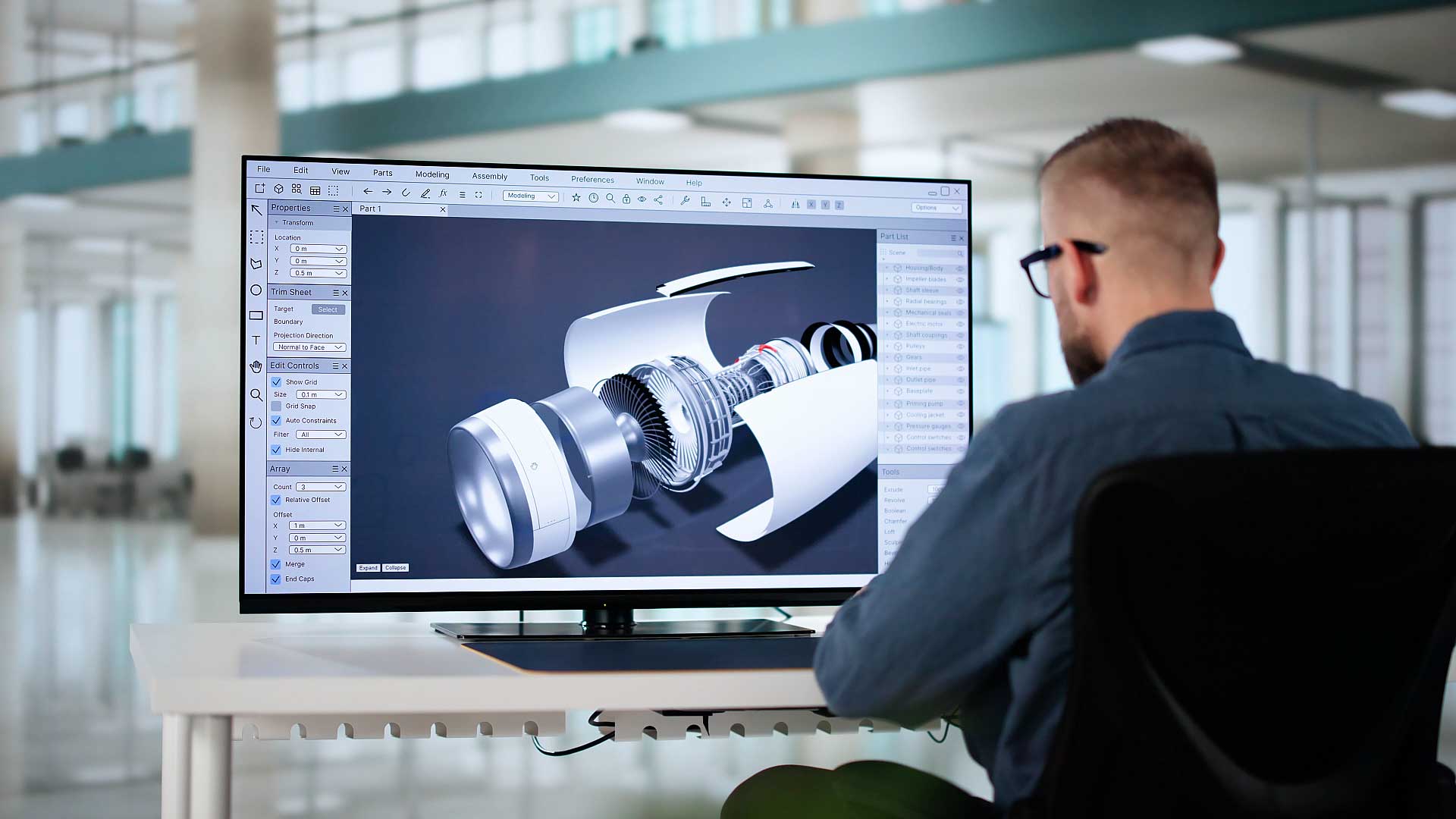
SpinFire Convert는 고유 및 경량 시각화 형식 간의 CAD 데이터를 변환하고, 온디맨드 및 자동 처리 모두를 위해 PLM 워크플로우와 통합합니다.
직접 인터랙티브 내보내기: 엔지니어링 팀은 PLM에서 바로 CAD 데이터를 열고 다른 형식으로 내보낼 수 있으며, 빠르고 즉흥적인 필요에 적합합니다.
배치 및 명령 줄 처리: CAD 및 PLM 관리자, IT 팀 또는 자동화 전문가가 SpinFire Convert를 PLM 트리거와 연동하여 필요한 형식으로 완전히 자동화된 대량 데이터 처리를 활성화할 수 있습니다.
Theorem 기술을 기반으로 한 SpinFire Convert는 CATIA V5, Creo, NX와 같은 광범위한 CAD 형식뿐만 아니라 3D PDF, HTML, Creo View, JT 및 PLM 생태계에서 널리 사용되는 다른 경량 형식을 지원합니다.

PTC Windchill용 인기 CAD 변환기
CATIA V5에서 Creo View로
CATIA V5 데이터를 Creo View 형식을 통해 PTC Windchill에서 엽니다.
3DEXPERIENCE에서 Creo View로
CATIA V6 (3DEXPERIENCE) 데이터를 Creo View 형식을 통해 PTC Windchill에서 엽니다.
Siemens Teamcenter용 인기 CAD 변환기
CATIA V5에서 JT로
CATIA V5 데이터를 JT 형식을 통해 Siemens Teamcenter PLM에서 엽니다.
3DEXPERIENCE에서 JT로
CATIA V6 (3DEXPERIENCE) 데이터를 JT 형식을 통해 Siemens Teamcenter PLM에서 엽니다.
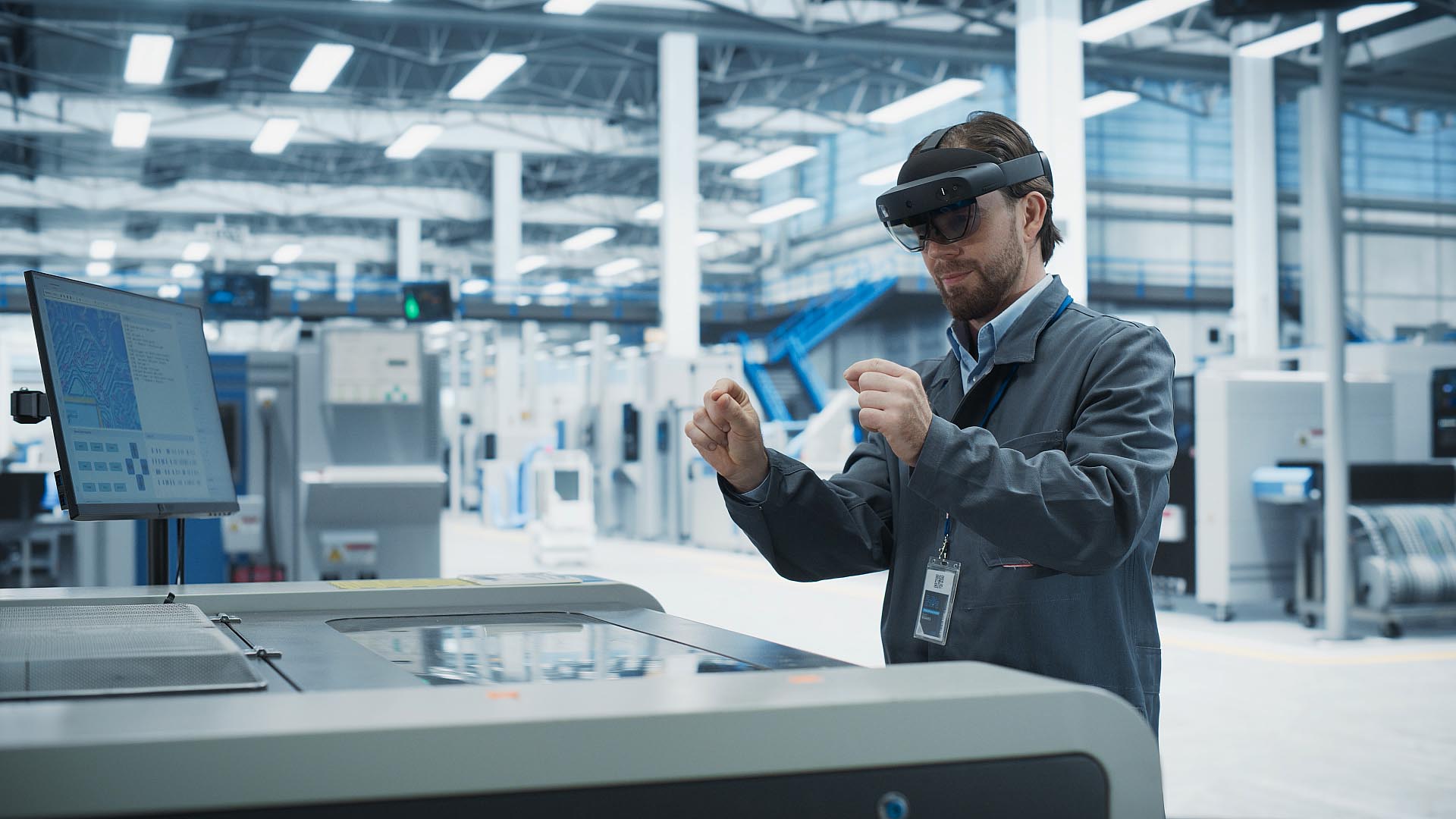
SpinFire XR은 기존 PLM 환경 내에서 3D 설계 데이터의 준비 및 최적화를 자동화합니다.
XR로 직접 내보내기: 엔지니어는 CAD 애플리케이션에서 바로 최적화된 XR 준비 파일을 내보내며, 전체 프로세스를 PLM 내에서 유지하고 전체 데이터 연결성을 유지합니다.
API 통합: XR 개발자, IT 관리자 또는 PLM 전문가가 SpinFire XR의 API를 PLM 시스템에 삽입하여 특정 워크플로우 및 비즈니스 프로세스에 맞춰 통합에 제한을 줄 수 있습니다.
Visualization Pipeline이 제공하는 SpinFire XR은 JT, FBX 및 gLTF와 같은 다양한 CAD 및 XR 형식을 지원합니다.
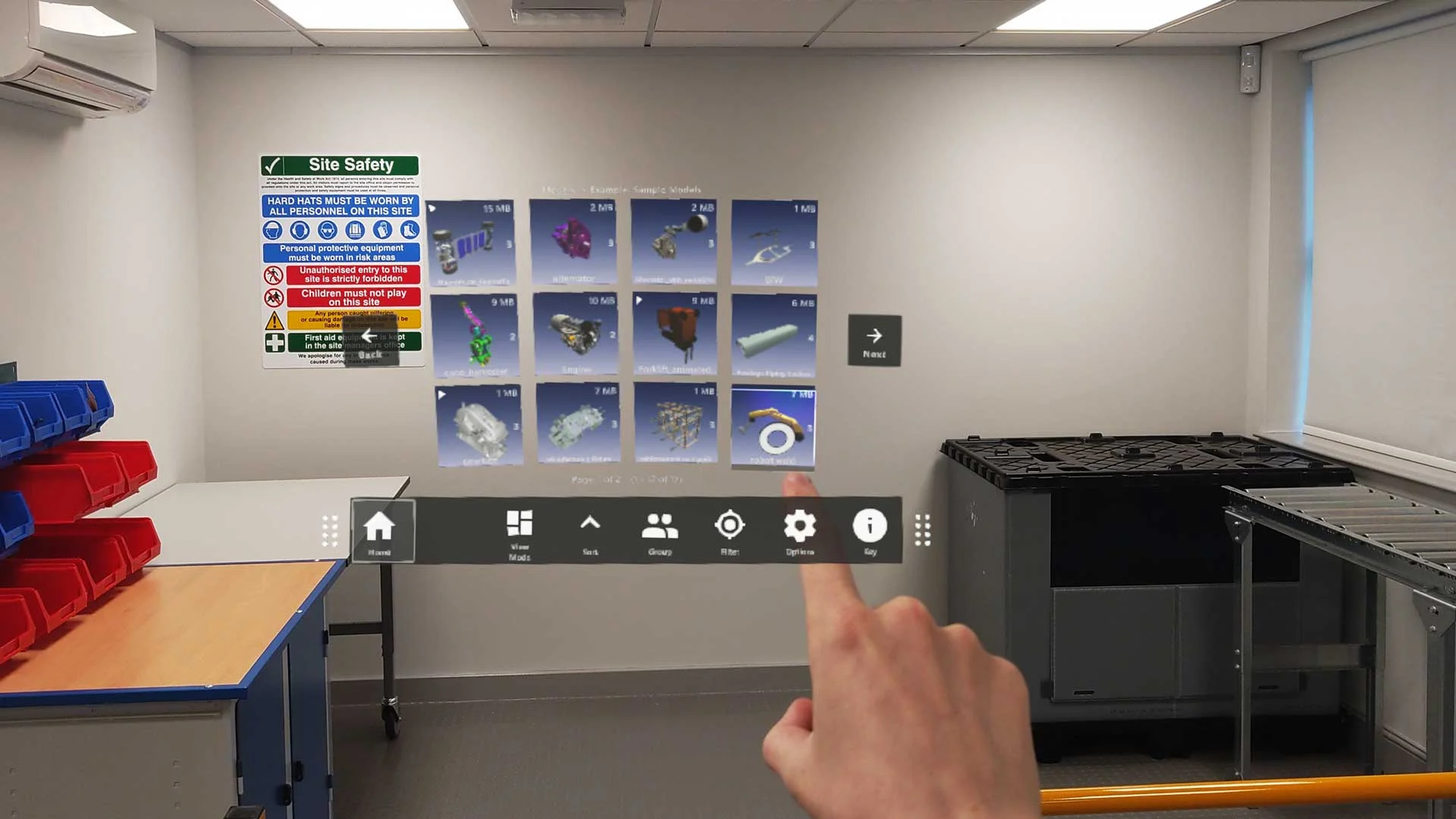
SpinFire XR의 기초는 시각화 파이프라인(TVP)입니다. 이는 CAD 데이터를 다운스트림 사용을 위해 최적화하고 변환하는 로버스트하고 확장 가능한 데이터 파이프라인 솔루션을 자동화하는 것입니다.
귀사의 CAD 데이터를 XR, 웹 시각화, 시뮬레이션 애플리케이션 또는 기타 디지털 플랫폼에 사용할 필요가 있다면, TVP가 선택한 다운스트림 플랫폼에 맞게 CAD 데이터를 자동으로 최적화합니다.
다중 형식 출력: FBX, JT, gLTF 등 다양한 형식으로 내보냅니다.
성능 최적화: 실시간 성능을 위해 파일 크기와 복잡성을 줄이면서 충실도를 희생하지 않습니다.
워크플로우 자동화: TVP를 PLM 시스템에 직접 연결하여 데이터를 팀과 플랫폼 전반에 걸쳐 처리하고 배포합니다.
SpinFire Convert 및 SpinFire XR과 관련된 통찰력
What PLM systems can SpinFire’s solutions integrate into?
SpinFire Convert and SpinFire XR can be integrated into several Product Lifecycle Management (PLM) systems, including:
Teamcenter (by Siemens)
Windchill (by PTC)
3DEXPERIENCE Platform (by Dassault Systèmes)
SpinFire Convert can also be integrated with ERP (enterprise resource planning) software, including SAP (System Analysis Program Development) for converting CAD files and generating 3D PDF documents.
Why integrate SpinFire into PLM environments?
There are several reasons organizations choose to integrate SpinFire’s solutions into their PLM environments:
Use familiar tools: Save or export data directly from the connected CAD and PLM applications that engineering teams use for their everyday work, with minimal training required.
Automate CAD workflows: Eliminate manual CAD data processing with API integration and batch processing capabilities, allowing engineers to focus on the work that matters instead.
Control sensitive data: Keep converted CAD and design data in your secure, controlled PLM environment, adhering to company guidelines and complying with Data Protection Policies (DPPs).
How do SpinFire products work with PTC Windchill?
SpinFire Convert products integrate with PTC Windchill through the CAD Worker and Windchill Workgroup Manager. The CAD Worker component in Windchill acts as a trigger to run programs or scripts, allowing CAD design data to be automatically published within the PLM environment or converted into lightweight visualization formats like Creo View.
Built on Theorem technology and developed in technical partnership with PTC, this integration enables Windchill users to efficiently manage and visualize 3D CAD data from multiple sources.
How do SpinFire products work with Siemens Teamcenter?
SpinFire Convert products integrate with Siemens Teamcenter through the Dispatcher component (formerly known as the Translation Management System). The Dispatcher manages the translation of Teamcenter data into a variety of 3D and 2D formats, including the lightweight JT format, enabling seamless visualization and sharing across teams.
Built on Theorem technology, this integration allows Teamcenter users to efficiently convert and prepare CAD data from multiple sources for use throughout the PLM environment.
Will SpinFire’s integrations disrupt my existing PLM workflows?
No. SpinFire’s PLM integrations are designed to streamline CAD data conversion within existing PLM environments. Users have the option to integrate the tools into their PLM workflows as they choose through API connectivity, giving full control over how and where SpinFire fits within their PLM environment.
If you'd like to discuss your PLM requirements, our team of experts can work with your PLM teams to help integrate SpinFire tools into existing workflows.
Can I generate 3D PDFs within my PLM environment?
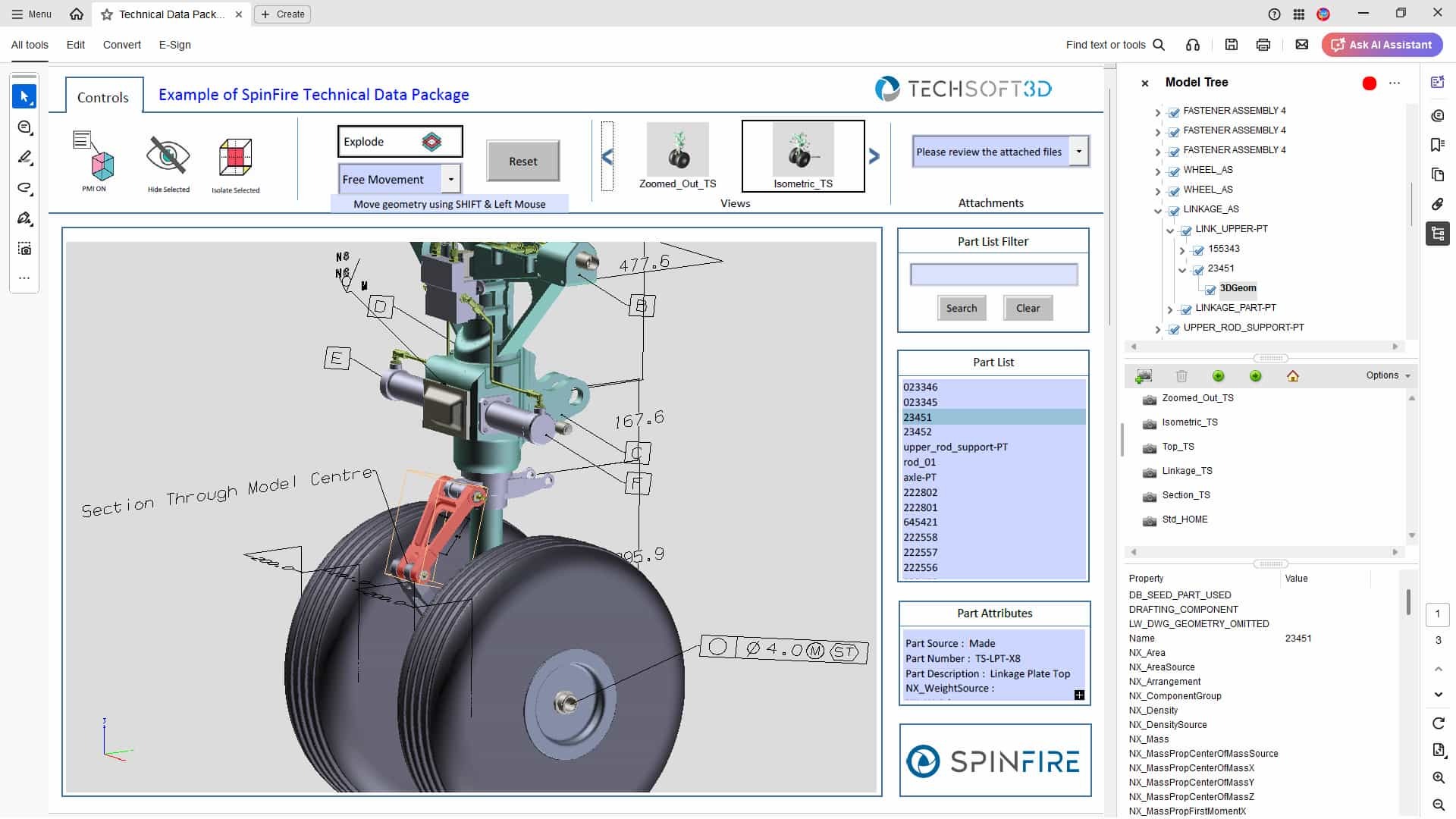
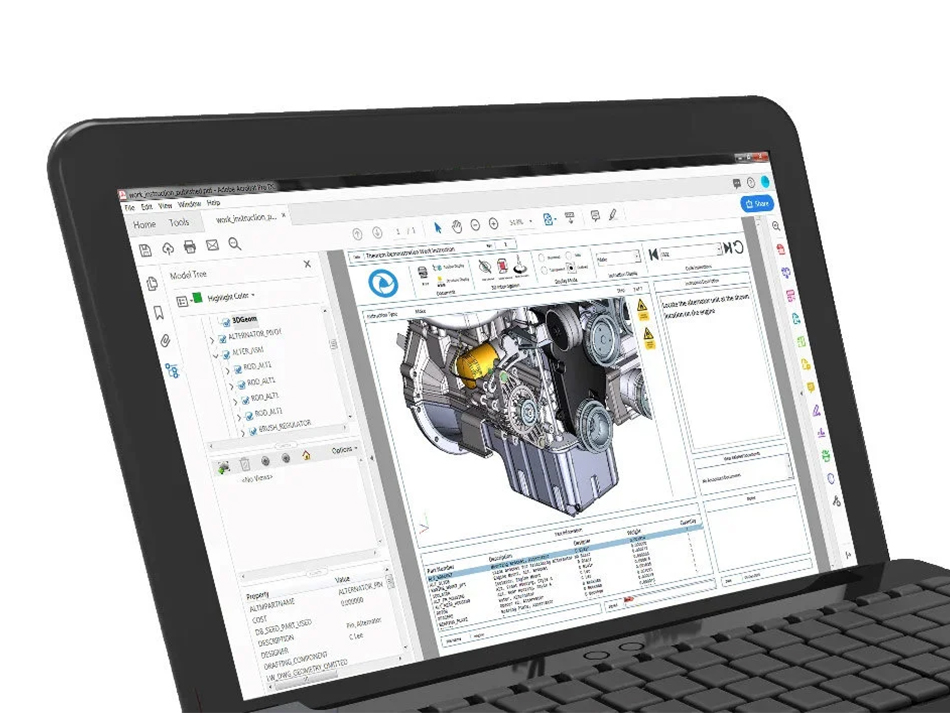
Yes. SpinFire Convert can integrate with PLM workflows to automatically generate 3D documentation, such as 3D PDFs or HTML5 files, directly from CAD applications or with batch processing triggered by PLM events.
It converts native models into lightweight, accessible formats using predefined templates, from simple view-and-markup layouts to detailed manufacturing work instructions, reducing manual publishing effort and automating 3D PDF generation. Accessible by downstream teams without CAD licences, these templates ensure consistent output that preserves product structure, metadata, and security settings.
To learn more, explore our SpinFire Convert 3D PDF solutions.
What is the difference between PLM and PDM Software?
PLM and PDM software are commonly used by engineering and manufacturing organizations.
PLM (Product Lifecycle Management) is a comprehensive system that manages a product’s entire lifecycle, from concept to retirement, covering processes such as design, manufacturing, compliance, and more.
PDM (Product Data Management) focuses on managing design data primarily during product development. PDM can operate as a standalone system or as a module within a broader PLM platform.
Larger enterprises often adopt PLM systems for broader integration across design engineering, manufacturing, and the supply chain, while smaller organizations may rely solely on PDM. Both systems contribute to maintaining a Digital Thread, to provide seamless flow of data throughout product lifecycle stages.
Do Tech Soft 3D provide SDKs for PLM workflows?
Yes. Tech Soft 3D’s HOOPS software development toolkits (SDKs) power robust Product Lifecycle Management (PLM) and Simulation Process and Data Management (SPDM) applications.
By providing both SDKs and end-user solutions, Tech Soft 3D brings together the best-in-class solutions for conversion of CAD data using both a reverse-engineering and an API-centric approach. Tech Soft 3D can handle CAD translation using either or both approaches, offering the broadest set of workflows.
To learn more, explore our SDKs for PLM applications.
Related Insights on SpinFire Convert and SpinFire XR